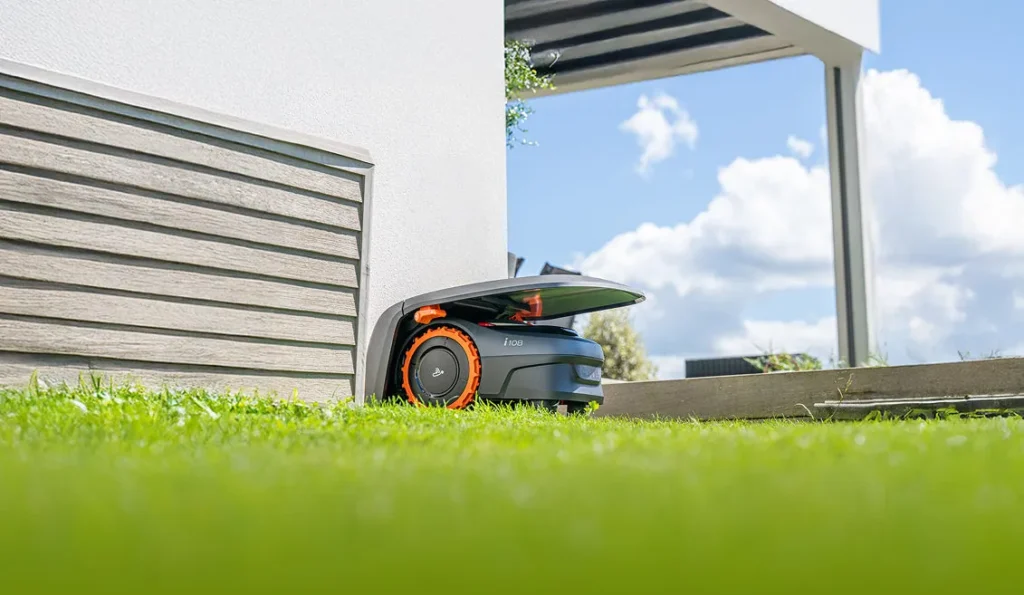
The Navimow sets off, the app initially shows everything clearly—and suddenly it’s at the edge of the house with a weak signal, drives too far along the lawn edge, or requests the next remapping. Exactly these kinds of cases keep showing up in user reports: not because wireless robotic lawnmowers are fundamentally bad, but because GPS, RTK, LiDAR, edges, zones, and positioning in a real garden work differently than on a smooth advertising display area.
Segway Navimow is interesting for many gardens because the devices work without a classic boundary wire, mow systematically in lanes, and operate quietly. Reviews especially often praise the easy setup for the i1 series. At the same time, many users report GPS dropouts, getting stuck, edge problems, complex zones, gates, and firmware-related effects. If you only compare “500 m²,” “800 m²,” or “1500 m²,” you miss the most important point: the right Navimow depends more on your garden layout than on the square meter count.
Messerscheibe24 doesn’t sell robotic lawnmowers, but accessories and spare parts for robotic lawnmowers. That’s exactly why we look at the devices differently: How well does the robot handle edges? How clean is the cutting pattern after several weeks? When do blades and blade plates start to suffer? You can get an early overview of suitable replacement parts in the category Messerscheiben for Segway Navimow, whether you already use a Navimow or want to factor in the later blade change when purchasing.
Navimow series explained briefly: H-series, i1-series, i2-series — don’t decide based on square meters alone
With Segway Navimow, you first need to separate the generations and navigation approaches. The H-series with H500E, H800E, and H1500E belongs to the older, larger Navimow models, with a strong focus on EFLS/GNSS positioning and separate antenna logic. The i1-series with i105E, i108E, and i205 AWD is more compact, attractively priced, and intended for smaller to medium-sized gardens. The i2-series with i208 AWD, i215 LiDAR, and i220 LiDAR moves more toward more modern navigation, more traction, or LiDAR support.
From a workshop and user perspective, three questions matter more than the pure area specification: Does the garden have a clear view of the sky? Are there narrow passages, walls, trees, or courtyard situations? And how critical are the edges, slopes, damp corners, and separate zones? A rectangular 600 m² garden can be easier for a smaller Navimow than a 300 m² townhouse garden with a house wall, gate, raised bed, a narrow corridor, and two shady lawn islands.
| Model range | Typical models | Garden profile in practice | Strengths | What to watch out for? |
|---|---|---|---|---|
| H series | H500E, H800E, H1500E | larger, rather open areas with a good antenna position | systematic mowing, solid cutting performance, established series | GNSS visibility, antenna location, station, edges and wear |
| i1 series | i105E, i108E, i205 AWD | small to medium-sized gardens, ideally with clearly defined zones | easy setup, quiet, good value for money | GPS issues, narrow passages, remapping, wet slopes |
| i2 series | i208 AWD, i215 LiDAR, i220 LiDAR | more complex gardens, more edge/object themes; depending on the variant, more traction or LiDAR | LiDAR advantages at edges and restricted zones, modern navigation | young series, firmware, transitions, app logic, don’t see LiDAR as a miracle solution |
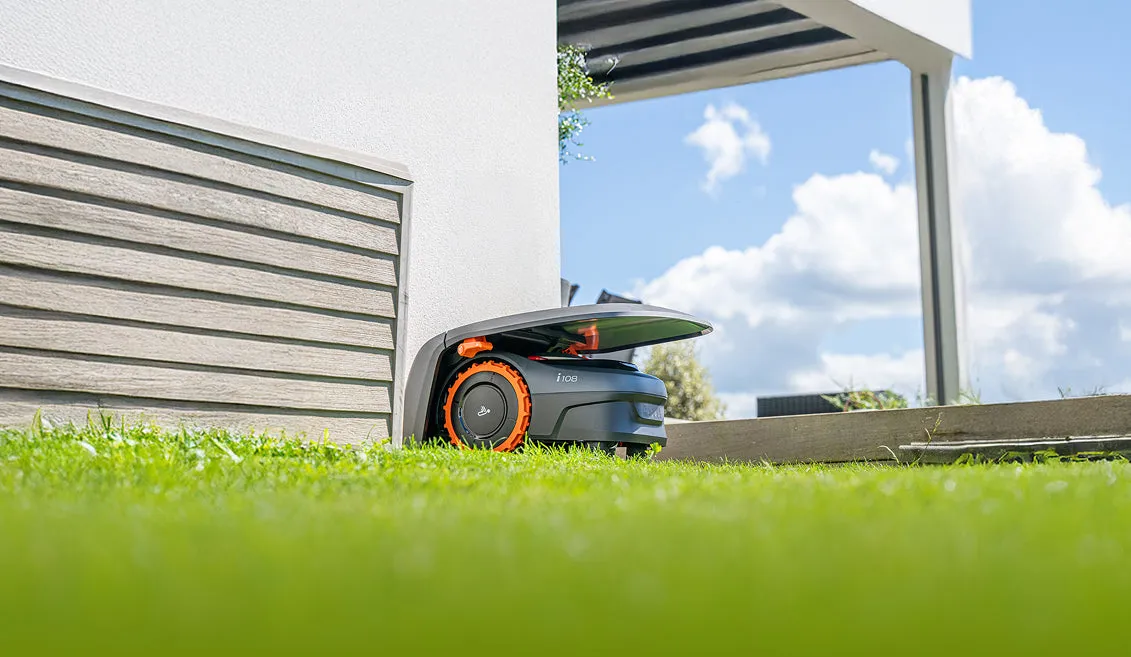
Practical rule of thumb: When using Navimow, don’t decide first by square meters, but by reception, station, edges, and zones. A simple area forgives much more than a complex garden with gates and shadowed areas.
How important are GPS, the antenna, and LiDAR for the Segway Navimow?
Very important: GPS/GNSS reception and the antenna position are among the most common real sticking points for the H-series and i1-series. Many users report that the robot works cleanly on open areas, but gets problems at building edges, under trees, or in narrow passages. Typical symptoms include weak signal, interrupted mapping, offset driving tracks, getting stuck at edge areas, or the need to plan the station and antenna again and again.
The problem isn’t just “GPS yes or no.” What matters is the combination of the robot’s position, reference signal, garden shading, and edge geometry. A Navimow can drive stably in the middle of the lawn and still become uncertain near a garage wall or under a tree canopy. But that’s exactly where the critical spots often are: edge strips, passages, corridors, gates, and return routes to the station.
That’s why, in user reports, the i2-LiDAR models are mentioned as an interesting alternative when an i105E or i108E is frustrating due to satellite visibility and getting stuck. LiDAR can help with objects, edge perception, and orientation. Still, you shouldn’t portray the i2 series as trouble-free. In forums, people also discuss transitions there, driving outside the zone, orientation after remapping, battery consumption when pausing, and firmware questions.
Our practical assessment: H and i1 models work well when the station and antenna can truly be placed in an open, unobstructed position. i2 LiDAR becomes more interesting when the garden has more proximity to the house, tree canopies, restricted areas, or edge complexity. AWD refers to traction, not automatically better navigation. LiDAR, Vision, RTK, and GNSS are orientation systems—none of them guarantees perfect edges, error-free return trips, or never needing remapping again.
Which Navimow for which garden? Simple area, complex layout, trees, slopes, and multiple zones
Simple rectangular area
For a contiguous, rather rectangular area with good visibility to the sky, i105E, i108E, or H500E/H800E are often the obvious choice. Here, systematic route planning can really play to its strengths. Many users praise that the Navimow knows how to continue making progress after charging and doesn’t drive chaotically across the area.
Complex townhouse garden
In townhouse gardens with walls, a terrace, a narrow side passage, and tree or hedge shading, you need to be more careful. Users more often report weak signal, edge offset, issues in narrow passages, and remapping. If such areas dominate, i2 LiDAR is worth a look rather than a pure area comparison between i105E and i108E.
Front and back garden with a passage
Multiple zones are possible, but transitions are a real-world challenge. User reports discuss gates, paved paths, overlapping additional zones, and manual one-time mowing requests. If you want to have Zone 1 and 2 mowed automatically, but only mow Zone 3 under supervision, you should plan this strategy before the first mapping.
Slopes, damp ground, and uneven spots
Slopes are not just a number in the datasheet. Wet ground, holes, root zones, and edges that are approached at an angle make the difference. With the i1 series, there are user reports in which standard wheels reach their limits on damp or hilly terrain. Off-road wheels can help, but spikes can cause problems with charging depending on the installation and diameter.
Toys, garden furniture, and obstacles
Vision and LiDAR help with obstacles, but they do not replace a tidy mowing area. Especially very low-lying objects, loose cables, small toys, or edge items are critical. If you have children, dogs, a trampoline, a goal, and changing obstacles in your garden, you should schedule mowing times so that the area is as clear as possible.
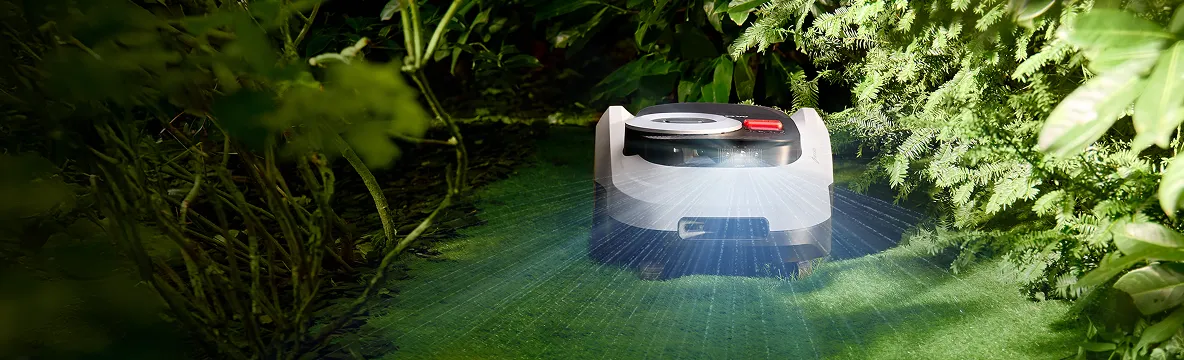
Practical rule of thumb: The more your garden looks like a “labyrinth,” the less the theoretical m² figure matters. Narrow passages, gates, and return routes determine whether the robot can work calmly or constantly needs help.
H series: H500E, H800E, and H1500E for open areas with clean planning
The Navimow H Series works best for gardens where there is enough space for the station, the antenna, and clean driveways. The H500E and H800E are more interesting for smaller to medium open areas, while the H1500E is designed for larger lawns with a greater time requirement. In practice, it’s worth keeping some buffer with the H Series: if the garden is winding, long reverse drives are needed, or only short mowing windows are allowed, you shouldn’t size it too tightly.
Typical strengths of the H Series are well-ordered mowing, quiet operation, and a mature basic concept without a boundary wire. The weaknesses show up where GNSS and real garden edges meet: close to the house, trees, walls, narrow passages, and difficult edge strips. For older H models, you should also always check which equipment, firmware, and app functions are actually available—different device generations don’t behave the same.
When it comes to the cut pattern, the rule is: even a well-navigating H Navimow only works as cleanly as the Klingen and Messerteller allow. If the blades turn gray, look frayed, or after mowing more blades are lying flat than are cleanly cut, dull Klingen or a dirty Messerteller are more likely than a navigation error. If you want to improve the cut on the H500E, H800E, or H1500E and make the blade change with less hassle, a 9-blade cutting disc for the H Series is a suitable replacement part option from our CUT GUARD range.
For a deeper assessment of setup, area, and mowing practice, our practical assessment of the Navimow H Series is worthwhile for open, larger gardens, because the H500E, H800E, and H1500E models are placed in context there even more specifically.
i1 Series: i105E, i108E, and i205 AWD – value for money with reception and edge check
The i1 Series is the entry point into wireless mowing for many buyers. In particular, the i105E and i108E are often praised for easy setup, app guidance, quiet operation, and solid route planning. User reports also make it clear, however: GPS/satellite reception, driving behavior along edges, narrow passages, and remapping are the points where frustration arises.
The i105E is interesting for smaller areas when the garden is relatively simple. The i108E offers more reserve, which can help with multiple zones, short mowing windows, taller grass, or longer reverse trips. The i205 AWD expands the i1 world with more traction; this is relevant for slopes, damp areas, and difficult ground, but it does not automatically solve problems with mapping, gates, or signal.
Many users report with the i105E/i108E situations where the initial basic mapping works well at first, but later needs to be improved—such as edge lines, restricted zones, or transitions. After app or firmware updates, behavior can improve, but sometimes it also requires remapping or a corrected station. If you have a gate between two zones, you shouldn’t assume the robot will reliably hit it long-term without clean channel planning.
When changing the blade, the i1 series is easy to handle thanks to its compact design, but especially smaller units often run more frequently and therefore accumulate many cutting cycles. That’s why, in our CUT GUARD tests, we focus on smooth operation, clean blade seating, and enough clearance to prevent grass clumping. If your i105E, i108E, or i205 AWD shows a frayed cutting pattern after a few weeks, a reinforced cutting disc for i105E, i108E, and i205 AWD fits exactly into this model section.
If you’re deciding between i105E and i108E, our practical article on i105E and i108E helps, because it covers GPS, edges, the battery, and blades not as datasheet facts, but as typical everyday topics.
For the i205 AWD, you should pay particular attention to turning space, the station corner, slopes, and transitions. More drive power helps on more challenging ground, but in tight areas it can also mean more maneuvering needs. For this variant, we have our own practical check for the Navimow i205 AWD, which classifies setup, edges, and blades more precisely.
i2 series: i208 AWD, i215 LiDAR, and i220 LiDAR – modern, but not automatically carefree
The i2 series is especially interesting when the garden isn’t perfectly open. The i208 AWD appeals to users who want more traction and a modern platform. The i215 LiDAR and i220 LiDAR are more exciting around trees, near the house, in restricted zones, at the edges, and in areas where a purely GNSS-oriented robot repeatedly becomes uncertain.
In forums, i2 LiDAR navigation is sometimes seen as an improvement over i105E/i108E: closer to the edge, safer navigation around restricted zones, and less dependence on a classic antenna position. At the same time, with newer series, issues often come up that only become visible in the garden: transitions outside the zone, orientation after re-mapping, understanding the mowing plan, battery consumption when pausing, or firmware updates. That’s exactly why you shouldn’t understand i2 LiDAR as a “buy it and forget it” solution.
For i208 AWD, i215 LiDAR and i220 LiDAR, the rule for cutting is: modern navigation doesn’t help if dull Klingen just hit the grass without cutting it. Tall, thick grass is also not an ideal starting condition for a mowing robot. Better is: first bring it to target height in a conventional way, then have Navimow maintain it regularly. For the later blade replacement, a suitable 9-blade cutting disc for the i2 series makes sense if you’re using the models i208 AWD, i215 LiDAR or i220 LiDAR.
If you’re torn between AWD and LiDAR, you shouldn’t just buy “more technology”—you should name your problem: If the robot slips on a slope, AWD is more relevant. If it loses orientation at house edges or under trees, that points more to LiDAR. Our comparison of the Navimow i2 models helps exactly with this decision between i208 AWD, i215 LiDAR, and i220 LiDAR.
Typical problems from user reports: Getting stuck, edges, narrow passages, weak signal, remapping
The most common real-world issues can be sorted into five groups. First: weak GPS/GNSS signal caused by buildings, trees, or an unfavorable antenna position. Second: driving behavior at lawn edges, mowing edges, transitions between paving and grass, and small drop-offs. Third: getting stuck due to damp ground, holes, roots, or tight maneuvering areas. Fourth: mapping frustration with deleted zones, lines that can’t be saved, or repeated remapping. Fifth: transitions between separate areas, gates, and corridors.
- Check satellite view: Evaluate the station, antenna, and problem areas not only in the middle of the lawn.
- Plan the station realistically: The robot drives out, turns, and needs space—especially in corners.
- Look at the edges: Small steps, metal edges, curbs, and pond edges are more critical than flat lawn edges.
- Measure narrow passages: It’s not just the width that matters, but also the turning space in front of and behind them.
- Test damp slopes: A dry test run says little about morning dew or wet soil.
- Plan for updates: Firmware can improve things, but after updates, zones and edges may need to be reassessed.
Practical rule of thumb: If a Navimow causes problems, the cause is often not the “mowing,” but the start point, signal, edge, or transition. Check these points first, then think about switching models or accessories.
How do you map Navimow zones without frustration?
For simple areas, automapping can work well. With multiple zones, slopes, gates, close to the house, or critical edges, manual and careful mapping is usually the better choice. Users repeatedly report that a quickly created map later causes trouble: the robot drives over edges, transitions are positioned unfavorably, or restricted zones are not avoided properly.
Our recommendation: Map the main area conservatively first. Let the mower run with a bit of safety distance along any problematic edges, and optimize later. After that come restricted zones, passages, and secondary areas. If there is a gate, the question must be: Is it really always open during the mowing schedule? If not, this area should be handled in a separate job or in a zone that is started manually only.
When crossing paving stones or narrow corridors, you shouldn’t just test whether the robot can get through once. What matters is whether it can reliably find its way back after several charging cycles, in different lighting conditions, on damp ground, and with a changed starting angle. This is exactly where many of the reports about “Failed to return to station”, “Positioning failed”, or suddenly getting stuck originate.
Frequently asked questions
Does a Segway Navimow really need a clear view of the sky?
Yes—on the H-series and i1-series, good satellite visibility is very important for reliable operation. In particular, the station, antenna, house edges, trees, and narrow passages should be checked before purchase. Good visibility in the middle of the lawn isn’t enough if the robot becomes uncertain at the edge all the time.
Is i2 LiDAR better for gardens with trees and house walls?
Often yes—i2 LiDAR is more interesting for such gardens than an approach that relies purely on GNSS. User reports point to advantages for edge travel, restricted zones, and orientation in more complex areas. However, transitions, firmware, and app logic remain points that you still need to set up properly.
Can I have individual zones mowed separately?
Yes, separate zones and manual mowing jobs are a sensible approach in practice. Especially for difficult areas behind a gate or through a narrow passage, you should first test them under supervision. An overlapping additional zone can sometimes help, but it does not replace careful transition planning.
Are off-road wheels or spikes on the Navimow useful?
On damp, hilly, or uneven ground, off-road wheels can be useful. Spikes can provide traction, but depending on the design, they can cause problems with diameter, maneuvering, or the charging station. Especially with the i205 AWD, you should first check whether the issue is truly traction—or rather navigation.
Can the Navimow mow tall grass the first time?
Better not to plan it as the main task. A robotic mower is a maintenance device, not an ideal first mower for tall, thick grass. Mow the lawn beforehand to the target height, and then let the Navimow cut regular, short growth increments.
Buying recommendation: These garden checks should you do before choosing the Navimow
If your garden is open, easy to navigate, and well accessible, the H-series and i1-series are very reasonable options. For small to medium areas with good reception, i105E or i108E are a strong choice. If the ground is more challenging and traction becomes more important, then i205 AWD or i208 AWD come into play. If trees, house walls, intricate edges, and restricted zones dominate, you should take the i2 LiDAR models more seriously.
- Check satellite view: Not only on the area, but also at the station, edges, narrow passages, and the return route.
- Plan the station exit: Back out, turn around, and drive off cleanly—this requires space for the robot.
- Measure narrow passages and gates: Take into account the width, turning space, and the gate’s actual opening times.
- Mark edges and drop-off points: Assess paving stones, wall edges, pond edges, and small steps in advance.
- Estimate slopes realistically: Moisture, holes, and roots matter more than a dry data-sheet slope.
- Choose navigation accordingly: RTK/GNSS is usually enough for an open garden; LiDAR is worth it for more complex edge and object areas.
- Plan blade changes: Dull Klingen still produce a poor cutting pattern even with good navigation.
- Mow tall grass beforehand: Then use the Navimow as a regular maintenance device.
Our honest recommendation from the parts and service perspective: don’t buy the biggest Navimow—buy the one that fits best. Too little reserve is annoying with short mowing windows, zones, and taller grass. But an overly large or too heavy model can interfere in small station corners, narrow corridors, and when maneuvering. The best Navimow is the one whose navigation matches your garden—and whose blades regularly cut cleanly.
Comments