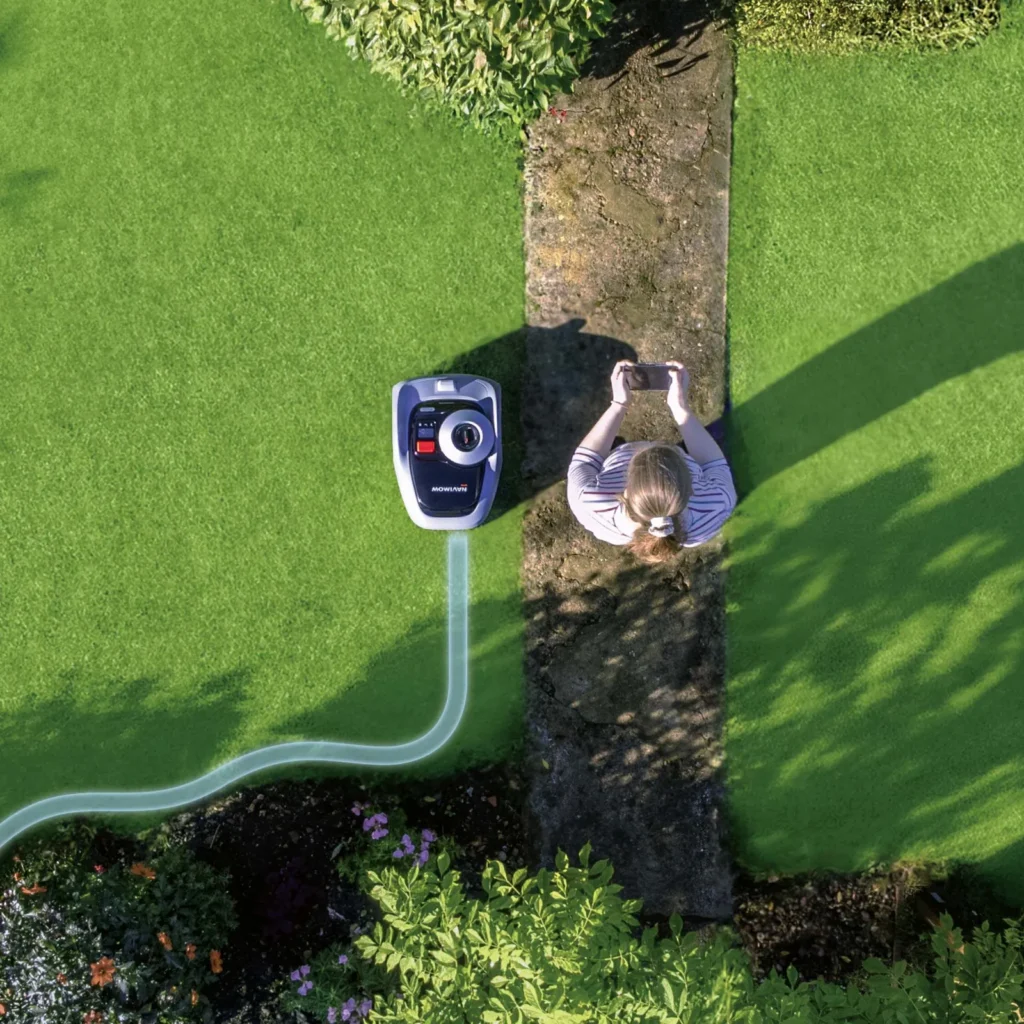
The Navimow is in the charging station, the app shows everything in green—and yet no schedule starts in the morning. Or the i105E drives clean lines over the main area, but leaves a visible strip along the edge. Exactly these kinds of cases keep showing up in user reports: The Segway Navimow i105E and i108E can work very neatly in the right garden, but it’s not a “unbox it, place it somewhere, and never touch it again” mower.
From a workshop perspective, the i-series is interesting because it spares many small and medium-sized gardens the hassle of cutting cables. At the same time, we repeatedly see the same misunderstandings with replacement parts and blade discs: Poor satellite reception is mistaken for dull blades, edge problems are blamed on the cutting unit, and when there are unmown patches, the battery is immediately suspected. In practice, you have to separate things clearly: navigation, radio connection, mapping, and cutting technique are four different areas of work.
Segway Navimow i105E/i108E: Who is the cordless lawn mower really worth it for?
The i105E is especially worthwhile for manageable gardens up to about 500 m², as long as the area isn’t too convoluted and the antenna can truly be placed well. The i108E targets larger areas up to about 800 m² and has more battery reserve, but it still requires the same careful planning for the station, antenna, WLAN, and zones. Manufacturer data is not a guarantee for every garden: A simple rectangular lawn gets closer to the stated area than a property with narrow passages, tall walls, many shaded areas, secondary areas, and long reverse trips.
Many users report that setup without boundary cable is pleasantly easy. The app guidance, structured lanes, quiet operation, and the clean base map on the main area are praised. At the same time, GPS/RTK reception and driving behavior are the biggest friction points. If the mower misses virtual boundaries, corrects in a strange way, or has trouble finding the station, it’s rarely due to “too little intelligence,” but usually due to the antenna location, satellite visibility, mapping, VisionFence interpretation, or unfavorable edge areas.
If you’re coming from an old wire robot, you should rethink your expectations: A cable mower follows physically bounded loops and often drives according to a chaos principle. The Navimow orients itself wirelessly via GNSS/RTK and vision support. This delivers clean lanes, but also introduces new error patterns. “Without cable” doesn’t automatically mean it works millimeter-precisely along every edge, or that trees, walls, and house facades have no impact.
| Model | Practical area | Navigation | Strengths | Weaknesses | Practical verdict |
|---|---|---|---|---|---|
| Segway Navimow i105E | up to 500 m², with a buffer better for simpler gardens | GNSS/RTK with VisionFence support | easy app, good mowing lines, quiet, good value for money | critical antenna placement, visible edge strips, getting stuck at problem spots | strong for small to medium, well-visible areas |
| Segway Navimow i108E | up to 800 m², sensible with more battery reserve and fewer tight zones | GNSS/RTK with VisionFence support | higher area performance, longer runtime, structured mowing patterns | more reports of communication and charging irregularities, same antenna requirements | interesting for larger gardens, but not extremely intricate ones |
Setup in practice: plan the antenna, charging station, and first mapping correctly
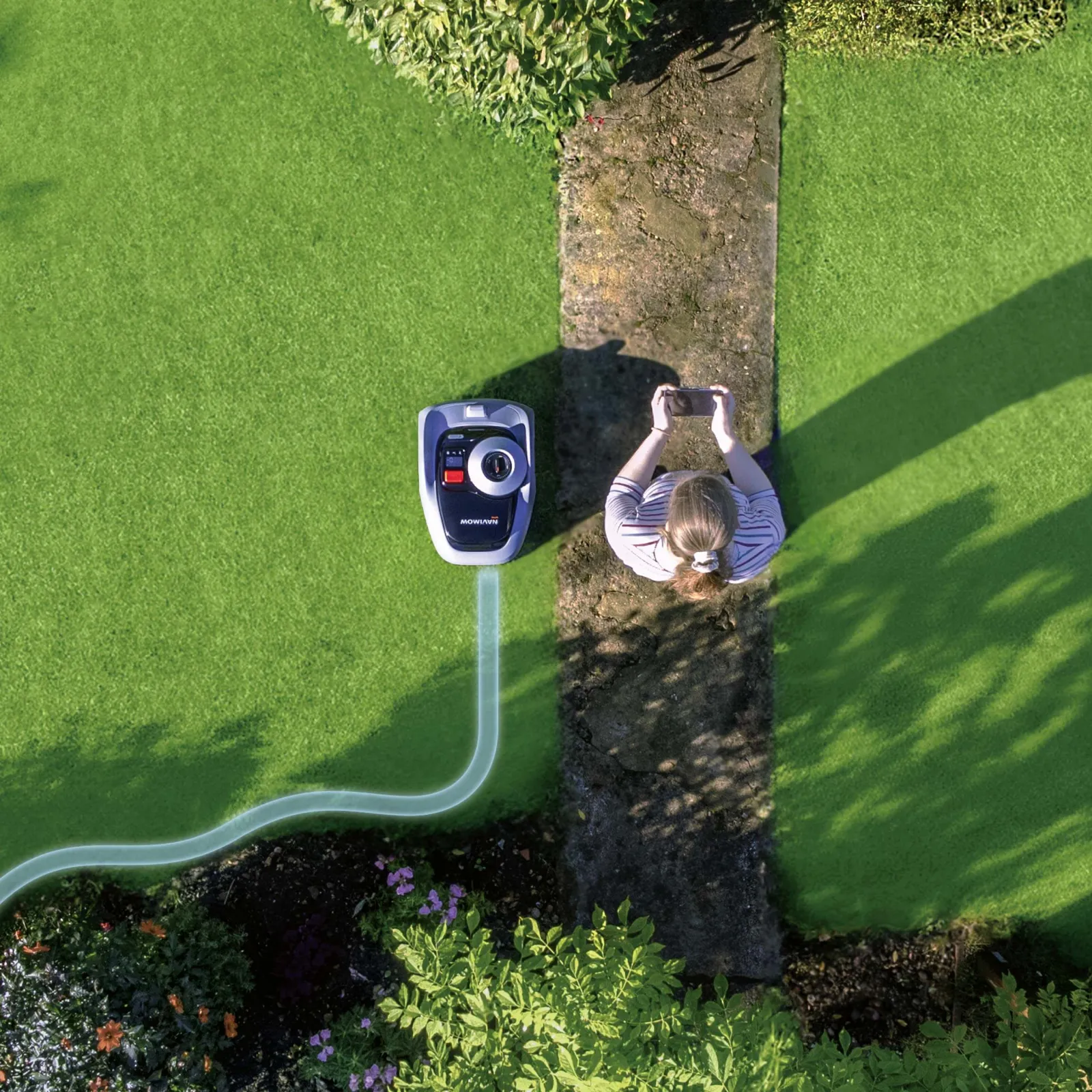
The most important decision is made before the first mowing operation: where should the charging station and the GNSS/RTK antenna be placed? Many users underestimate how sensitively Navimow can react to unfavorable antenna positions. An antenna directly on the house wall, under an overhanging roof edge, next to tall hedges, or near dense tree canopies may work—but it doesn’t have to. If boundaries are not detected cleanly later on, it’s often not a blade problem, but a positioning problem.
In practice, we plan the installation like this: first place the station at a location where the mower can drive out straight, turn cleanly, and return without a tight immediate turn. Then position the antenna with as clear a view as possible upward and to the side. The included pole is often sufficient for simple gardens. For challenging properties, a higher mounting point—such as on the shed or garage roof—can be useful, but only if the cable route, fastening, and weather protection are handled properly.
The first mapping should not be done between two appointments. Better: clear the lawn area beforehand, check trampoline feet, garden hoses, toys, loose stones, and deep edges. During the first mapping, it’s determined what the mower will use later as its operating logic. An imprecise boundary along a wall, an overly tight corner, or a poor channel between two zones will come back to haunt you later through getting stuck, circling, or missed areas.
- Antenna: ensure as clear a view as possible, keep distance from the house wall, metal surfaces, dense trees, and tall walls.
- Base station: level ground, dry contacts, and enough space for driving out and returning.
- WLAN: provide stable 2.4 GHz, and critically check mesh and repeater coverage areas.
- Mapping: map slowly and accurately rather than having to fix it three times later.
- Zones: plan narrow passages and connection paths generously—don’t rely on the last centimeter.
Practical takeaway: If the Navimow already seems uncertain during setup, it won’t suddenly become more precise in everyday use. First, get the antenna, base station, and map right—then think about blades, battery, or accessories.
Why does the Navimow drive over boundaries or have trouble finding the base station?
If the i105E or i108E drives over virtual boundaries, makes restless corrections, or can’t find the base station properly, several causes may be involved. The most common are weak satellite visibility, an unfavorable antenna position, reflections from walls or buildings, poorly set map boundaries, and VisionFence-related disturbances. In forums, it’s often described that the mower drives “back and forth” or, despite apparently clear visibility, doesn’t get a stable signal. That sounds dramatic, but it’s often solvable with a clean choice of location and remapping.
VisionFence helps the mower recognize obstacles and lawn areas more effectively. But it’s not magic. Bare patches, sand, gravel, bright dry areas, or newly laid turf can confuse the system. One user case described nervous driving behavior and problems finding the station, which later were traced back to sandy gaps in young grass. In practice, that means: the mower doesn’t simply “see lawn like a human,” but interprets contrasts, textures, and obstacles.
Remapping helps when boundaries were set too tightly, when the mower keeps correcting itself in the same spot, or when it gets stuck in corners. No remapping helps, however, if the antenna is permanently positioned poorly or if the garden offers too little visibility of the sky at key points. In that case, the reception situation must be improved first.
Typical signs of a navigation problem
- The mower crosses virtual boundaries in similar places.
- It circles along the edge for a long time before it starts with parallel passes.
- It only finds the station after several corrections.
- It allegedly doesn’t actually cover areas that have already been mowed.
- It avoids bright, sandy, or bare patches as if they were obstacles.
Mowing performance, area coverage, and edges: What users really report
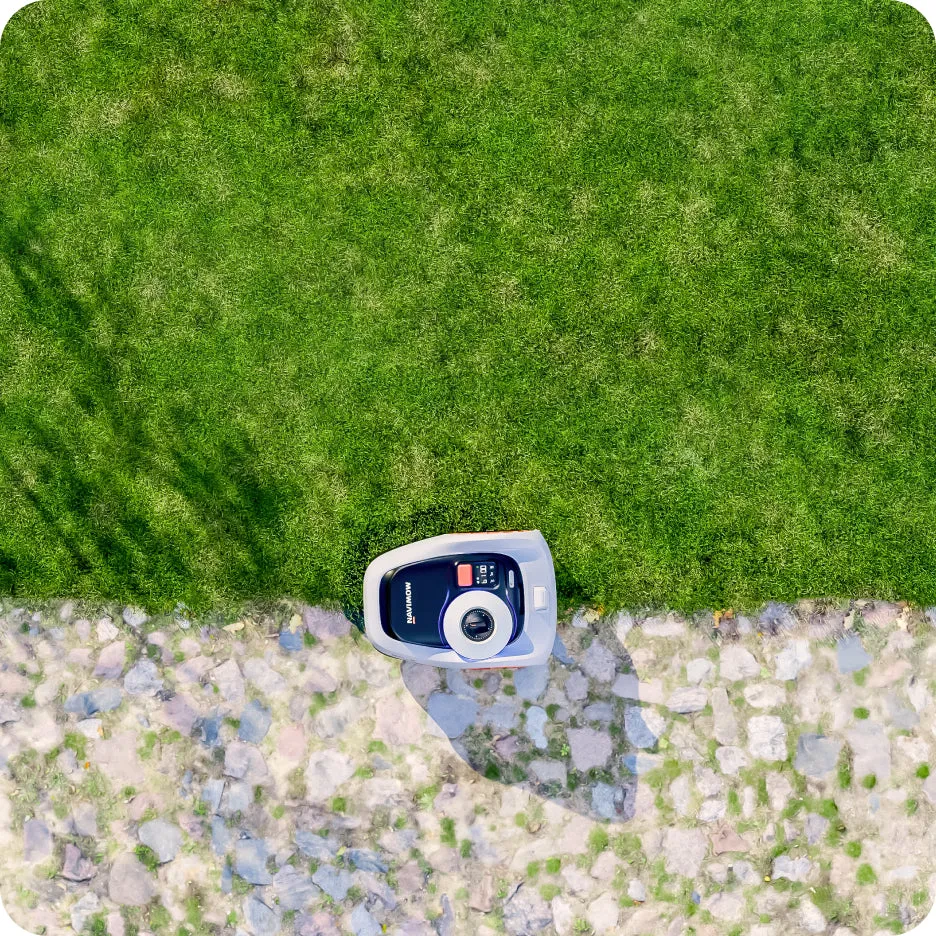
On the main lawn area, the Navimow i105E is clearly praised in many reviews. The systematic mowing in lanes looks neat, the clippings are hardly noticeable, and the mower is quiet enough for frequent use. The big advantage over older chaotic mowers is obvious: it doesn’t mow randomly, but purposefully. When the battery runs low, it drives to the charging station and later continues there from where it left off.
The limitation comes at the edges. Many users report that edges remain visibly uncut. This is especially true along walls, fences, raised beds, curb stones, trampoline poles, and tight corners. “Cordless” doesn’t mean: no more lawn trimmer. If you have a hard boundary directly next to the lawn, you’ll still need to do some touch-up work—or design the boundary in a way that allows the mower to cross over further.
Slicing technique also plays a role. Small robotic mower blades cut differently than a classic sickle mower with strong suction. With wet grass, dense growth, or very tough lawn varieties, blades can fray the stems slightly if the blades are dull or if grass clippings slow down the blade disc. That’s why, in our CUT GUARD tests, we don’t just look at the number of blades, but also at free movement, blade motion, distance to the disc, and cleaning after mowing phases with damp grass.
If the lawn is generally mowed properly, but individual blades look like they’ve been pulled out, it’s worth taking a first look under the mower: Do all the blades rotate freely? Are the screws clean? Is grass caught between the blade and the disc? If you’re looking for a more robust cutting base for the i105E or i108E without immediately having to completely change the mowing behavior, you can check a suitable CUT GUARD mower disc with 6 blades, especially when it comes to more even cutting and clean blade engagement.
Practical takeaway: A better mower disc makes the cut cleaner, but it doesn’t replace good mapping. If the robot doesn’t drive to a certain spot at all, even the best blade can’t cut it.
Typical problems and solutions: Getting stuck, unmown patches, weak GPS, initialization
When it gets stuck, a pattern usually shows up. The mower doesn’t get caught somewhere by chance—it repeats an unfavorable route: under the trampoline, along a curb, next to a wall, at a narrow turning point, or in front of an area with poor orientation. Reviews often mention that users have to free the robot weekly, even though the basic navigation actually works. This is a classic case for map correction, a no-go/obstacle zone, or structural mitigation.
Problem: The app shows “mowed,” but patches remain on the lawn
Then you shouldn’t immediately replace the battery or reset the mower. First, check whether the area on the map is truly reachable, whether VisionFence detects an obstacle there, whether the cutting height was set too high, or whether the blades are getting stuck. If the mower drives over the area but doesn’t cut cleanly, the focus is on the blades and the cutting disc. If it doesn’t even approach the area, the focus is on mapping, zones, or navigation.
Problem: The mower gets stuck on a trampoline, fence, or curb
Trampoline frames are unpleasant for many robotic mowers because they’re low, round, and positioned at unfavorable angles. Clear no-go zones often help, as does a small structural gap or a deliberately more generous boundary. If you pull the map boundary to the last few centimeters, you may theoretically gain edge area, but in practice you lose reliability.
Problem: The i105E hangs during initialization or won’t start
During initialization loops, you should first check the app, firmware messages, the Bluetooth connection, and the charging station. Then remove the mower from the station properly, dry and clean the contacts, briefly disconnect power to the station, reinsert the mower, and reconnect it. If the error persists after several controlled attempts, a support case is more likely than a normal operating issue.
If the main area is mowed reliably, but the cut pattern starts to fray again after a few days in dense grass, more cutting contact can sometimes be beneficial. For users who don’t want to constantly change blades but still aren’t looking for an extremely aggressive solution, a reinforced 7-blade mower blade disc is a practical intermediate step, because it offers more cutting points while still remaining well controllable.
Is WLAN, mesh, or a repeater a problem with the Navimow i105E/i108E?
Yes, it can be a problem—especially if the mower can’t be reached reliably between WLAN, Bluetooth, and an optional mobile connection. With the i108E, users report cases where WLAN, 4G, and Bluetooth fail, schedules don’t start, and the mower only responds again after being switched off and on. Such errors are rare compared to normally functioning devices, but they are serious for those affected, because unattended mowing then loses its purpose.
In practice, when there are communication issues, we check in this order: Is 2.4 GHz WLAN enabled? Is the signal at the station stable? Is mesh with band steering in use? Does the mower switch between a repeater and the router? Are there DHCP problems? Is the station at the very outer edge of the WLAN coverage? Many smart home networks are optimized for phones inside the house, not for a robotic mower outdoors at the edge of the property.
- Start the setup as close to the router as possible, then check the actual signal strength at the station.
- If possible, test a separate 2.4 GHz network without aggressive band steering.
- Do not place the repeater in a way that the mower constantly switches between two access points.
- Before firmware updates, take screenshots of the map, zones, schedules, and blocked areas.
- If many users report app problems on a single day, also consider server or cloud outages.
A power cycle—i.e., turning the mower and station off and back on in a controlled way—can help as a last resort. However, it shouldn’t become a weekly routine. If schedules regularly don’t start even though the battery, station, and map are fine, the connection page must be diagnosed thoroughly.
Practical takeaway: A robotic mower is only as autonomous as its connection is stable. In case of mesh problems, don’t look at the blade—check the network, the station, and the app status.
Battery, charging, and firmware updates: What to do with a 90% battery, a stuck update, or a red station?
Charging problems can quickly look like a defective battery, but they’re often more complex. With the i108E, there are user reports that the mower doesn’t start in the morning because the battery level is allegedly too low, even though the app shows over 90%. Others report that the mower doesn’t charge to 100% or that after an update it’s no longer reachable normally. The rule here: don’t blame the battery right away.
Diagnosis for charging problems
- Make the station powerless and check the power supply, plug, and cables for moisture.
- Remove the mower from the station and dry-clean the contacts on both the mower and the station.
- Reinsert the mower cleanly and straight, until it has secure contact.
- Document the app status, firmware messages, and error messages.
- If the error occurs again, contact support with photos, screenshots, and the exact time.
A smart plug or timer is discussed in forums as a workaround when the mower doesn’t charge properly overnight. This can help in the short term, but it’s not a repair. If a device regularly reports incorrect charging states, you need to distinguish between a software problem, a contact problem, the station, and the battery.
You shouldn’t start firmware updates when the mower is half-empty, the WLAN connection is weak, or rain is forecast. Before updates, screenshots of the map, zones, no-go areas, and schedules are useful. If an update gets stuck, don’t frantically re-pair ten times—first check the power supply, the app display, and the connection. If the mower gets stuck in a loop, patience plus a documented support contact is better than wild resetting without a plan.
How often do the blades need to be replaced with Navimow?
With normal growth, you should check the blades about every 4 to 8 weeks and replace them depending on the cutting pattern; with wet, sandy, or very dense grass, significantly earlier. A whitish lawn sheen after mowing is a warning sign: then the blades often no longer cut cleanly, but instead tear the blades of grass more. Also, grass clippings stuck to the blade disc can intensify the effect.
Our workshop experience: With the Navimow i105E and i108E, a quick visual inspection is worth doing more often than following a fixed calendar. Do the blades rotate freely? Are the cutting edges rounded? Does grass get under the screw heads? Does the disc have play or signs of grinding marks? Especially during wet spring mowing, cleaning and ensuring the blades move freely are more important than many users think.
For very dense lawns or users who want a finer cutting pattern despite having sharp replacement blades, more cutting surface can help. If the robot reliably covers the area and the problem really lies in the cut, a CUT GUARD solution with 9 blades is particularly interesting where mowing is done frequently and the focus is on as even as possible blade processing.
What remains important: More blades do not solve signal dropouts, no incorrect boundaries, and no poor antenna positioning. Accessories improve the cutting technique of a functioning robot. They do not turn a mower that was set up incorrectly or chosen too narrowly for the area into a larger mowing robot.
Frequently asked questions
Where should the GNSS/RTK antenna be placed on the i105E or i108E?
The antenna should be positioned as freely as possible with a clear view upward and distance from house walls, trees, masonry, and metal surfaces. If reception remains weak despite using a mast, a higher location such as a garage or shed can help. After every major change of location, it’s important to critically check the map and driving behavior.
Why do edges remain uncut with Navimow?
A visible border strip is normal in many gardens, especially along walls, fences, raised beds, and hard edging stones. The mower maintains a safety distance and cannot drive over the lawn edge with the cutting disc everywhere. If you want perfect edges, you either need drive-over lawn edging or occasionally use the trimmer.
What to do if the app shows “mowed,” but patches remain?
First, check whether the mower actually drove to the spot or whether it was only marked as completed in the app. Then check blade clearance, cutting height, obstacle detection, and map zones. If the spot is never reached, it’s a mapping or navigation problem; if it is reached but still remains unclean, the focus should be on the blades and the cutting disc.
Is Mesh Wi-Fi a problem with the Segway Navimow?
Mesh Wi-Fi can be problematic if the mower switches between access points or if band steering interferes with the 2.4 GHz connection. When testing connection dropouts, use a clear 2.4 GHz network, ensure stable signal strength at the station, and keep switching between repeater and router to a minimum. Especially with the i108E, communication dropouts are a recurring topic in user reports.
What should I do if the Navimow won’t charge or stops at 90 percent?
First, power off the station, clean the contacts dry, check the plug and moisture, and reinsert the mower properly. Then check the app status and any firmware messages. If the error keeps happening, save photos and screenshots and contact support instead of immediately assuming a battery defect.
Conclusion: Powerful mower with critical boundary conditions
The Segway Navimow i105E and i108E are a convincing step away from the boundary wire for many gardens. The main area is often mowed cleanly and quietly in lanes, the app is easy to understand for many users, and the value for money is frequently praised. If you have a simple to moderately complex garden where you can place the antenna and station well, you get a cordless mowing robot that’s suitable for everyday use.
The honest downside: GPS/RTK reception, VisionFence, Wi-Fi, charging behavior, and edge care must be planned realistically. The i105E and i108E are not magic devices for every intricate garden. They require proper setup, a stable connection, a clear line of sight for the antenna, and occasional maintenance of the cutting deck.
From the perspective of Messerscheibe24 and CUT GUARD, the best approach is clear: first get navigation, station, map, and radio connection stable. After that, optimizing the cutting technique with sharp blades, a clean disc, and a suitable cutting disc is worthwhile. This way, a well-set-up Navimow becomes a mower that truly takes work off your hands in everyday life—without false expectations about edges, updates, or difficult reception conditions.
Tip: You will find all matching replacement blade discs and mowing plates for Segway Navimow in our overview: Blade discs for Segway Navimow.
Comments