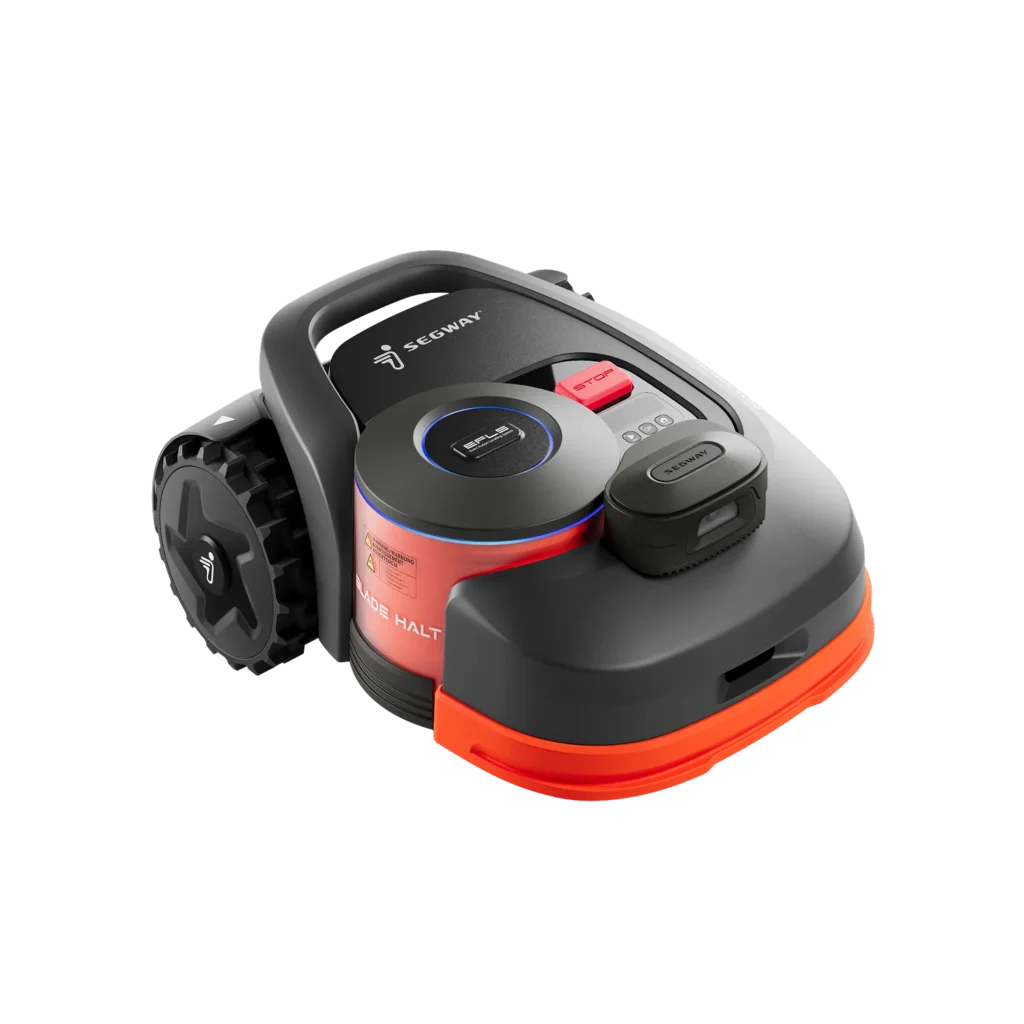
The Segway Navimow H-Series is interesting for many garden owners because it operates without boundary wires. This is its main appeal: no cable breaks, no tedious troubleshooting in the ground, and virtual boundaries that can be adjusted later. In practice, however, it is not only the specified square meterage that matters, but especially the garden: clear sight to the sky, clean transitions, good antenna position, stable app connection, and a mowing area that the robot reliably finds again.
This article is aimed at owners and potential buyers of the Segway Navimow H500E, H800E, and H1500E. We deliberately distinguish between manufacturer data and what repeatedly appears as a problem in forums, Reddit discussions, and user reports. Many users report very good results when the conditions are right. Others are disillusioned after several seasons, usually due to GPS/RTK issues, app dropouts, sensitive rain sensors, or unclear error diagnosis.
Important note: Messerscheibe24 does not sell lawn mowers. Our assessment comes from the perspective of accessories and wear parts: blades, cutting discs, mowing plates, cleaning, cutting pattern, screws, and typical maintenance around the Segway Navimow H-Series.
Segway Navimow H500E, H800E & H1500E: Who else benefits from the H-Series?
The H-Series is best suited for gardens with relatively open skies, clear lawn edges, and a charging station that is not hidden under a deep roof overhang. Those with an open area and few bottlenecks can be very satisfied with the H-Series. User reports often praise the navigation with good satellite coverage, especially compared to traditional robotic mowers with boundary wires.
You should be cautious if your garden is very angular, has many tall trees, is located between house walls, or has several narrow passages. This is where most complaints arise: GPS loss, inaccurate travels, incomplete mowing processes, or problems returning to the station. Covered passages, carports, and narrow gates are also not trivial for RTK and camera-based systems, often making the difference between “running smoothly for weeks” and “getting stuck constantly.”
In 2026, another point will come into play: The H-Series is no longer the newest Navimow platform. In user discussions, the question often arises whether new app features and long-term updates will land more with the i- and X-Series. This does not automatically mean that an H500E, H800E, or H1500E is bad. It just means that those buying new should weigh the price advantage against the potential support and feature future.
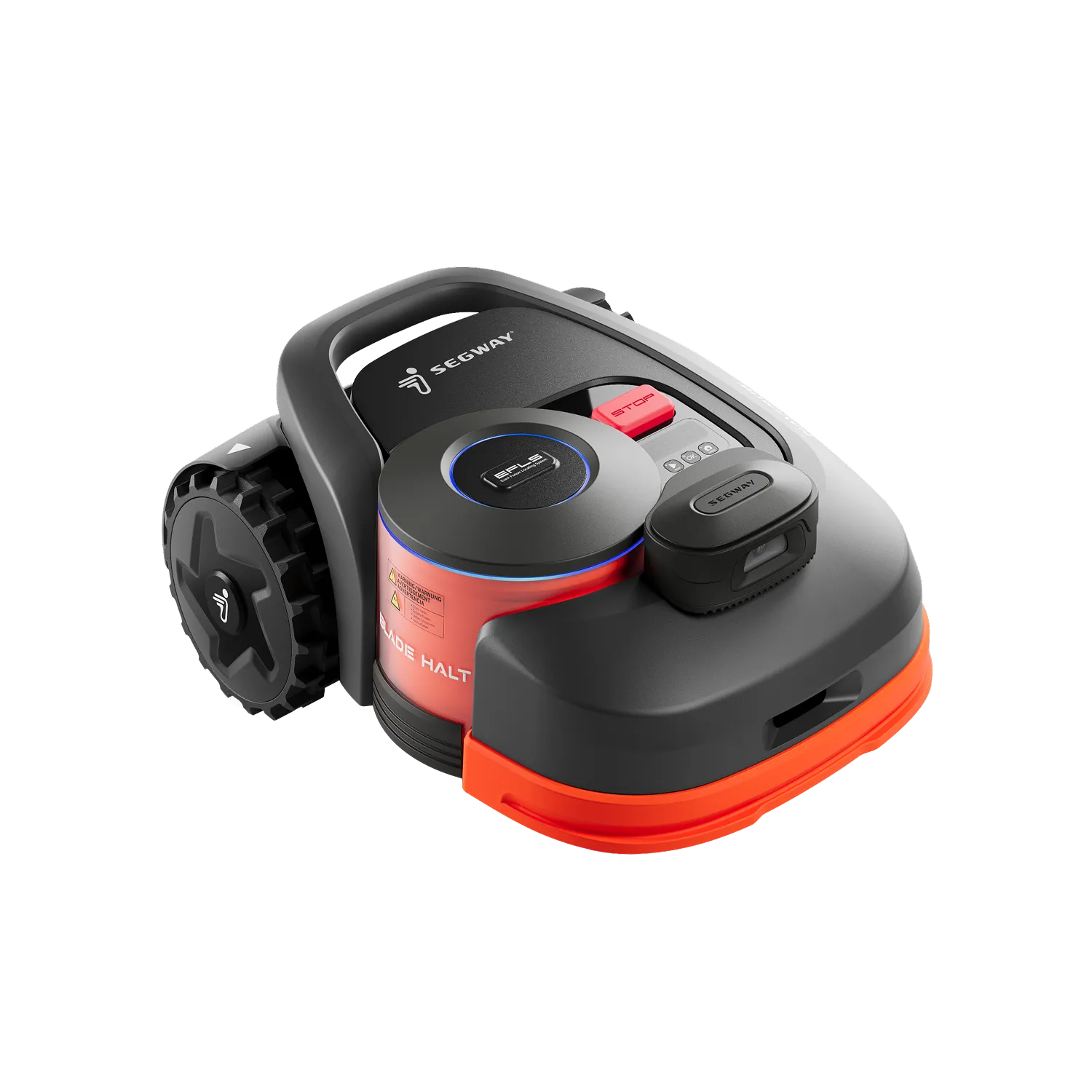
The Biggest User Problems: GPS, App, Firmware, and Rain Sensor
When users are dissatisfied, it is rarely due to the actual cutting system. The most common complaints arise earlier: setup, location of the station, position of the GNSS/RTK antenna, Bluetooth connection, firmware update, and app notifications. Only after that do issues like edges, blades, cutting pattern, and battery life come into play.
1. GPS/RTK Signal and Antenna Position
Many users report that the Navimow operates smoothly in straight lines when outdoors. At the same time, there are several cases where weak signals, trees, roof overhangs, or unfavorable antenna positions have led to navigation problems. Typical symptoms include: the mower does not follow the planned path accurately, loses position, stops, or only finds the station intermittently.
Locations where the station and antenna are placed “visually nicely” but technically poorly are particularly critical. A station directly against the house wall, under a balcony, or behind a hedge may work, but it is not guaranteed. From a service perspective, I would first check the signal quality and antenna position before suspecting the blades, battery, or motor.
2. App, Bluetooth, and Firmware
In forums, it is often criticized that Bluetooth does not connect after updates or firmware updates get stuck. Some users describe communication interruptions after an update, while others report unclear app notifications: The mower does not start, but the notification does not clearly explain whether rain, signal, battery, schedule, or a blocked sensor is the cause.
Practically, this means: Do not initiate updates shortly before a vacation or right before a planned mowing phase. First charge, ensure a stable connection, keep the app up to date, and start a manual test run after the update. Sounds trivial, but it saves a lot of troubleshooting.
3. Rain sensor too sensitive
With the H1500E, the rain sensor is notably mentioned often in user reports. After nighttime rain, the mower does not start in the morning, even though the schedule is active. Water often remains on the sensor. The robot interprets this as a rain condition and stays in the station.
The problem is less about the sensor itself, but the communication: Users expect a clear message like “Start delayed due to rain sensor.” When this message is missing or unclear, the mower appears to be defective. Anyone building a small shelter should consider: The sensor will remain dry, but the lawn can still be wet. This can lead to a poorer cutting pattern and more clippings sticking to the cutting disc.
H500E vs. H800E vs. H1500E: What area is realistic?
The model names are clearly defined: H500E for 500 m², H800E for 800 m², H1500E for 1,500 m². In practice, you should not push these values to the limit without a reserve. A rectangular, open lawn comes much closer to the manufacturer’s specifications than a garden with narrow corridors, islands, slopes, multiple zones, and many obstacles.
In user questions, it often comes up whether an H500E can map 520 m² or significantly more. The answers are inconsistent. Some mention software limits, while others report larger mapped areas. However, what is more important for the purchasing decision is: even if an area is mappable, it must also be mowed regularly, cleanly, and without too many charging cycles.
| Model | Manufacturer Area | Cutting System | Strengths | Practical Assessment |
|---|---|---|---|---|
| Navimow H500E | up to approx. 500 m² | approx. 21 cm cutting width, 30–60 mm cutting height, 3 blades included | Good choice for smaller, open areas without cables | For 300–400 m² usually more relaxed than for just over 500 m². For 520 m² or complex gardens, plan larger. |
| Navimow H800E | up to approx. 800 m² | approx. 21 cm cutting width, 30–60 mm cutting height, 3 blades included | More reserve for medium-sized gardens, often the more sensible compromise | For real 500–650 m² usually more reasonable than a tightly calculated H500E. |
| Navimow H1500E | up to approx. 1,500 m² | approx. 21 cm cutting width, 30–60 mm cutting height, 3 blades included | Large battery and area reserve, good for larger zones | Makes sense for large open areas. With VisionFence, slopes, and separate zones, still do not calculate too tightly. |
As a rule of thumb from practice: The more complicated the garden, the more reserve the model should have. An H500E on 200–350 m² usually performs more relaxed than on 500 m² with bottlenecks. An H800E is often the better choice when the garden nominally still falls into the H500E class but has many zones or obstacles. With the H1500E, one should consider that VisionFence, difficult transitions, and frequent recharging can noticeably reduce the actual daily performance.
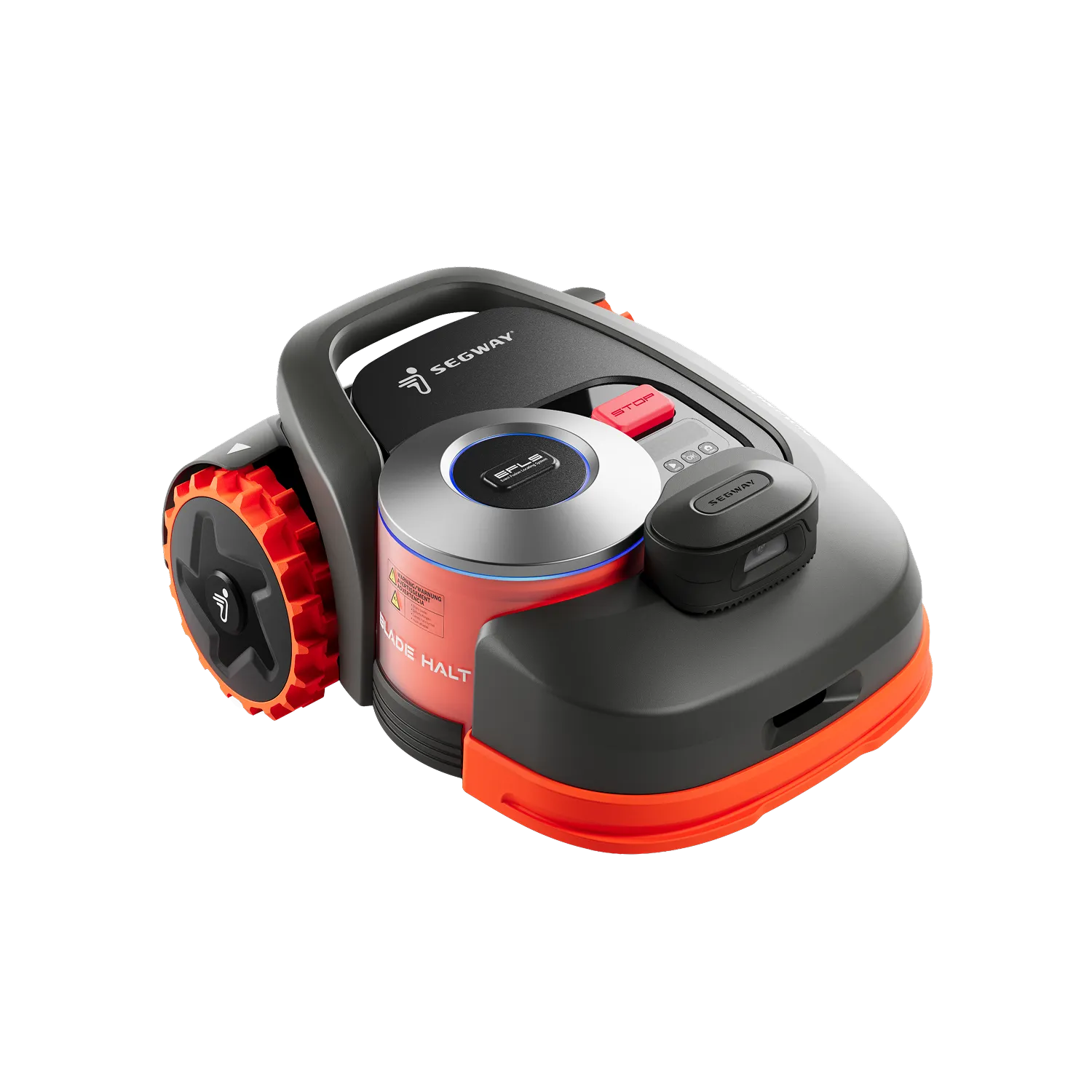
Properly Positioning GPS/RTK Antenna: When Navimow Works Well — and When It Doesn’t
The most important setup idea for the H-Series is not the prettiest station corner, but the best signal location. The GNSS/RTK antenna should stand as freely as possible. Not under eaves, not directly against high walls, not among dense tree cover, and not in a corner where only a narrow strip of sky is visible.
Many problems arise because the robot has just enough signal during the first mapping, but later, due to different weather, leafy trees, or unfavorable satellite configurations, it drops out. It then appears as if a firmware update has worsened the mower, although the system had little reserve from the beginning.
Typical Risk Zones in the Garden
- Roof overhangs and carports: critical for signal and return, especially at stations close to the house.
- High walls and narrow courtyards: can shade or reflect the satellite signal.
- Trees with dense crowns: often inconspicuous in spring, suddenly problematic in summer.
- Separate lawn areas: work if transitions are wide, clear, and well-mapped.
- Gates and bottlenecks: must be prepared so that the mower does not get stuck or lose position.
For separate areas, a sober look is worthwhile: Can the mower really pass through the transition independently? Is the gate wide enough? Are there metal, steps, gravel, dark edges, or flat paths that VisionFence might consider an obstacle? Such details can determine more than 50 m² of additional manufacturer area.
App, Bluetooth, and firmware: Typical pitfalls during setup and updates
The app is not just a convenience for the H-series, but part of the system. Mapping, schedules, zones, no-go areas, rain sensor logic, and status messages run through it. If Bluetooth or Wi-Fi are glitchy, the whole mower feels unreliable.
Similar patterns keep appearing in reviews and forums: Bluetooth no longer connects after an update, a firmware update is not completed, the app does not display the mowing area correctly, or notifications arrive late or in the wrong language. This is frustrating for end customers because the cause is rarely clear.
Practical checklist before the first mapping
- Align the station permanently and do not set it up “provisionally” for now.
- Mount the antenna as freely as possible, if necessary with an extension or at a higher location.
- Update the app, check the account, and grant Bluetooth permissions on the smartphone.
- Only update the firmware when the battery and connection status are stable.
- After updates, start a short manual test run before the weekly schedule remains active.
If an update hangs, one should not immediately restart multiple times wildly. Better: Check the battery status, keep the smartphone close to the mower, reopen the app, re-pair Bluetooth, and only then try further steps. If the mower remains blocked or loses communication permanently, contacting the dealer is more sensible than further experiments.
Rain sensor, VisionFence, and obstacles: What users really need to know
The rain sensor prevents mowing in wet conditions but can be annoying if water remains on the device. Especially in the morning after night rain, the lawn may already be mowable, but the sensor is still wet. Some users therefore reduce the sensitivity or dry the sensor area. Both can help but do not replace checking the cutting pattern.
Wet grass sticks more quickly to the mowing deck, the blades cut worse, and the mowing plate collects more grass clippings. Using a shelter prevents water on the sensor, but risks the robot driving on still damp grass. Then the blades look more torn than cleanly cut, and a green, heavy layer forms more quickly under the device.
VisionFence: helpful, but not a magic eye
VisionFence can detect obstacles and be very useful in many gardens. At the same time, users report that difficult gates, flat paths, dark edges, or transitions between zones can become problematic. In some areas, VisionFence also reduces efficiency because the mower operates more cautiously or requires additional charging breaks.
Therefore, open boundaries and critical transitions should be prepared before mapping. It is better to plan problematic areas as virtual boundaries, no-go zones, or clear physical edges, rather than hoping that the camera will automatically interpret every special case correctly. Round flower beds, toys, flat lawn edges, and dark mats are typical candidates for misinterpretations.
Blades, Blade Disc, and Cutting Pattern of the Segway Navimow H-Series
Out of the box, the H-Series operates with a small blade disc and freely rotating blades. This works as long as the blades are sharp, the disc remains clean, and the screws are easy to turn. Many cutting pattern problems are mistakenly attributed to navigation, although dull blades, stuck screws, or a dirty mowing disc are involved.
Typical signs of worn blades are frayed grass tips, gray lawn haze, more mowing debris on the housing, and a noisier running sound. In wet or very dense grass, blades wear out faster. Also, if the robot frequently drives over fallen fruit, small branches, cones, or molehills, the blade intervals should be set shorter.
Those who want to improve the cutting pattern and distribute the cutting load over more blades can use a suitable accessory cutting disc instead of the standard solution. For the H500E, H800E, and H1500E, there is, for example, a cutting disc with 6 blades for the Segway Navimow H-Series available at Messerscheibe24. It is an interesting option if the robot regularly cuts dense grass and the cutting pattern should be more even.
For users who want even more cutting points, the 7-blade cutting disc for Navimow H500E, H800E, and H1500E or the 9-blade cutting disc for the Segway Navimow H-Series come into consideration. It is important to note: More blades do not replace cleaning. If the disc is full of grass mush or screws are stuck, even the best disc will only help to a limited extent.
Maintenance Routine from Practice
- Visual inspection under the mower every 1–2 weeks, more often in wet weather.
- Check blades for free rotation, not just sharpness.
- Inspect screws and replace if the head is damaged.
- Clear the mowing disc of grass residues, especially after rainy periods.
- If the cutting pattern is poor, first check the blades, then mapping and driving strategy.
Long-term Experience and Defects: Wheel Motor, Error Codes, Spare Parts, Support
The long-term experiences with the H series are mixed. Some users report several seasons of stable performance. Others describe increasing disillusionment after two to four years: GPS issues, electronic failures, connection drops, or the concern that newer series receive more attention with updates.
Occasionally, hardware failures are mentioned, such as a rear wheel that no longer moves, or error codes like 3004, 7001, and 7002. For end customers, such codes are only somewhat helpful, as the exact diagnosis often requires dealer tools or support access. If calibration and rebooting do not help, it is usually no longer a blade issue, but rather a problem with the drive, electronics, sensors, or motherboard.
The positive aspect is: There are also reports of quick exchanges and accommodating solutions. The negative aspect is: Access to spare parts seems to be more difficult for end customers than for dealers. Therefore, those buying used should particularly check whether the station, antenna, power supply, app access, and map management function properly. A cheap H1500E without a reliable antenna is ultimately not a bargain.
Frequently Asked Questions
Is the H500E really limited to 500 m²?
In user discussions, there are contradictory statements about this. What matters is not only whether something can be mapped, but whether the mower can handle the area permanently without stress. For just over 500 m² or a complex garden, the H800E is usually the safer choice.
Where should the GNSS/RTK antenna be placed?
As free as possible, high and without shading from roofs, balconies, dense trees, or walls. If the antenna is poorly positioned, many subsequent problems arise: inaccurate paths, interruptions, poor return to the station, and seemingly inexplicable navigation errors.
Why doesn’t the Navimow start after rain?
Often, water remains on the rain sensor. Then the robot does not start despite an active schedule. Check the sensor, app notification, rain sensitivity, and the actual condition of the lawn before suspecting firmware or battery issues.
Can the H-series handle multiple separate mowing zones?
Yes, that can work. However, transitions, gates, covered passages, and narrow corridors are critical. These areas should be prepared before mapping and not improvised after several misruns.
Should I buy the H-series or the i-/X-series?
If you already own a well-functioning H500E, H800E, or H1500E, there is no reason for a hasty switch. However, when purchasing new in 2026, you should compare price, support perspective, app features, and garden difficulty with newer series.
Conclusion: The Navimow H-series is good if the garden fits the technology
The Segway Navimow H-series H500E, H800E, and H1500E can work very convincingly if the garden is open, the antenna is well placed, and the area is not too tightly calculated. Its biggest advantage remains the wireless operation with virtual boundaries. Its greatest risk is the dependence on clean positioning, stable app communication, and a setup with sufficient reserve.
From a accessories and service perspective, the rule is: First solve the signal, station, and mapping cleanly, then optimize the cutting image and blades. Dull blades, glued screws, and dirty mowing plates significantly worsen the result, even if the navigation is perfect. Those who regularly check, use the appropriate cutting disc, and do not plan the model size on the edge will get significantly more out of the H-series.
Tip: You will find all matching replacement blade discs and mowing plates for Segway Navimow in our overview: Blade discs for Segway Navimow.
Comments