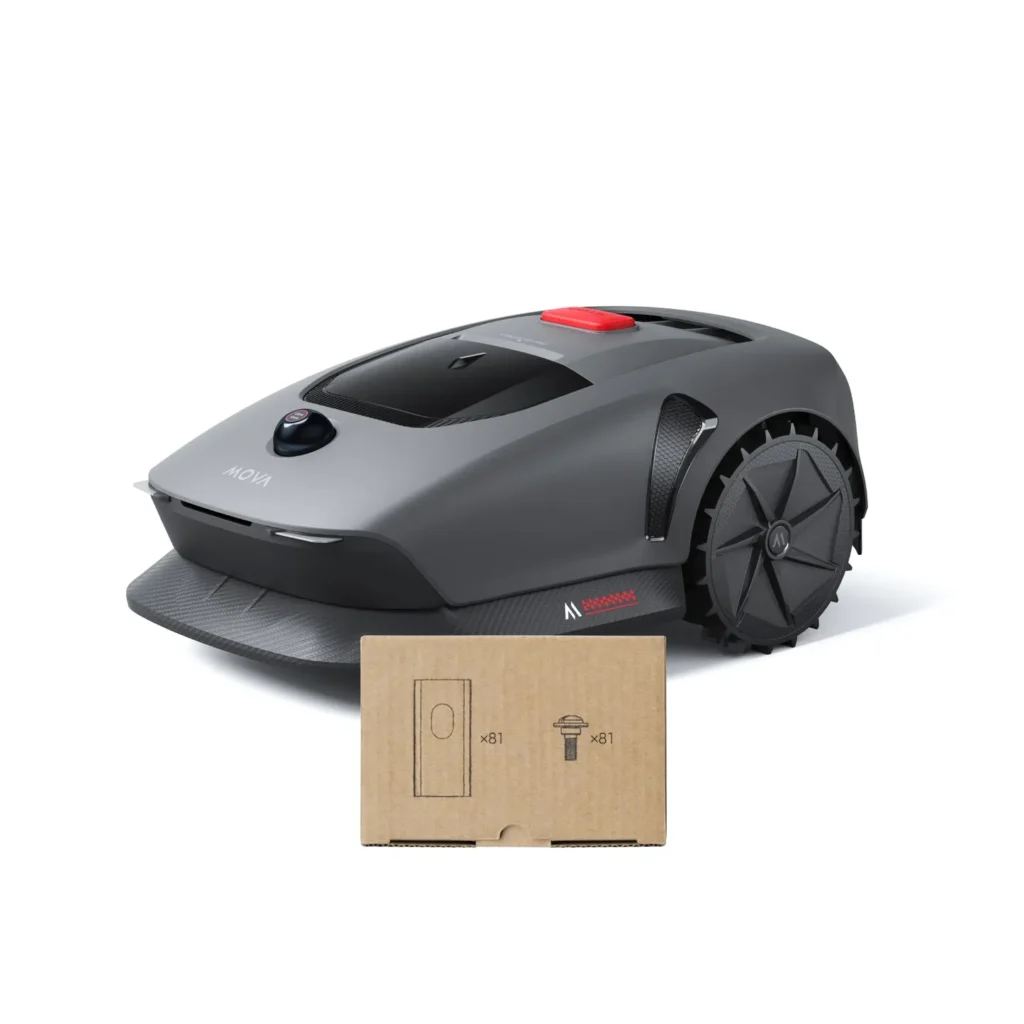
The robot starts off cleanly, mowing a few lanes—then the frustration begins: the map no longer matches the charging station, it stops 15 centimeters short along the wall, a small ball gets run over, or the MOVA 600 seems to take the whole day for a manageable area. Exactly these kinds of experiences keep showing up in forums and user reports. MOVA builds exciting cordless robotic lawnmowers, but choosing the right model isn’t as straightforward as the square-meter figure on the box might suggest.
MOVA is of interest to many garden owners because the devices work without boundary wire and, depending on the model line, use LiDAR, a camera, systematic lane planning, and app zones. For us at Messerscheibe24, what’s especially exciting is the practical side at the mowing deck: How cleanly is it cut, how quickly do the blades wear, how well does the mowing disc handle damp grass, edge mowing, and frequent turning maneuvers? If you already use a MOVA and want to improve your cut pattern or prepare for a blade change, you’ll find, early on in the overview, suitable replacement cutting disc for MOVA robotic lawnmowers—without having to search first between unfamiliar robot brands.
This guide is not a sales brochure. We don’t sell robotic lawnmowers; we sell accessories and spare parts such as cutting discs, mowing discs, and blades. That’s why we take a clear-eyed look at the question: Which MOVA is worth it for which garden—and where should you think a step bigger, simpler, or more robust instead?
MOVA 600, LiDAX and ViAX: Which series is intended for whom?
At first glance, the three MOVA lines look similar: cordless, app control, systematic tracks, modern sensing. In practice, however, they differ significantly. The MOVA 600 and MOVA 1000 are the entry-level class with LiDAR-based guidance. The LiDAX models, especially the LiDAX Ultra 800, 1000, 1200 and 1600, are designed more for precise navigation, edge functions, and larger reserves. ViAX 250, 300 and 500 are the newer, price-attractive Vision-plus-LiDAR line for smaller to medium-sized gardens.
| Model series | Practical area | Navigation | Strengths | Weaknesses | Practical verdict |
|---|---|---|---|---|---|
| MOVA 600 / 1000 | small to simple medium-sized areas | LiDAR / UltraView | affordable, wireless, systematic paths | battery for the 600 model, charging pauses, station issues possible | good for simple gardens, not for tight mowing windows |
| LiDAX / LiDAX Ultra 800-1600 | medium to larger areas with zones | 360° LiDAR plus Vision, depending on the model | precise paths, strong edge mowing, many settings | mapping, UltraTrim strips, obstacle detection requires fine-tuning | best choice for users who want to set everything up neatly |
| ViAX 250 / 300 / 500 | small to medium-sized gardens | camera plus LiDAR | good price, compact, interesting for simple areas | fewer long-term experiences; edges and shadow/night performance still with questions | interesting, but don’t buy blindly |
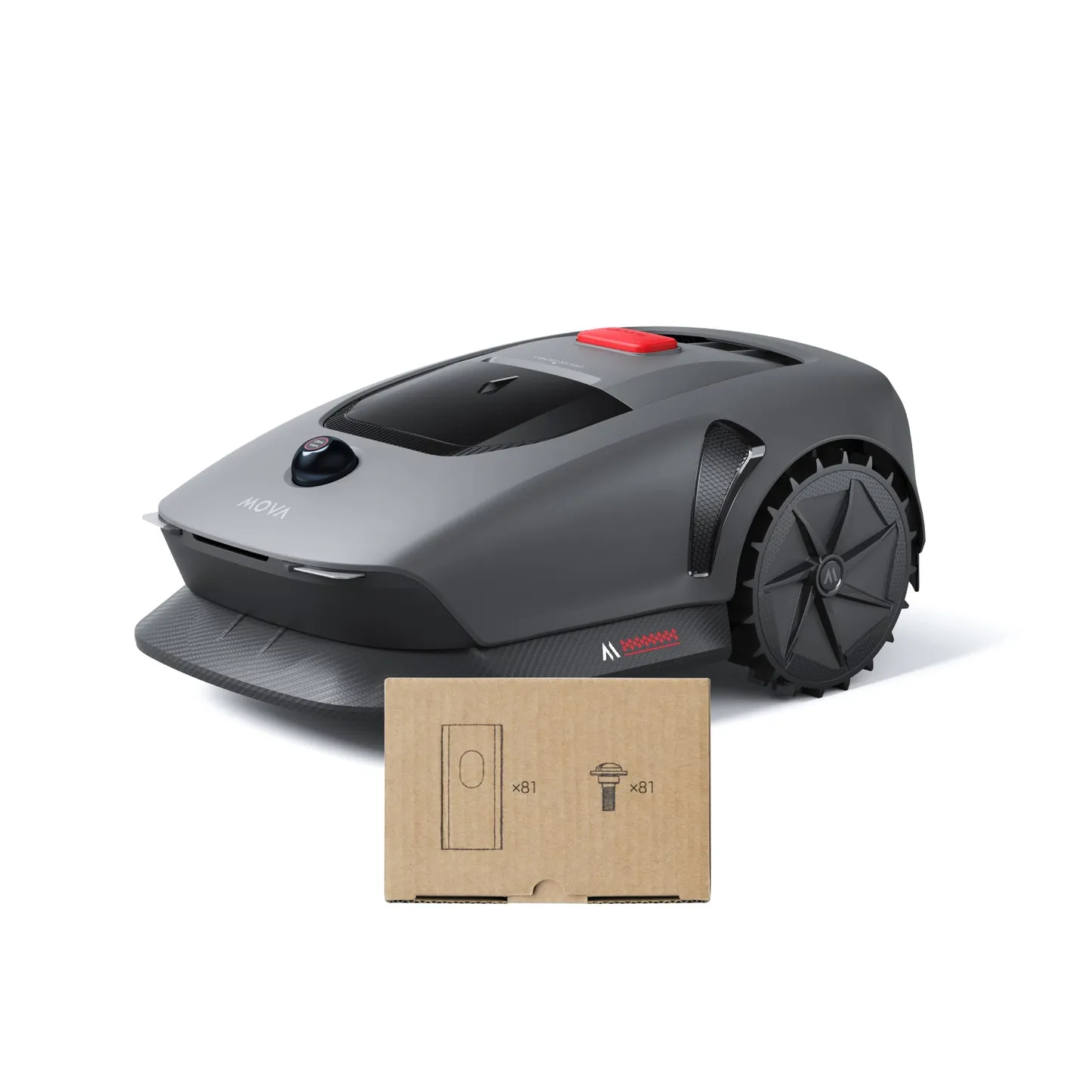
Is LiDAR alone better than camera plus LiDAR?
Many users ask exactly this question when they’re deciding between MOVA 600 and ViAX. The short answer: LiDAR alone isn’t automatically more robust, and camera plus LiDAR isn’t automatically smarter. What matters is how well the robot processes the sensor data in your garden—during changes in lighting, in narrow passages, with overhanging plants, in shadows, along wet edges, and with unclear lawn boundaries.
The MOVA 600 relies more on LiDAR-based environment detection. This can be pleasant in simple gardens with clear edges, because no RTK antenna and no boundary wire are needed. In more intricate gardens, however, users report positioning issues, a shifted charging station on the map, or problems when returning. If the robot can no longer connect the station to the path properly, sometimes the only solution is to back up the map or set it up again.
ViAX combines a camera and LiDAR. That sounds like more safety, but it introduces new variables: light, shadows, overhanging bushes, and objects that the camera interprets as a boundary or obstacle. Early user reports on the ViAX 300 show that mapping and the actual position can diverge. Other users are very satisfied with the ViAX 600, but report that the robot doesn’t quite cut right up to the edge and avoids low overhanging bushes.
LiDAX Ultra is technically the stronger line. Navigation is often described as precise, calm, and systematic. Still, the rule applies: even LiDAR plus camera doesn’t reliably detect everything. Field stones, trampoline feet, metal edges, slanted boards, or small balls remain typical problem objects.
Practical rule of thumb: More sensors don’t replace good garden preparation. Mowable lawn edges, clean no-go zones, and clear maps often deliver more than the next marketing label.
MOVA 600 and MOVA 1000: a cheaper entry with battery question marks
The MOVA 600 is especially worth it for small, simple areas: rectangular lawns, few narrow passages, short return trips to the station, no five separate zones, and no time pressure. The nominal 600 m² sound generous, but in practice users report that the M600 can be kept busy for a very long time at around 280 m² with charging pauses. One user mentioned about 30 to 40 minutes of runtime, roughly 40 m² per charge, and a total of around ten hours including charging. This isn’t a total failure, but a clear indication: the area class isn’t the same as everyday pace.
The MOVA 1000 is usually the more relaxed choice thanks to its more robust equipment and better reserves, especially when the garden may seem small at first but ends up taking time due to zones, narrow passages, or longer return trips. A rectangular area of 250 m² is something different than 250 m² with a playhouse, a narrow corridor, a terrace, a raised bed, and trees.
Typical strengths from a user perspective
- low-cost entry into cordless mowing without a boundary wire
- systematic U-shaped mowing paths instead of pure random principle
- neat cutting pattern with regular use and sharp blades
- good option for simple, well-defined gardens
Typical weaknesses from a user perspective
- battery and charging time with the MOVA 600 can significantly extend the mowing schedule
- individual reports of stations not charging or power supply issues
- positioning errors of the charging station on the map can cause return problems
- with tall or wet grass, blade wear increases noticeably
Blade replacement is straightforward with the MOVA 600 and MOVA 1000, but you shouldn’t wait until the cutting pattern looks gray and frayed. In our CUT GUARD cutting disc tests, one thing keeps showing up again and again: a more stable disc and fresh blades help especially when the robot runs many short mowing intervals and frequently turns. If you want more cutting reserves with an entry-level mower, you should take a look at the 9-blade cutting disc for MOVA 600 and 1000, because it is designed specifically for this model series.
If you’re torn between MOVA 600 and MOVA 1000, a detailed look at the area, the app, mapping, and the cutting disc helps more than just the raw square-meter figure; our honest MOVA 600 and 1000 practical guide walks through exactly these points step by step.
How well does mapping work with MOVA, really?
Wireless with MOVA doesn’t mean: unpack, place it, done. Mapping is the point where many users fail—or at least have to do some reworking. This applies to MOVA 600, ViAX, and LiDAX. Automatic mapping can work, but it needs clear lawn boundaries, suitable lighting conditions, and an environment that the robot understands as one logically connected area.
With the ViAX 300, users report particularly annoying start problems: when learning the map, the robot drove into walls, the app position and the real position were clearly far apart, and some devices already looked like they’d been taken along before the first actual mowing session. Another user could hardly get the map created because the navigation button in the app was too small and reacted too sensitively. You have to take such reports seriously with a young 2026 series: weaknesses often only become apparent after a few weeks, when mapping, edges, the return trip, the station, the app, and damp corners all come together.
Even LiDAX is not immune. In forums, people report that automatic mapping with the LiDAX Ultra 800 did not work as expected, and that mapping had to be done manually. Our workshop experience with mowing robots from various brands supports this: if you want the perfect map, it’s better to cleanly map the boundaries manually, set No-Go zones intentionally, and then check every critical corner during the first mowing pass.
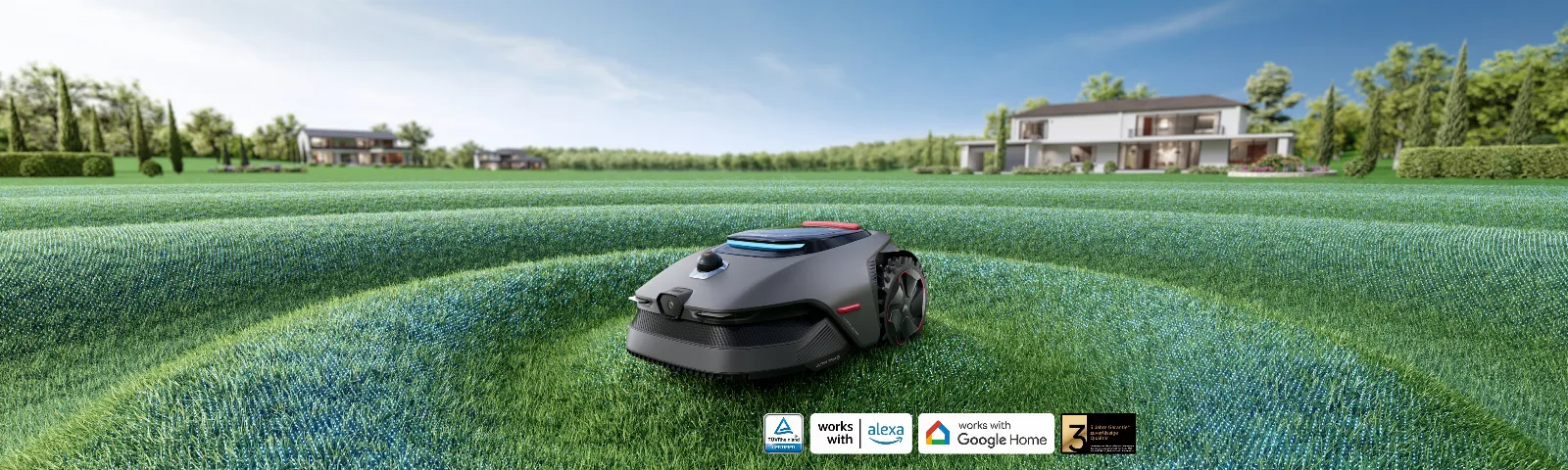
Practical rule of thumb: For the initial setup, don’t plan for 20 minutes—plan for a calm afternoon instead. A good map saves more time later than what a quick automatic mapping setup can gain.
LiDAX and LiDAX Ultra: precise lanes, strong edges, but not a self-runner
LiDAX and LiDAX Ultra are the most interesting MOVA models for users who value an even cutting pattern, structured lanes, and better edge mowing. In reviews and forums, it’s often praised that LiDAX drives calmly, turns precisely, and doesn’t tackle the lawn in a chaotic way. Especially on ground-level, mowable lawn edges, UltraTrim can visibly come closer to the edge than entry-level mowers.
The key is in the details. UltraTrim can lower the cutting height at the edge to about 3 cm. In spring, it may look great; in summer or with the lawn set higher, it can turn into a clearly visible deeper strip. Even more annoying: if internal zone boundaries are treated as edges, deep lines appear in the middle of an otherwise continuous lawn area. Some users get around this with separate maps or adjusted zones—workable, but not elegant.
90° inside corners remain a physical challenge even with LiDAX. A mowing deck that sits centrally or doesn’t extend far enough won’t fully reach every wall corner. If you have raised beds, walls, or borders that can’t be driven over, you’ll have to keep living with leftover strips. “Near the edge” doesn’t mean “without trimming.”
Which garden is LiDAX suitable for?
- medium to large areas where you want a clean track pattern
- gardens with mowable lawn edge stones
- zone-based areas, if you’re willing to set up the app properly
- lawns with some slope, but without constantly slippery narrow spots
With the mowing deck, it’s worth taking a closer look with LiDAX, because the devices often work on similar turning points and edge areas thanks to precise track and edge driving. That’s where blades are often subjected to stronger one-sided wear. If you want a more even cutting pattern or frequently mow damp edge areas, you’ll find a suitable solution for the LiDAX models 800, 1000, 1200, and 1600 with the reinforced 9-blade cutting disc for MOVA LiDAX.
If you choose within the LiDAX Ultra series between 800, 1000, 1200 and 1600, it’s not just the area that matters: mowing windows, zones, slope, wet grass and long reverse trips also play a role. For this model selection, our detailed LiDAX Ultra practical comparison is worth it before you base your decision only on the square-meter value.
ViAX 250, 300 and 500: a new value-for-money hit or still too early?
In 2026, ViAX is for many buyers the most exciting MOVA line, because it’s attractively priced and still offers a camera plus LiDAR, app zones and systematic mowing. ViAX 250 and 300 are aimed at small gardens, while ViAX 500 is for somewhat larger areas. Especially for 90 to 250 m², ViAX can be very tempting if the garden is clearly laid out and has no challenging shadow areas, narrow passages or overgrown edge zones.
Many users see ViAX as a cheaper alternative to the MOVA 600. That’s where we have to be honest: there are fewer reliable long-term experiences with ViAX. Early reports are mixed. One user with ViAX 600 describes a 90-m² L-shaped area that is mowed in about 45 minutes and still has battery left afterwards. Others report leftover strips, overhanging bushes, uncertain mapping or open questions about shadows and night operation.
With ViAX, you should take a particularly critical look at the garden before purchasing. Do bushes hang low over the lawn? Are there stepping stones in the lawn that the robot might see as an obstacle? Does it need to mow at dusk? Are the edges driveable or do they end at walls? If several of these points come together, LiDAX is often the safer choice, even if it’s more expensive.
With ViAX as well, the condition of the cutting disc strongly affects the cut pattern. Especially small robots quickly show frayed tips with dull blades, because they drive over the same narrow areas more often. If you buy the ViAX as an affordable entry-level option, you shouldn’t skimp on wear, and you can switch to a suitable 9-blade cutting disc for ViAX 250, 300 and 500 directly when changing the blade.
For ViAX, it’s worth taking a closer look at paths, edges, and replacement parts, because the series is still new and many questions are only answered in everyday use. That’s exactly why we created the practical comparison of MOVA ViAX 250, 300 and 500.
How well does MOVA really mow at the edge?
Edge mowing is the point where expectations and reality most often diverge. Many buyers hope for this: a cordless robot, modern sensors—so no more rework. That only works in suitable gardens. Low, lawn-level edging stones that the robot is allowed to drive over safely are ideal. Walls, raised beds, deep metal edges, trenches, and 90° inside corners remain problematic.
LiDAX is clearly stronger at the edges than MOVA 600 and often also stronger than ViAX, but UltraTrim brings the mentioned side effects. For ViAX, residual strips of 15 to 20 cm have been reported when the safety offset is set conservatively. With LiDAX, individual users also report residual edges of around 15 cm, while others achieve better results through very close manual mapping. This shows: the garden and the mapping matter more than the model name.
Our workshop tip: first loosen the edges structurally, then optimize them via the app. A traversable edge with a width of 12 to 15 cm delivers more in practice than three hours of fine-tuning on a wall. Where the robot is not allowed to drive safely, even the best cutting disc won’t work miracles.
Obstacle detection: What MOVA detects – and what it doesn’t
Obstacle detection is actively advertised for MOVA, but user reports show a clear pattern: large, unmistakable obstacles usually work better than small, low, or slanted objects. A yellow flower pot was detected at first and later damaged. A small toy ball was driven over despite detection being enabled. Field stones, trampoline feet, metal lawn edging, and boards often fall into the gray area.
The obstacle height setting is a compromise. If you set the threshold very low, the robot detects more objects, but it also interprets tall blades of grass, flowers, or restless edge areas more often as obstacles. If you set it higher, it mows more smoothly, but it may drive over smaller items. That’s exactly why there is no perfect 5-cm, 10-cm, or 15-cm rule for every garden.
This approach has proven practical: start with conservative detection, observe problem areas, then adjust step by step. Toys, hoses, small stones, and loose boards don’t belong on the mowing area. Trampoline feet and garden bed borders should either be clearly set up as a no-go zone or structurally deactivated.
Practical rule of thumb: obstacle detection is a safety net, not a cleanup function. Anything that matters to you should not be lying on the lawn when the robot is driving.
Battery, charging breaks, and mowing performance: Why the MOVA 600 isn’t ideal for every 300 m² garden
The battery question affects the MOVA 600 in particular. On paper, it’s enough for many private gardens. In everyday use, however, it’s not only whether it will eventually cover the area, but how long it takes. With short mowing windows, children in the garden, irrigation times, or frequent rain, a robot with long charging breaks can quickly become annoying.
That’s why several users discuss battery upgrades from 2.5 Ah to 5 Ah. Some report significantly longer runtime and a larger cutting area per charge afterward. Still, such a conversion isn’t something you should recommend lightly: warranty, safety, charging electronics, and compatibility must all match. If you’re buying new, you often do better by choosing a model with more reserve right away.
Also, the power supply and charging station belong in the purchase decision. If the robot doesn’t charge reliably or if the station shifts on the map, the nicest mowing schedule is worthless. So: place the station in the shade, on level ground, with a clearly defined access route; create a map backup; observe the first reverse trips; keep the contacts clean.
App and operation: feature-rich, but not always self-explanatory
There is no consistent user opinion about the MOVA app. Some praise it as intuitive, especially for No-Go zones, zone partitioning, edge control, and obstacle sensitivity. Others report delayed position display, a hanging app, unclear symbols, pop-ups, or jerky mapping control. Both can be true, because the app experience strongly depends on the model, firmware, smartphone, and garden layout.
With newer series such as ViAX, firmware changes also come into play. Features can improve, but they can also temporarily introduce new bugs. For unclear versions, it’s worth checking the nameplate, market version, equipment, app status, and firmware. MOVA 600, ViAX, and LiDAX sound similar, but they don’t always work with the same boundaries, map functions, and sensor settings.
Buying recommendation: which MOVA is really worth it?
MOVA 600 is worth it for budget-conscious users with a small, simple area. If your garden is 150 to 250 m², has clear boundaries, and the robot gets long time windows, it can be a good fit. For 300 m² with zones, narrow passages, or tight mowing times, I’d rather go for the MOVA 1000 or LiDAX.
MOVA 1000 is the more sensible entry point if you want to stick with the basic MOVA concept, but want more headroom. It’s not automatically better on every edge, but it’s more relaxed in terms of area performance and everyday pace.
ViAX 250/300/500 is exciting when price and a compact build matter. For simple small gardens, ViAX can be a very good package. If you have many shaded areas, overhanging plants, tricky edges, or you don’t feel like doing any rework, you should be cautious because the experience base is still relatively new.
LiDAX and LiDAX Ultra are the best choice for users who want precise tracks, good edge functions, and more adjustment options. However, they’re only worth it if you’re willing to set up mapping, UltraTrim, restricted zones, and obstacle detection properly. Anyone expecting “set it up and never touch it again” will be disappointed with the LiDAX as well.
Frequently Asked Questions
MOVA 600 or ViAX 500 – which is better for small, intricate gardens?
For simple small gardens, the ViAX 500 is often the more exciting value-for-money option. For intricate gardens with uncertain edges, the MOVA 600 isn’t automatically more robust. ViAX includes a camera plus LiDAR, but there are fewer long-term experience reports. With the MOVA 600, the bigger question marks are the battery, charging pauses, and possible positioning issues.
Is the MOVA 600 battery enough for 250 to 300 m²?
Yes, it can handle 250 to 300 m², but often only with long charging pauses. User reports mention very long total runtimes—including charging—at around 280 m². If your garden only allows short mowing windows, a model with more battery reserve is a better choice.
How much edge clearance is left with LiDAX and ViAX?
On walls and non-crossable edges, 10 to 20 cm of leftover strip can remain. LiDAX comes with UltraTrim to get closer to crossable edges, but it can still produce visible lower edge strips. ViAX users report leftover edges more often, especially with a conservative safety offset.
Automatic or manual mapping – what works better?
Manual mapping is usually the better choice if the map needs to be exact. Automatic mapping can work with clear lawn boundaries, but it is more likely to fail on complex areas, indistinct edges, shadows, or obstacles. For edge quality and reversing, the manual work is worth it.
How often should you change the blades with MOVA?
With normal use, you should check the blades about every 4 to 8 weeks and replace them immediately if the cut pattern becomes frayed. Sand, knobs, fallen fruit, damp grass, and frequent edge driving significantly shorten blade life. A clean cutting disc and sharp blades reduce strain on the motor and battery.
Conclusion: MOVA is worth it – if you choose the right model
In 2026, MOVA offers a strong selection for cordless mowing, but the series are not interchangeable. The MOVA 600 is affordable and well-suited for simple small areas, but it is limited by the battery and charging pauses. ViAX is the value-for-money candidate for small gardens, but because the experience base is still young, it requires a more critical look. LiDAX and LiDAX Ultra deliver the most rounded package for precise tracks, edge functions, and larger reserves – but they require proper setup.
From a workshop perspective, one point remains the same across all models: the best mapping helps little if the mowing deck is blunt, dirty, or fitted incorrectly. Anyone who regularly checks the Klingen, keeps the mowing disc clean, and uses the right cutting disc gets significantly more out of MOVA 600, ViAX, and LiDAX than with the factory setting alone.
Comments