The MOVA ViAX series is interesting for anyone who wants to mow a small to medium garden without boundary wires and without an RTK antenna. Especially the ViAX 250 and ViAX 300 appeal to owners of simple urban gardens, row house gardens, and clearly defined lawn areas. The ViAX 500 is the more exciting choice when shade, winding zones, visually challenging lawn edges, or narrow passages come into play.
On the other hand, if you have two completely separate lawn areas, unclear flower bed edges, long paved paths, or many 90-degree passages, you should take a closer look. In forums, discussions about the ViAX do not start with the cutting pattern, but rather with paths, zone connections, mapping, and the question of whether the robot can reliably get from area A to area B. This is exactly what this guide is about.
Important: The ViAX models are young wireless lawn mowers. Many user reports show good approaches, but also typical teething problems with the app, firmware, and mapping. A lawn mower without wires does not behave like a classic wired robot: it must visually recognize boundaries, interpret paths, and manage virtual maps cleanly.
MOVA ViAX 250, 300, and 500 at a glance: For which gardens are they intended?
The MOVA ViAX 250 is the entry-level model in the series and is aimed at small, manageable lawn areas. The ViAX 300 is a class above and is intended for slightly larger areas, but remains close to the basic principle of the 250. Both operate with camera-based navigation, meaning without boundary wires, without search wires, and without an RTK reference station.
The ViAX 500 is not just “the larger 250.” Its most important difference is the combination of camera and 360-degree LiDAR. This can help in practice when the garden has changing light conditions, shadows under trees, dark edges, or less clear optical transitions. Nevertheless, LiDAR does not replace a well-prepared map and clean boundaries.
When specifying the area, one should account for a reserve. A rectangular, flat lawn comes closer to the manufacturer’s values. Conversely, winding gardens, narrow passages, multiple zones, longer paths to the station, inclines, and frequent reverse maneuvers take time and battery. Those who actually have 250 m² of complicated lawn often drive more comfortably with a larger class than with a model at the limit.
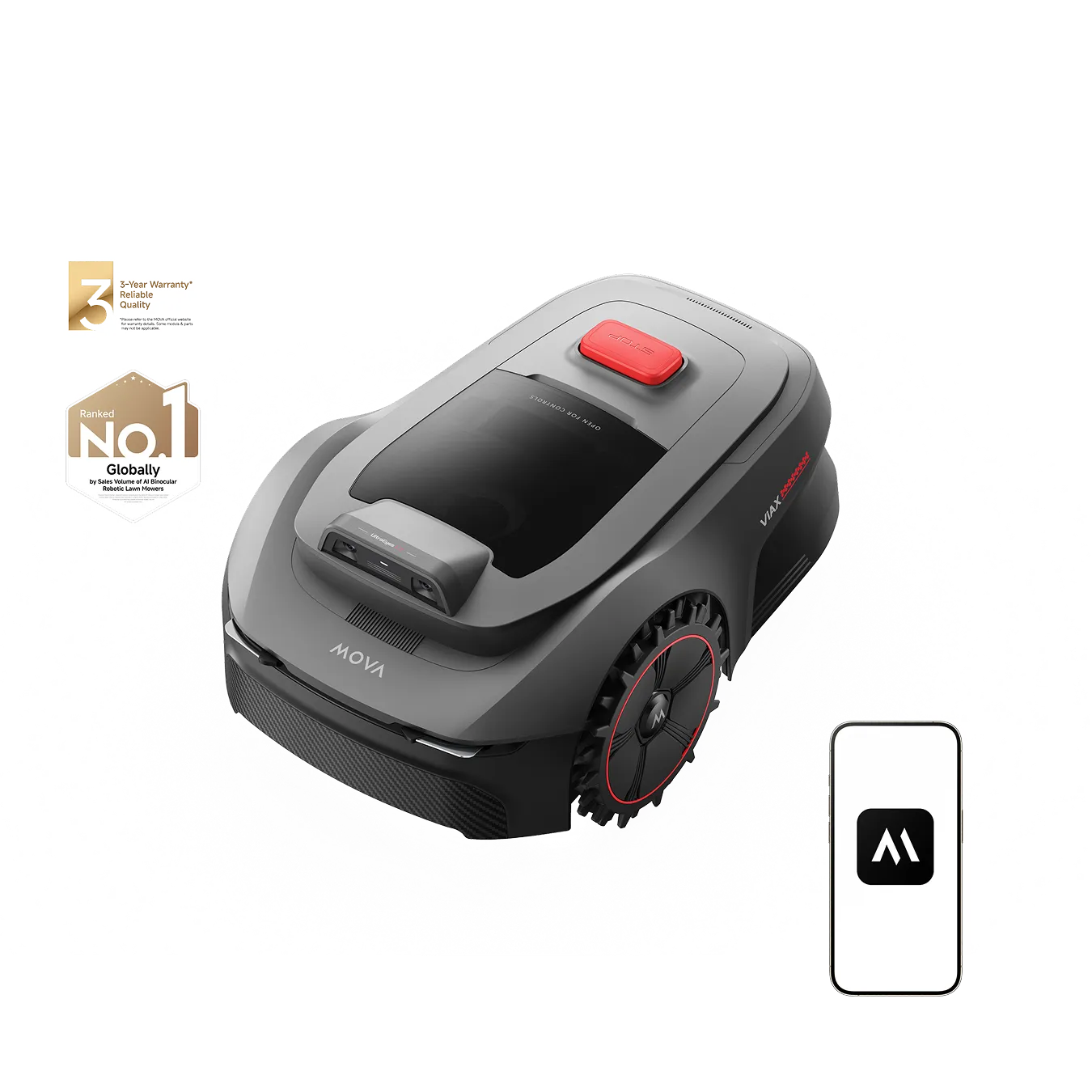
Key data in practice
| Model | Area | Navigation | Cutting Data | Strengths | Weaknesses | Practical Assessment |
|---|---|---|---|---|---|---|
| ViAX 250 | up to approx. 250 m² | UltraEyes 1.0, Dual-Camera | approx. 20 cm cutting width, 2–6 cm cutting height | quiet, wireless, good cutting quality on simple areas | Paths, corners, and unclear edges can be annoying | good for simple gardens up to about 150–220 m² realistically, if there is little complexity |
| ViAX 300 | up to approx. 300 m² | camera-based, similar to 250 class | check model-dependent, likely similar to the smaller series | slightly more reserve than the 250 | Path creation and app/firmware maturity have been discussed | makes sense if the garden remains small, but should not be planned too tightly |
| ViAX 500 | depending on market indication up to approx. 500–600 m² | UltraEyes 2.0, camera plus 360° LiDAR | approx. 20 cm cutting width, 2–6 cm cutting height | more robust orientation in light changes and more complex areas | more expensive, still dependent on clean mapping | the safer choice in shade, multiple zones, more difficult edges, and higher demands |
The biggest practical issue: Zones, paths, and narrow passages
Many user reports focus not on the pure mowing performance, but on paths between zones. Typical scenarios include front garden and back garden, two lawn areas next to raised beds, a passage over paving, or a right-angled path to the charging station. This is where it shows whether a wireless lawn mower is truly practical for everyday use.
With the ViAX 250, it was reported that a programmed path was manually drivable, but the robot sometimes drove into it in automatic mode, reversed, and aborted the task. This is a serious flaw in practice: If the mower does not reliably use a passage, an area remains unmowed. This is a decisive factor for owners of separate garden areas.
The issue of path creation also arose with the ViAX 300. A user reported that a path between two garden areas was not saved because the app apparently recognized a distance of over 20 m, even though the path was subjectively shorter. Later, it suddenly worked after updates. This points less to a classic hardware problem and more to app and firmware maturity.
What makes narrow passages difficult
A wire robot will follow a search cable or drive along a clearly defined boundary. In contrast, the ViAX must integrate camera or LiDAR data, maps, and virtual paths. With paving, shadows, dark slabs, high raised bed walls, or very sharp 90-degree turns, interpretation can become more challenging.
In practice, clear, wide, and visually unambiguous passages help. If a path is just slightly above the advertised minimum width, has high edges on both sides, and is also in the shade, the risk is higher. Better are transitions with some leeway, gentle curves, and a clear start and endpoint in the app.
- Clear passages before mapping: no pots, hoses, toys, or wobbly lawn edges.
- Try to round off 90-degree paths as much as possible when the app or robot stops there.
- Visually separate paved paths from beds and gravel areas.
- Test paths again after firmware updates, do not just continue using the old map.
- Always check the stability of automatic operation in two important zones before the return deadline expires.
For the purchasing decision, this means: A ViAX 250 or 300 can work well with simple transitions. However, if the entire garden depends on the robot navigating daily through a narrow, winding passage, one should seriously consider the ViAX 500 or another stronger navigation system.
Edges, corners, and lawn borders: Where is rework needed?
In terms of cutting performance, the ViAX 250 is indeed praised in user reports. It operates in a structured manner, works quietly, and delivers a clean result on clear areas. The critical points are edges and corners. Several users report that the robot tends to be rather cautious by default, leaving too much grass at the edges.
This is not unusual for cordless camera mowers. The robot must avoid driving into beds, gravel, terrace steps, or open borders. If it cannot clearly assess the boundary, it keeps its distance. With level terraces or clear lawn edges, one can often get closer to the edge through boundary zones and settings.
In forums, it is recommended to define edges as clearly as possible. Straight, level transitions work better than frayed bed lines, dark edges, or narrow strips of grass next to paving. Corners remain a weak point, as the round body and the position of the mowing unit cannot fully reach every corner.
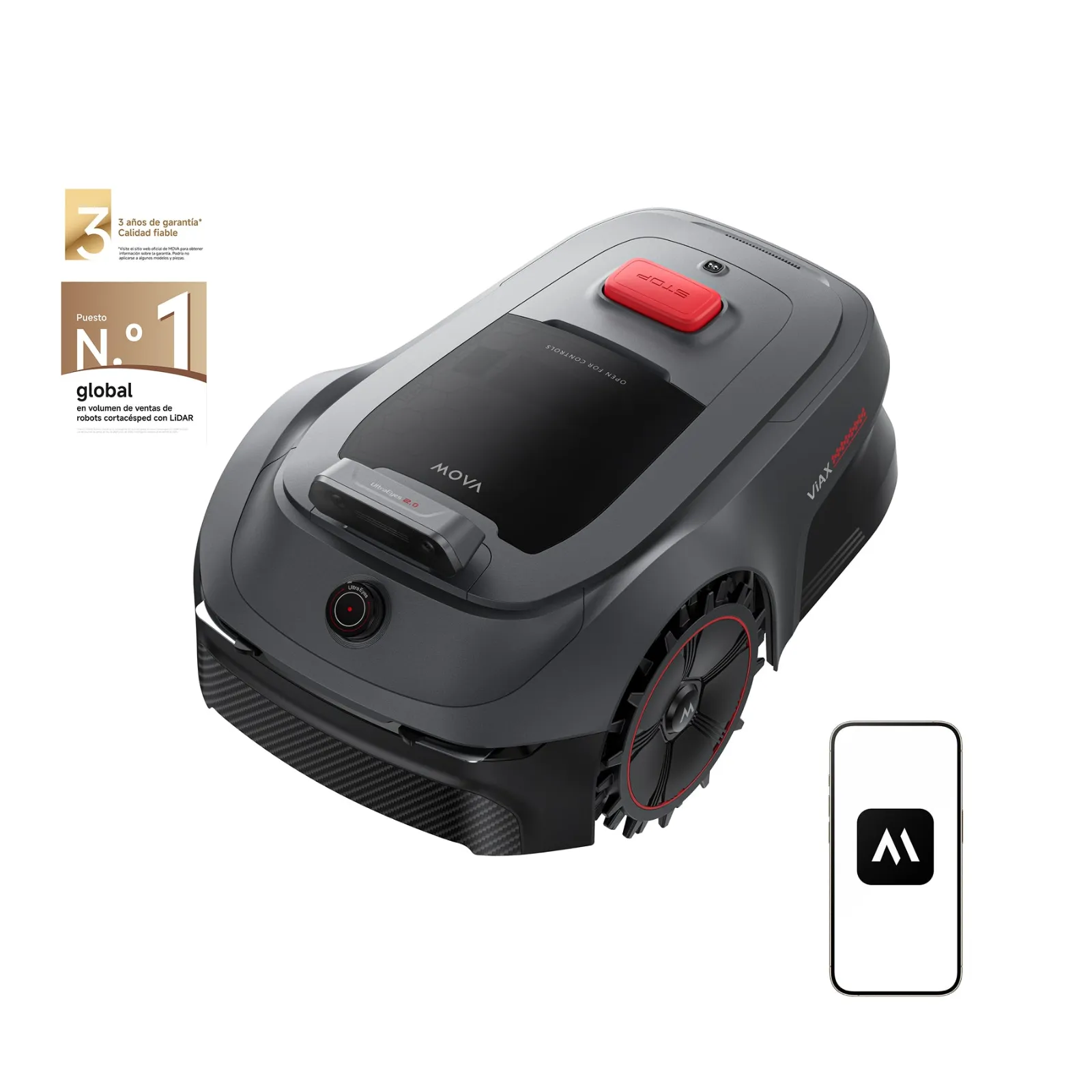
Blades, cutting discs, and cutting pattern
A clean cutting pattern depends not only on navigation. Dull blades tear grass blades out, increase energy consumption, and can put more strain on the robot in dense grass. Especially with small mowing robots with cutting discs, it is worthwhile to regularly check the blades and not wait to replace them until the cutting pattern is visibly frayed.
For the ViAX models, a suitable cutting disc with 6 blades for MOVA ViAX 250, 300, and 500 is a sensible option if you want to replace the original blade holder or refresh the cutting system. More blades do not automatically mean more wonders, but they can provide a more even cut and fewer individual tearing marks with regular mowing.
Those who mow particularly frequently or operate at very short intervals can also check a 7-blade cutting disc for MOVA ViAX 250, 300, and 500. The key remains: keep the underside clean, check screws, and replace blades in pairs or completely to avoid imbalance.
ViAX 250/300 vs. ViAX 500: Is LiDAR worth it?
The most important comparison question is: Is the camera navigation of the ViAX 250 or 300 sufficient, or is the ViAX 500 with LiDAR the better choice? The honest answer: For simple gardens, the smaller technology is often enough. For challenging gardens, LiDAR is not a luxury but an additional layer of orientation.
ViAX 250 and 300 perceive their surroundings through cameras. This works particularly well when lawn, terrace, flower bed, fence, and path are visually distinct. It becomes more problematic with smooth transitions from grass to soil, at shadow edges, dark paving stones, leaves, very shallow bed borders, or irregular edges.
The ViAX 500 combines camera with 360-degree LiDAR. This allows it to better capture spatial structures and is less dependent solely on the camera’s image. Many users wonder if they bought the 250 too early or if the 500 would have been the safer choice. This thought is understandable if the garden is not picture-book simple.
Practical decision aid
- ViAX 250: sensible for small, simple lawns with clear boundaries and little zone logic.
- ViAX 300: interesting when a bit more area reserve is desired, but the garden remains manageable.
- ViAX 500: better in shade, multiple zones, difficult transitions, narrower passages, and higher expectations for navigation.
However, it is also important with the 500 model: LiDAR does not fix poorly prepared areas. Open boundaries, unclear no-go zones, scattered objects, and poorly placed stations continue to cause problems. Before the first mapping, the garden should look as it is intended to look during normal operation.
Multiple Lawns and Maps: What Works Without a Second Charging Station?
Multi-map operation is a big topic with the ViAX models because many small gardens do not consist of a single contiguous area. Often there is a front garden, a back garden, or a separate lawn island without a drivable transition. This is where it becomes more complicated in practice than in the brochure.
A user report describes that when creating a new map, the robot should physically be on the charging station. For two completely separate areas, this is impractical: Either the station has to be moved, the robot has to be carried, or one considers a second base. For many buyers, this is more important than the pure square meter count.
With the ViAX 250 and 300, two maps with respective area limits are being discussed. That sounds good, but it doesn’t answer every practical question. The crucial factor is whether a second area can be comfortably mapped and later mowed without a drivable path. Those who mow the second zone only occasionally and carry the robot manually can live with that. However, those expecting daily automatic operation should check this very carefully beforehand.
Checklist before purchasing for separate areas
- Is there a drivable transition between the lawn areas?
- Is the path wide, clear, and not longer than what the app reliably accepts?
- Does the second map need to be started at the charging station?
- Can the robot return to the station by itself after mowing?
- Is a second charging station available and economically sensible?
If the answer to several points is unclear, one should not just buy based on “250, 300, or 500 m².” Then the app’s map logic will determine the practicality for everyday use.
App, firmware, and connection: What early users report
With new lawn mowers, software is almost as important as hardware. In user reports about the ViAX 250 and 300, app and firmware topics keep coming up. Particularly interesting is the case where a ViAX-300 path was initially not saved and later worked after updates.
This shows: A problem can be real today and disappear tomorrow due to an update. Conversely, an update can also bring new quirks. Early buyers should therefore not only pay attention to technical specifications but also actively check which firmware version is current and whether other users with the same version report stable paths, maps, and zones.
Bluetooth and Wi-Fi are occasionally criticized, but they are not the dominant problem area. Some users report not always stable Bluetooth connections during setup, while others have no Wi-Fi issues. Typically, once the setup is completed properly, connection problems are less significant than map or path errors.
Practical Tips for Setup
- Do not place the station in a dark, cramped corner, but in an open area with clear surroundings.
- Check Wi-Fi coverage at the station’s location, not just on the terrace.
- Update firmware and app before mapping.
- Create the first map in good daylight and on dry grass.
- Clearly define no-go zones, open boundaries, and bottlenecks before the first automatic run.
If you have several problematic areas in the garden, you should not view the first few days as “normal operation,” but rather as a setup phase. Especially with wireless systems, this phase greatly influences whether the mower runs smoothly later on.
Battery, Charging, and Spare Parts: The Underestimated Purchase Criteria
So far, there has been no widespread indication of a series problem with the battery. One individual ViAX-300 user reported noticeable standby loss: after overnight charging, the battery was not at 100 percent in the morning and dropped significantly by the planned start time. Other users reported differing experiences. Therefore, this should be considered an isolated case, but it should be kept in mind.
It is practically sensible not to leave the robot without power for an unnecessarily long time. Mowers are designed to park at the station, manage charging cycles, and be ready for use when needed. If the battery drops unusually quickly, one should first check schedules, night mode, connection status, firmware, and temperatures.
Another point is the supply of spare parts. Users of the ViAX models are already asking for replacement blades, power supplies, and other consumables. Since the series is still young, there is less experience compared to Gardena, Husqvarna, or Worx. This is relevant for buyers: a cheap mower is of little help if blades, screws, or power supplies are hard to obtain later.
When it comes to the blade system, it is worth not only waiting for original blades but also paying attention to suitable, well-manufactured accessories. For users who want more cutting points per rotation, the 9-blade cutting disc for MOVA ViAX 250, 300, and 500 is an option. Especially with frequent mowing, dense growth, and the desire for a finer cutting pattern, such a solution can be interesting.
Maintenance routine for ViAX owners
- Check the underside every one to two weeks, more often in wet grass.
- Inspect blades for burrs, rust, notches, and free movement.
- Do not overtighten screws, but ensure a firm fit.
- Check the cutting disc for imbalance, cracks, and stuck grass residues.
- After changing blades, perform a short test run in an open area.
Poor blades cause more follow-up problems than many think: longer mowing times, higher power consumption, unsightly cutting patterns, and more grass deposits in the housing. Especially with small robots, a well-maintained cutting system is the easiest way to maintain performance.
Frequently Asked Questions
How reliably do paths between multiple zones work?
With simple, wide, and clearly recognizable transitions, the ViAX models can work well. However, forums often complain that narrow passages, right-angled paths, paved sections, or paths between raised beds can be problematic. What matters is not whether the robot can manually navigate the path once, but whether it can reliably use it in automatic mode.
Is there a 20-meter limit for paths?
In the case of the ViAX 300, there was a discussion about the app not wanting to save a path due to allegedly too great a distance. Later, it apparently worked after updates. Buyers should therefore check the current app and firmware status and test long paths directly in their own garden situation.
Can the ViAX mow two separate lawn areas without a second charging station?
This largely depends on whether a traversable transition exists and how the app allows for map management. Two maps sound good but do not automatically solve the problem of a completely separate area. If the robot cannot return to the station by itself, relocating it quickly becomes tedious.
How well does the ViAX mow at edges and in corners?
On clear, level edges, the result can be good, especially when border zones are set up cleanly. By default, however, there is often a noticeable gap left. Corners are not fully reached due to design reasons, so occasional touch-ups remain realistic.
When is the ViAX 500 worth it instead of the ViAX 250 or 300?
The ViAX 500 is worth it when the garden is not entirely simple: shade, complex edges, multiple zones, visually challenging transitions, or higher demands on navigation. For a small, rectangular, and clear area, the ViAX 250 or 300 is often sufficient. However, those who are unsure about paths and mapping should seriously compare the 500 model.
Conclusion: For whom the ViAX 250/300 is sufficient – and who is better off with the ViAX 500
The MOVA ViAX 250 is an exciting entry-level mower for small, manageable gardens. It suits users who do not want to lay cables, have clear lawn edges, and can live with occasional edge touch-ups. It is particularly realistic where the area is rather simple than maximally large.
The ViAX 300 is the obvious intermediate solution when a bit more reserve is desired. However, user problems remain similar: paths, app logic, mapping, and clear boundaries are more important than the pure square meter count. Those who need to connect a front and back garden over a tricky transition should test the path before making a final purchasing decision.
The ViAX 500 is the better choice for more demanding gardens. The camera plus LiDAR offer more navigation reserve, especially in changing light and more complex structures. Nevertheless, it is not a magic device: good preparation, clean maps, sensible no-go zones, and well-maintained blades remain essential.
From a service perspective, the short recommendation is: simple small lawn with clear boundaries – ViAX 250 or 300. Multiple zones, shade, paved paths, blurred edges, or high expectations for autonomy – check the ViAX 500. And no matter which model: replacement blades, screws, and a suitable blade disc should not be sought only when the lawn already looks frayed.
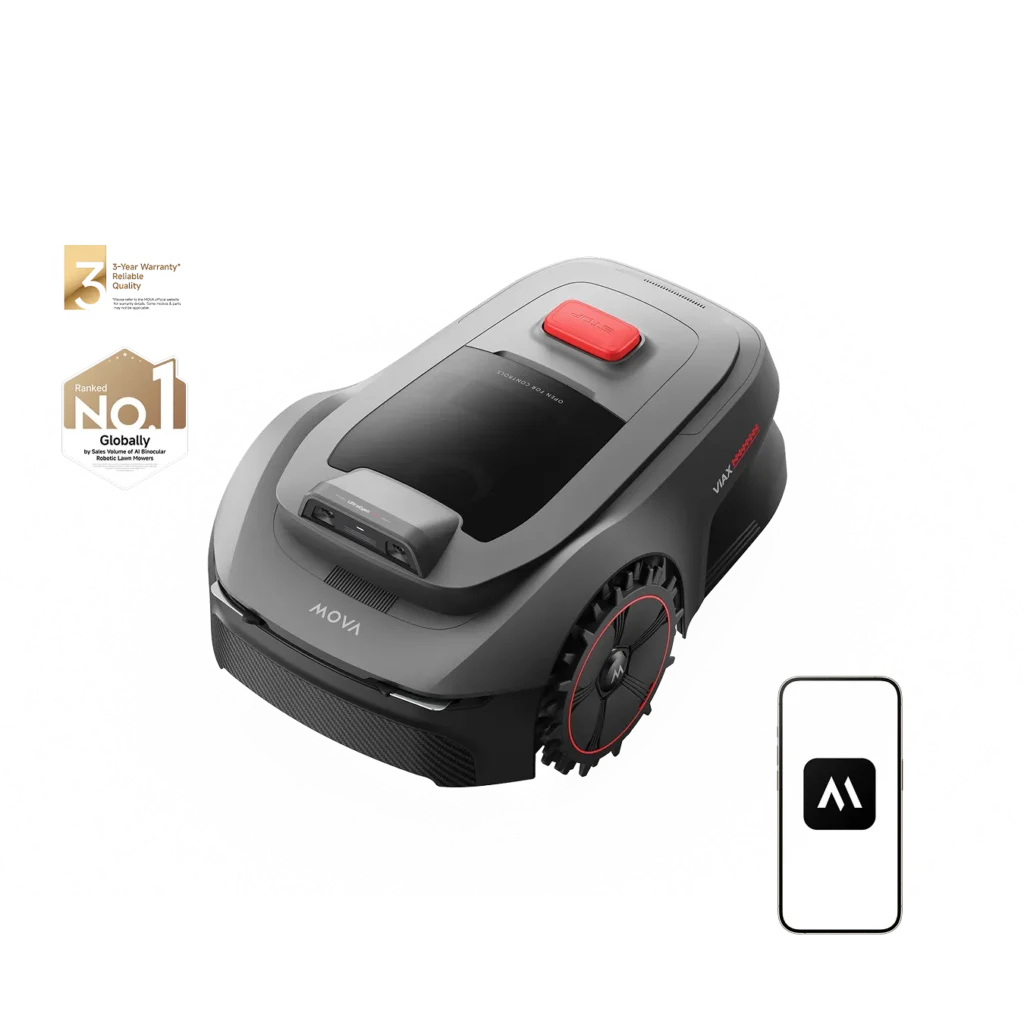
Tip: You will find all matching replacement blade discs and mowing plates for MOVA in our overview: Blade discs for MOVA.
Comments