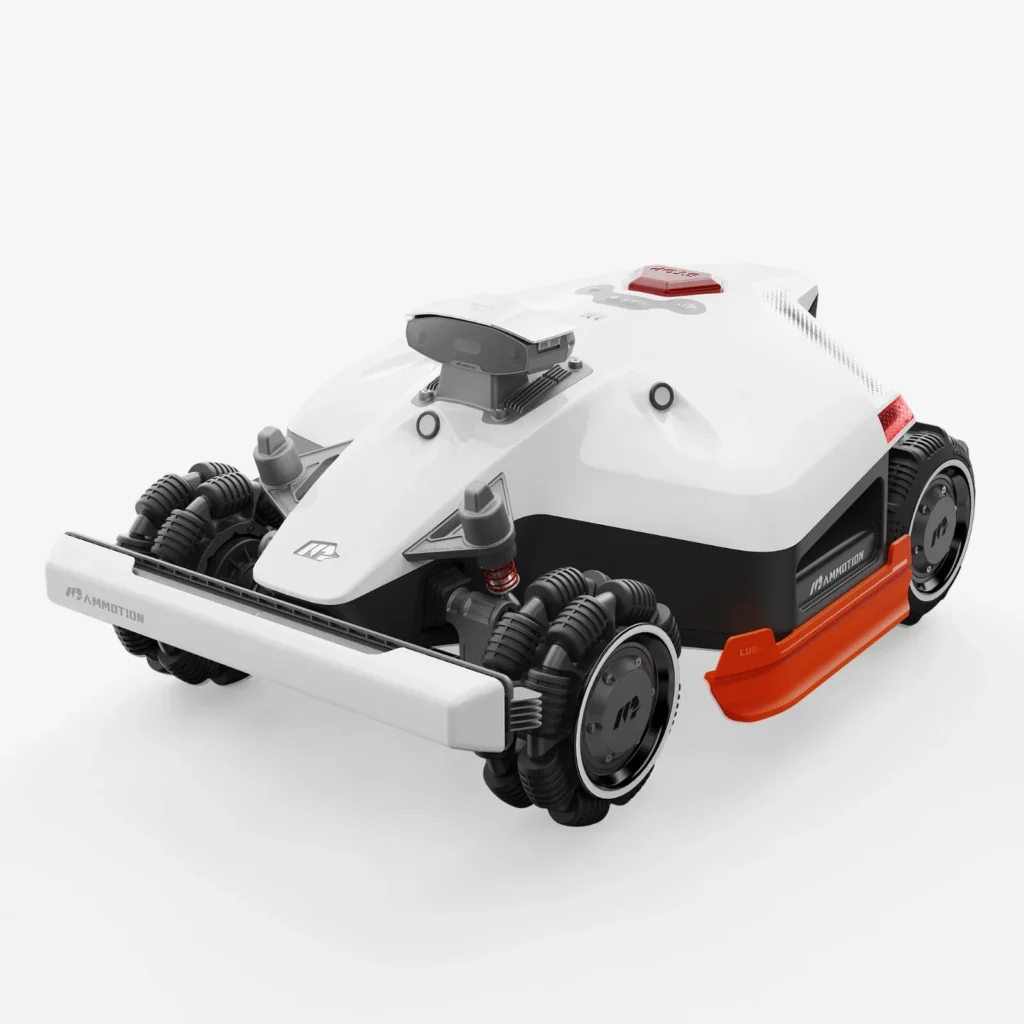
The mower is right in the middle of the lawn, the battery suddenly runs out, the app shows “stuck”, “RTK signal lost” or “front wheel lifted” – and instead of winding down for the day, it’s time for another rescue operation. This is exactly where it becomes clear whether a Mammotion LUBA 2 AWD, LUBA Mini AWD or YUKA Mini really fits your garden. On the data sheet, all three look impressive. But in the real garden, factors like slopes, roots, trees, Wi-Fi, app stability, edges, cleaning effort and, in case of problems, support matter.
Mammotion is especially known for wireless robotic mowers with lots of technology: all-wheel drive, RTK/GNSS navigation, vision support, app maps, multiple zones and, depending on the model, high area performance. That’s appealing to anyone who doesn’t want to lay a boundary wire. At the same time, many users report in forums that the biggest point of contention isn’t pure mowing performance, but rather software, connection dropouts, unexplained stops and sometimes a rather slow service process.
From a workshop perspective, you therefore need to make a clear distinction: Mammotion builds interesting robotic mowers, but at Messerscheibe24 we focus on the part that wears out regularly in everyday use – blades, cutting discs and mowing discs. If you already have a Mammotion mower or want to estimate the follow-up costs before buying, you’ll find, right at the start, a clear overview of suitable cutting discs for Mammotion robotic mowers, without having to fight through generic robot marketing.
Mammotion as a brand: lots of technology, lots of potential – but not stress-free for every garden
Mammotion positions itself between a classic premium claim and a technically powerful alternative to established brands. The robots are especially interesting for properties where a boundary wire is impractical: multiple lawn islands, driveways, pool areas, steep zones, varying cutting heights, and virtual no-go zones. In particular, LUBA 2 AWD has earned a reputation among many users for being able to handle even difficult areas—provided the setup and signal environment are right.
The downside: young, heavily software-driven systems often don’t show their weaknesses on the first day. In reviews and forums, problems show up after updates, after several weeks of mapping operation, in narrow passages, at the edges, when reversing back to the station, or when the grass is wet. Anyone expecting a cordless robot to run immediately like an old wire mower without any observation may be disappointed.
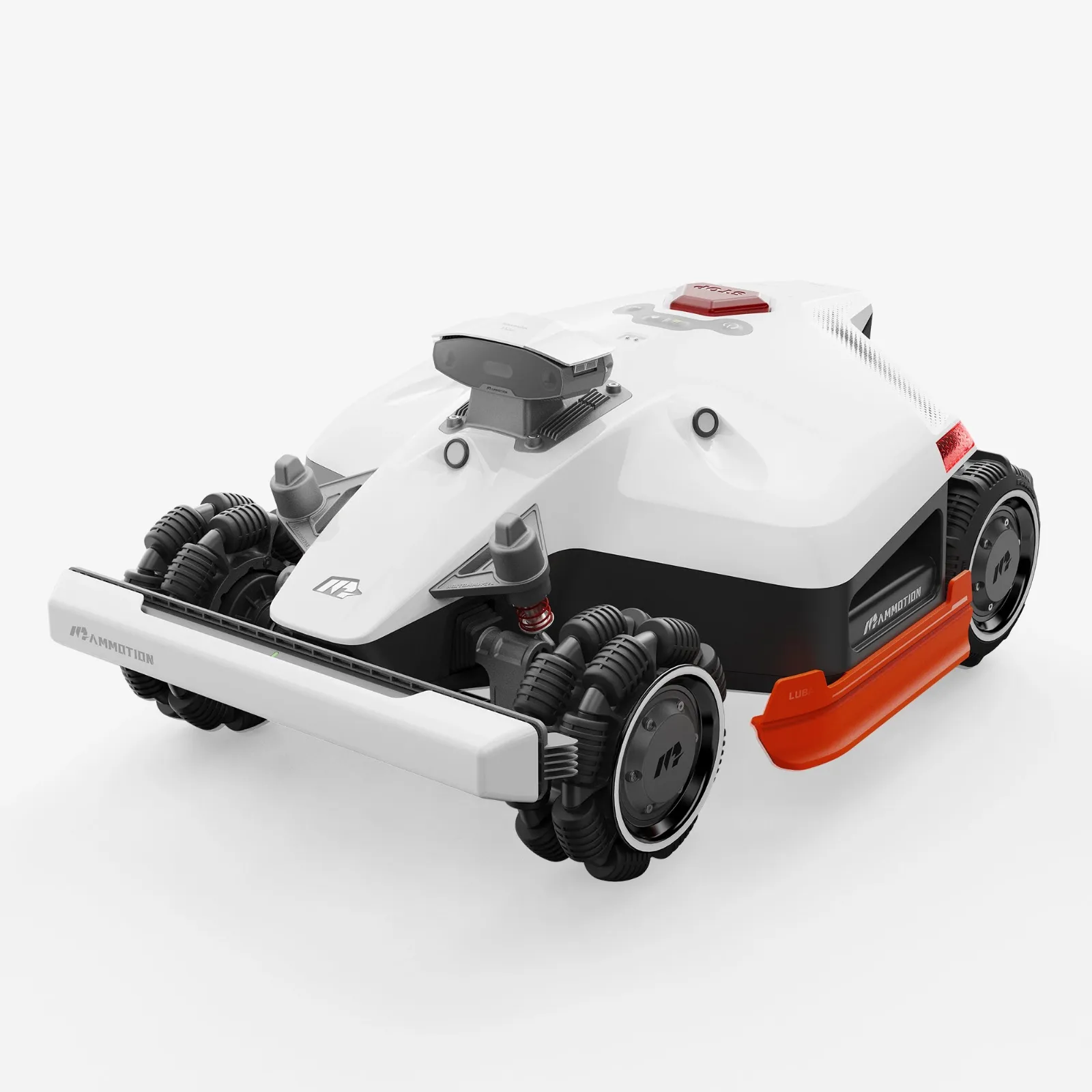
Mammotion LUBA 2 AWD, LUBA Mini AWD and YUKA Mini: Quick decision by garden type
The most important question is not: “Which Mammotion has the highest square-meter capacity?” The better question is: “Which robot will finish in my garden without constant rescuing?” A rectangular 800 m² lawn with open sky is easier than 350 m² with raised beds, roots, shadows, narrow passages, and poor Wi-Fi.
| Model series | Best suited for | Strengths in practice | Weaknesses from a user’s perspective | Workshop assessment |
|---|---|---|---|---|
| LUBA 2 AWD | large, steep, complex gardens | all-wheel drive, strong traction, high mowing capacity, multiple zones | RTK/GPS issues, app/firmware problems, weight when turning | strong when signal and layout fit; don’t buy blindly by m² |
| LUBA Mini AWD | small to medium gardens with slopes, roots, and uneven ground | more compact than LUBA 2, still AWD, better on unsettled terrain | possible 4G/eSIM, app, and support issues | often a more sensible choice than YUKA Mini if the lawn isn’t perfectly level |
| YUKA Mini | small, flat, simple gardens with a budget focus | interesting for simple areas, decent mowing performance per layout | “front wheel lifted,” edge problems, stuck messages, cleaning | good candidate for simple gardens; critical with roots and holes |
For large, steep, and complex properties, the LUBA 2 AWD is the obvious choice. For small to medium, but restless gardens with roots, edges, and a slight slope, user reports often describe the LUBA Mini AWD as more robust than the YUKA Mini. For small, flat, and well-maintained areas, the YUKA Mini may be enough—as long as you don’t expect miracles on raised beds, root edges, and narrow border strips.
Practical rule of thumb: It’s not the advertised maximum area that matters, but the buffer. Short mowing windows, zones, tall grass, long reverse drives, and signal pauses consume area faster than many buyers expect before the first mapping.
Which Mammotion problems do users report most often before buying?
Many users report that Mammotion mowers deliver a good cutting pattern “when they’re running” and save a lot of time. The criticism usually starts where the robot doesn’t reliably finish: the app loses connection, the map or zone is saved incorrectly, the mower stops without a clear reason, RTK reports errors even though the station remains unchanged, or after a firmware update the robot behaves differently than before.
The biggest recurring pain point is support. In forums, it’s often criticized that users have to submit logs, serial numbers, and proof of purchase multiple times, but don’t receive a clear technical diagnosis. Individual reports describe long repair processes, changing points of contact, and devices that continue to show problems after being returned. This doesn’t only affect one model line—it shows up with the LUBA 2 AWD, LUBA Mini AWD, and YUKA Mini.
The second big block is connection problems. RTK, GPS, WLAN, Bluetooth, 4G, and eSIM sound like convenience in the brochure. In the garden, trees, house walls, garages, metal fences, depressions, and poor router placement can turn troubleshooting into a challenge. Some users report GPS loss in open sky, others report short Bluetooth range or 4G connections that don’t stay active permanently.
On top of that, there are stops and manual rescue. For the LUBA 2 AWD, reports mention incorrect RTK errors, circular driving, digging up sensitive areas, and mowing tasks that aren’t completed. With the YUKA Mini, “stuck,” “tilt sensor,” or “front wheel lifted” appear more often, especially on uneven ground, around roots, or at small edges. With the LUBA Mini and YUKA Mini, users write that they sometimes have to move the robot physically instead of continuing it cleanly via the app.

LUBA 2 AWD in everyday use: strong for area and slopes, but not risk-free
The LUBA 2 AWD is the right Mammotion series for large areas, slopes, multiple zones, and properties where a standard 2WD robot loses traction. Satisfied users especially praise its ability to create complex gardens with a pool, paths, narrow areas, and hillside locations. The mowing pattern and time savings are also frequently mentioned positively.
But: AWD is traction, not a navigation guarantee. A LUBA 2 AWD can drive steeply and still get stuck with weak positioning, poor map logic, or faulty reverse travel. If you have many trees, high walls, narrow passages, or an unfavorable station position, you shouldn’t just look at motor performance, but also at clear visibility for RTK/GNSS, a stable app connection, and sensible WLAN/4G coverage.
In the workshop, when it comes to accessories, we mainly see two points: The LUBA 2 AWD works with high area performance, meaning blades and cutting discs wear out regularly. If you mow large areas or frequently operate in damp, dense grass, you shouldn’t plan the blade change only when the cut pattern turns gray and frayed. For users who want to equip both discs right away during service, a suitable 9-blade cutting disc for LUBA 2 AWD is particularly interesting, because the change then doesn’t have to be improvised in the middle of the season.
Typical weaknesses from a user’s perspective include fluctuations in the app/firmware, RTK error messages, unexplained stops, and occasional lawn damage caused by turning. Especially heavy AWD mowers can leave tracks or tear up patches on sensitive ground, in wet conditions, or when navigation errors occur. That doesn’t mean that LUBA 2 AWD is unsuitable—only that the strength “pulls through everywhere” in a small, soft ornamental lawn can also become a disadvantage.
Anyone who wants to dive deeper into variants, generations, and typical real-world issues will find a more detailed assessment of the large Mammotion all-wheel-drive models in the detailed LUBA AWD real-world comparison.
Practical rule of thumb: LUBA 2 AWD is worth it above all when there is truly space, slopes, and complexity. For small, sensitive gardens, the large AWD mower can bring more maneuvering work and ground pressure than would actually be necessary.
Is the LUBA Mini AWD the better Mammotion for small, difficult gardens?
Yes—if the garden is small to medium-sized, but not easy. For many users, the LUBA Mini AWD is the more interesting compromise: more compact than LUBA 2, but with all-wheel drive and better behavior on uneven ground than typical small 2WD mowers. In user reports, it’s mentioned particularly positively when roots, slight depressions, slope sections, or poor traction are present.
Compared to the YUKA Mini, the LUBA Mini AWD has a clear advantage in terms of the drive system. AWD and suspension help when the robot has to cross uneven ground or when a wheel is briefly unloaded. It doesn’t make it infallible, but the likelihood that it immediately reports “front wheel lifted” or “stuck” on small bumps is lower in such gardens than with a simpler drive concept.
Also with the LUBA Mini, the problems often aren’t in the blade, but in the app, connectivity, and software version. In forums, people report issues with 4G/eSIM, tasks that don’t run properly, and support loops. Anyone who relies on a LUBA Mini should not blindly let all automations run right after setup, but instead observe the first mowing cycles: start, zone changes, return trip, charging, and resuming after a pause.
When it comes to changing the blade, the Mini shows its practical side: the mowing area is smaller than with the LUBA 2, but uneven and rooty gardens still put more strain on the Klinge(s). If the blades regularly hit tough stems, small branches, or sandy areas, the cut pattern will start to look frayed more quickly. For a clean swap, a reinforced cutting disc for LUBA Mini AWD is worth it when the original disc is worn out or if the user wants to switch right away to a robust replacement part.
What matters is variant verification: Mammotion uses different names, equipment bundles, and navigation instructions depending on the generation and market. Before purchasing accessories, always check the type label, the model name in the app, the year of manufacture, and the firmware. Especially with Mini, Mini 2, LiDAR variants, or regional versions, you shouldn’t order based on product photos alone.
For users who are torn between the 800, 1500, and LiDAR versions, the honest LUBA Mini AWD practical guide offers more details on mowing area capacity, navigation, and typical problem spots.
YUKA Mini: ideal for simple areas – problematic with roots, holes, and edges?
The YUKA Mini is Mammotion’s solution for small, rather simple gardens. It’s a good fit when the area is manageable, flat, and easy to access, the sky isn’t strongly obstructed, and no difficult roots, steps, or intricate edges dominate. For this type of garden, users do report satisfactory operation.
Its weakness shows up where the lawn isn’t as clean as in the product photos. Many users complain about the YUKA Mini’s “front wheel lifted,” tilt errors, or getting stuck on roots and small uneven spots. Even relatively flat areas can become problematic if the ground is uneven, the front wheels are unloaded, or the robot positions itself unfavorably near the boundary.
When mowing along edges, you also have to be honest. In forums, the YUKA Mini is criticized more often for not cutting reliably enough near raised beds, obstacles, or walls at the edges and in corners. This isn’t just a Mammotion issue—every robotic mower needs space for the housing, wheels, and turning maneuvers. With the YUKA Mini, however, you should pay particular attention to whether lawn edges are actually drive-over friendly, or whether you’ll have to trim them again and again later.
From a cutting disc perspective, the YUKA Mini is not a maintenance-free small garden helper. Especially with small robots, dirty buildup happens quickly in wet grass and with a low mowing deck—dirt sticks around the blades. If you notice a poorer cutting pattern, increased noise, or uneven blades, you shouldn’t just check the app, but also clean the mowing disc and inspect the blades. For a planned seasonal change, a 9-blade cutting disc for YUKA Mini and YUKA Mini 2 is a good fit when the original mowing disc needs to be replaced or switched to fresh blade mounting.
Anyone comparing the YUKA Mini 500, 800, or YUKA Mini 2 should not confuse area coverage with everyday usability. More reserve helps with short mowing windows and denser grass, but it doesn’t solve front-wheel, edge, or signal problems. A detailed classification of issues, edge behavior, and blade care can be found in the YUKA Mini practical guide to edge issues and blade care.
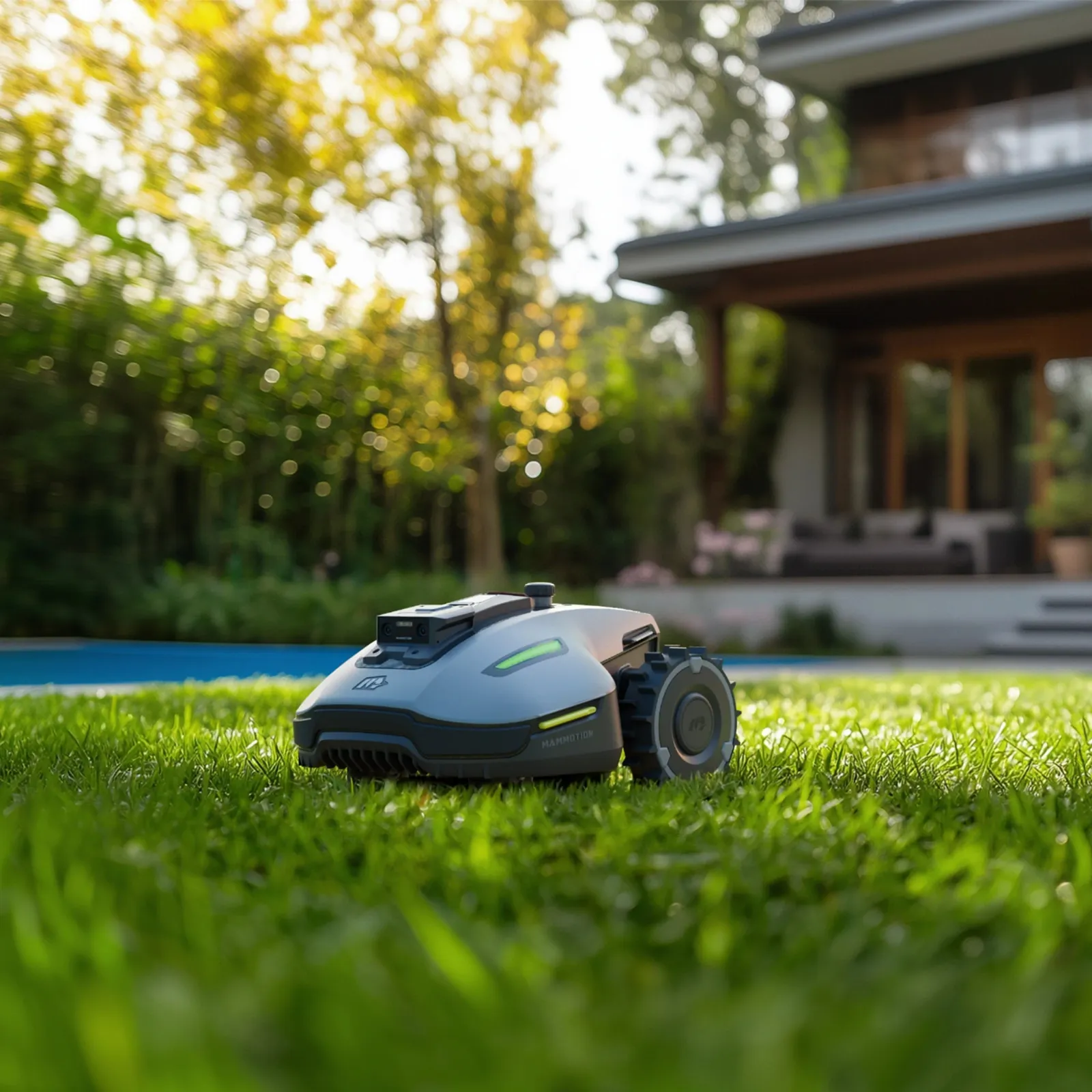
How reliable is Mammotion without a boundary wire with RTK, GPS, WLAN and 4G?
Wireless doesn’t mean worry-free. Mammotion works, depending on the model and generation, with RTK/GNSS, Vision, NetRTK/iNavi-like services, camera or LiDAR elements, and app maps. These systems replace the boundary wire, but they require good conditions: clear line of sight, a stable reference, clean maps, usable radio connections, and a station that isn’t placed in the worst corner of the garden.
In practice, trees, house walls, carports, metal fences, narrow “street canyons” between buildings, and long, narrow corridors are more critical than a simple square-meter count. A 500 m² garden with an open sky can be easier than 250 m² between a house wall, a hedge, and a playhouse. If the robot frequently shows “Positioning failed,” RTK loss, or incorrect location reports, it’s not automatically a defect in the mower—often you need to rethink the station, antenna, radio coverage, and mapping.
Bluetooth is usually intended only for close range and setup. WLAN helps with app communication around the home and the station. 4G/eSIM sounds like a solution for everything, but it depends on activation, coverage, plan/service status, and firmware. Some users report problems exactly here: the connection drops, the eSIM doesn’t work reliably, and support repeatedly asks for the same information. That’s why you should check before buying whether there is actually mobile reception on the property.
With LiDAR- or camera-based variants, another point comes into play: the sensors are mounted on top, i.e., where the sun and heat have an effect. LiDAR overheating, heated housings, or camera limitations don’t arise only from air temperature, but also from direct sunlight on the station and the device. A shaded station location and mowing times outside the midday heat are often more practical than simply looking at the weather app.
Practical rule of thumb: Without a wire, maintenance shifts from the cable to the surroundings. Station, antenna, shade, WLAN, 4G, clear line of sight, and map logic determine whether the robot finishes mowing or stops.
Maintenance, Cleaning, and Warranty: The underestimated part with Mammotion
Many buyers think mainly about setup and the app. After a few weeks, the real maintenance issues appear: wet grass in the mowing deck, blades of grass sticking to the cutting disc, dull blades, stiff wheels, dirty sensor areas, and updates you don’t want to install thoughtlessly. Especially with damp grass, mowing decks can get more clogged than you’d expect from the first dry test run.
In our tests with cutting disc blades, we pay particular attention to clearance, clean blade seating, and wear pattern. A dull blade tears stems rather than cutting them cleanly. After a few days, you can see this in the form of gray, frayed tips. Then the problem isn’t navigation—it’s simply the cutting edge.
For everyday use, a simple routine has proven effective: check the underside regularly, especially after mowing in wet conditions; make sure the blades rotate freely; don’t overtighten screws; and if you notice unusual noises, inspect immediately. If you send the robot into tall, sticky grass after every rain, you create more cleaning effort and increase wear on blades and mowing discs.
When it comes to updates, user opinions differ. Some install new firmware right away, while others wait a few days and read first-hand experience reports. From a practical standpoint, cautious update behavior is understandable: if the robot is running stably, you should document maps, zones, mowing times, and current settings before major updates. After the update, watch the first drive—don’t immediately let it process multiple zones unattended.
For warranty and support, it’s worth taking a sober look at the purchase path. Due to recurring criticism about communication times and repair processes, users often recommend dealers with a clear return and warranty handling process. This doesn’t solve technical problems, but in a serious case it can make the difference between waiting for weeks or having a clear point of contact.
Frequently asked questions
Which Mammotion is the best for slopes and uneven ground?
For slopes and uneven ground, LUBA 2 AWD and LUBA Mini AWD are the better candidates, because all-wheel drive and the suspension concept provide more reserves. LUBA 2 AWD is a better fit for large, steep areas, while LUBA Mini AWD is better suited to smaller, rooty or hilly gardens. The YUKA Mini should be checked much more critically for unevenness.
Is the YUKA Mini enough for 300 m²?
Yes, for 300 m² the YUKA Mini can be sufficient if the area is flat, simple, and easily accessible. With roots, holes, raised beds, narrow edges, or many obstacles, the LUBA Mini AWD is often the safer choice. The square meter figure alone says little about small gardens.
LUBA 2 AWD or LUBA Mini AWD for 800 to 1500 m²?
For 800 to 1500 m², the layout is what matters: large open areas and steep inclines speak more for LUBA 2 AWD, while difficult smaller zones with roots are more likely to call for LUBA Mini AWD with sufficient area reserve. If the mowing window is short or long return trips are required, you shouldn’t plan right at the upper limit of the manufacturer’s stated specifications.
What to do with poor Wi-Fi or many trees?
With poor Wi-Fi and many trees, you should critically evaluate Mammotion before buying and not simply place the station in the most convenient corner. Clear line of sight, mobile reception, router position, the RTK location, and narrow passages must all work together. If the garden is heavily shielded, a wireless robot may require more setup work than expected.
Should you install Mammotion firmware updates right away?
No, if the robot runs stably, waiting is often more sensible than installing an immediate update on the first day. Before major updates, you should document maps, zones, and schedules, and then observe the first drive afterward. Some users report improvements, while others report new problems after software updates.
Conclusion: Which Mammotion fits which garden?
The LUBA 2 AWD is the right choice for large, steep, and complex properties, as long as the signal environment, the station, and radio coverage are planned properly. It’s not a small comfort mower, but a powerful AWD robot with a lot of potential—and correspondingly more weight, maneuvering needs, and software dependency.
The LUBA Mini AWD is the most interesting middle ground for many private gardens: small enough for typical properties, but with AWD reserves for roots, slopes, and uneven or unstable ground. If you don’t have a perfect carpet lawn, you should check it rather than the YUKA Mini.
The YUKA Mini fits best for small, simple, and flat areas. As soon as edges, roots, bumps in the ground, and narrow obstacles come into play, user reports start to accumulate with the typical messages like “stuck,” “front wheel lifted,” or an unsatisfactory edge cut.
Our advice from the accessories and workshop perspective: Mammotion can work very well when the garden and the model match. But don’t buy based on maximum area—buy based on the problem areas in your garden. And plan from the start for blade changes, cleaning, updates, and support cases.
Comments