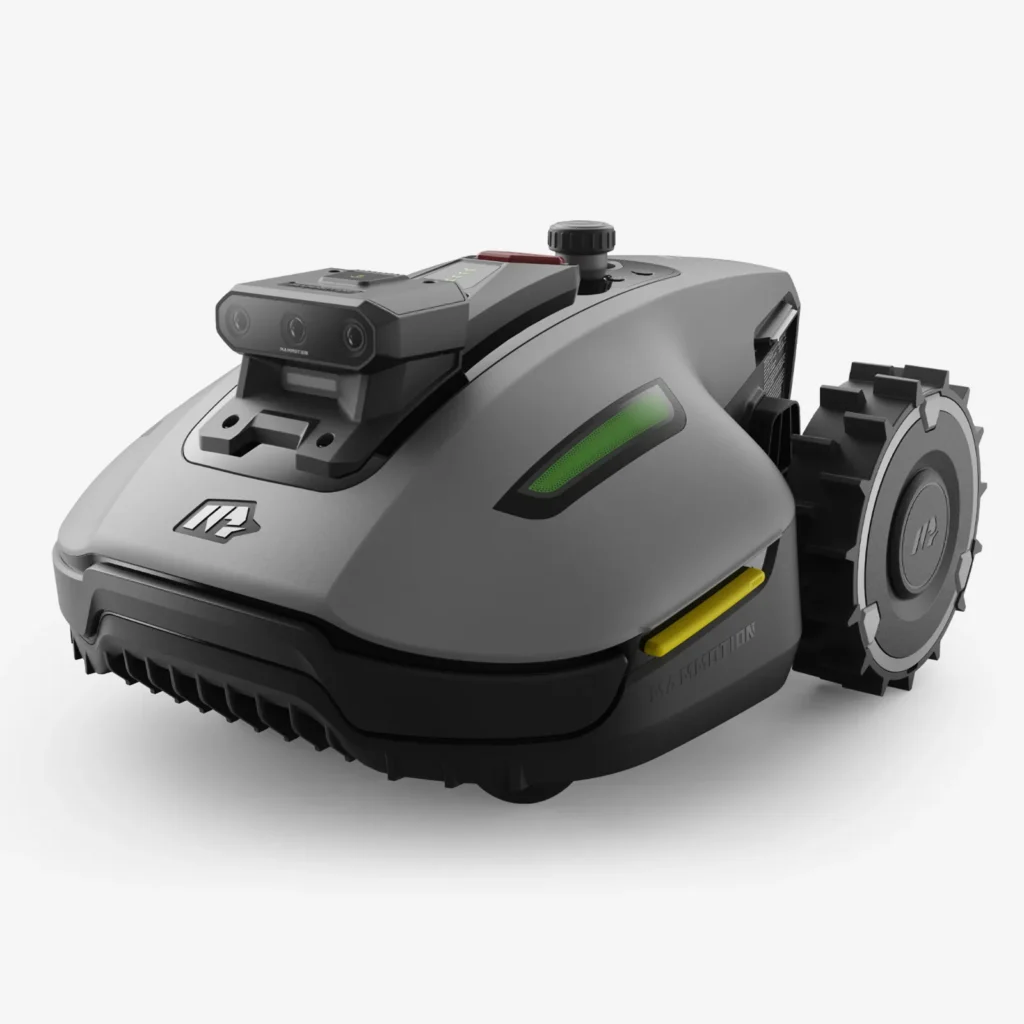
The Mammotion Yuka Mini models primarily appeal to garden owners who do not want to lay boundary wire and are looking for a compact lawn mower for smaller to medium-sized lawns. On paper, this sounds very attractive: virtual boundaries, automatic mapping, systematic mowing, app control, and depending on the generation RTK, Vision, NetRTK, or LiDAR. In simple gardens, this can work very well.
However, the Yuka Mini series should not be viewed like a classic wire robot that simply stays within a cable. Many users report in forums, Reddit discussions, and reviews of very good results on flat, clearly defined lawns, but also of stops, positioning issues, sensitive obstacle detection, update frustration, and edges that need reworking. This article therefore separates manufacturer data from what often happens in real gardens.
Important for Messerscheibe24: This is not about selling lawn mowers, but about practical classification, maintenance, and blade technology surrounding Yuka Mini and Yuka Mini 2. Especially with these compact models, clean blades, a suitable cutting disc, and a well-maintained underside often determine whether the cutting pattern remains calm and even or whether the robot runs unnecessarily long.
Yuka Mini vs. Yuka Mini 2: What models are there and who are they intended for?
The older Yuka Mini variants 500, 600, 700, and 800 are primarily designed for small to medium-sized lawns. The number in the model name roughly describes the area class, but it is not a guarantee that the robot can comfortably handle this area in every garden. A rectangular, open 500 m² lawn is something completely different than 500 m² with narrow passages, trees, play equipment, flower beds, slopes, and multiple zones.
The Yuka Mini 2 is often discussed in the classes 500, 800, and 1000. The Mini 2 500 and Mini 2 800 receive particularly positive feedback regarding easy setup, systematic mowing patterns, and features like DropMow. At the same time, typical problem areas also arise here: virtual boundaries, edges, battery range, app logic, and stops due to wheel or position notifications.
The most important difference lies in navigation. The older Yuka Mini generation is more strongly associated in user reports with RTK/GPS/satellite issues, weak signals, and station-related topics. The Mini 2 models rely more on camera/vision or LiDAR/vision concepts, depending on the variant. This reduces some RTK-typical problems but does not automatically make the robot immune to shadows, unclear lawn edges, dark border areas, flower beds without clear boundaries, or software errors.
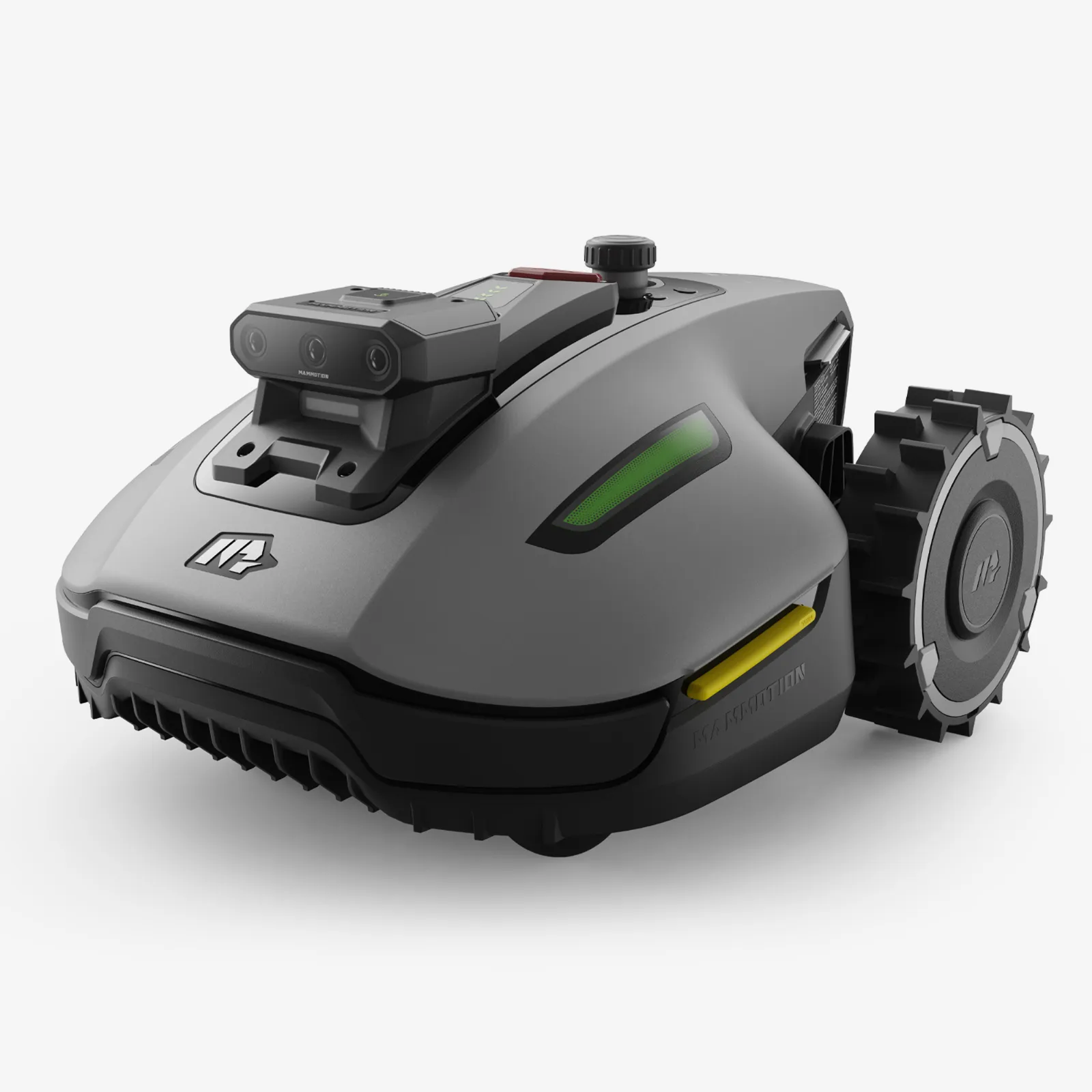
Key data in practice
| Model | Area Class | Navigation | Strengths | Weaknesses from User Reports | Practical Assessment |
|---|---|---|---|---|---|
| Yuka Mini 500 | up to approx. 500 m² | wireless, depending on version RTK/GPS/Vision support | compact, interesting for simple small areas | weak GPS, station/position issues, update risks | more suitable for open 250–350 m² with few obstacles |
| Yuka Mini 600 | up to approx. 600 m² | wireless, older mini platform | good area reserve compared to 500 | obstacle detection sometimes too sensitive, firmware frustration | solid with simple layout, critical in shadows and narrow spots |
| Yuka Mini 700 | up to approx. 700 m² | wireless, older mini platform | interesting for medium-sized areas | front-wheel-lifted reports, front wheel wear | only recommended on smooth, well-prepared surfaces |
| Yuka Mini 800 | up to approx. 800 m² | wireless, depending on market/version with RTK/Vision concept | more battery and area reserve | satellite signal weak, wheel stops, charging/battery issues | realistic for 500–600 m² if the garden is not too convoluted |
| Yuka Mini 2 500 | up to approx. 500 m² | Mini-2 navigation with Vision/iNavi depending on version | easy setup, good cutting pattern, DropMow | virtual boundaries and position issues in individual cases | good candidate for small, clear lawn areas up to about 300–400 m² |
| Yuka Mini 2 800 | up to approx. 800 m² | Triple-Camera/Vision, depending on version without RTK station | quiet, systematic, good mowing pattern, easy mapping | edges, battery on large areas, slopes, app mixed | often more reasonable for 400–600 m² than for true 800 m² |
| Yuka Mini 2 1000 | up to approx. 1000 m² | LiDAR/Vision depending on version | more reserve, interesting for larger simple areas | even fewer independent long-term experiences visible | exciting, but check support, firmware version, and spare parts before purchase |
My practical advice: Do not buy exactly according to the maximum manufacturer area. If your garden is winding, has several separate zones, narrow passages, or significant slopes, plan for at least one model class larger. User reports repeatedly show: 200 m² are usually uncritical, 350 m² can seem tight in an unfavorable garden, and a true 800 m² is not automatically relaxed for the Mini 2 800.
The biggest user problems: Front wheel errors, stops, and “Front Wheel Lifted”
The most noticeable problem in many user reports is the message “front wheel lifted,” “wheel suspended,” or similar to “wheel raised.” The robot then stops, even though the lawn looks flat to the owner. Some users describe stops every few minutes, while others have to manually restart the mower or move it just a few centimeters for it to continue working.
Models mentioned include Yuka Mini 700, Yuka Mini 800, and mini models in general. The causes can vary: small front wheels, stiff wheel suspension, dirt, grass clippings, roots, small holes, soft ground, or overly sensitive sensors. Particularly frustrating is that some users report the mower ran well at first and only started stopping significantly more often after weeks or a season.
From a service perspective, I would not immediately assume a total loss with this error message. First, the robot should be turned off and safely laid on its side. Then check the front wheels, forks, axles, suspension, mowing deck, and underside. Wrapped grass, wet mulch, small branches, or sand can be enough to distort wheel movement.
Practical Checklist for “Front wheel lifted”
- Turn the front wheels by hand: do they run freely or are they stuck?
- Move the wheel suspension: does it rebound smoothly?
- Clean the underside: especially around the blade disc, wheel axles, and sensor areas.
- Mark uneven areas: roots, depressions, and hard lawn edges are typical triggers.
- Designate problem areas as no-go zones if the robot regularly gets stuck there.
- Reduce driving speed if the app allows this setting.
- In case of recurring errors: check the front wheel assembly, bearings, and support case.
Many users mention cleaning, carefully lubricating moving parts, and mitigating critical lawn edges as workarounds. Lubricants should be used sparingly and not applied to blades, sensors, or drive surfaces. If the front wheel bearings are already worn or a wheel has noticeable play, maintenance or replacement is more realistic than endless readjusting in the app.
Important: Dull or blocked blades do not directly cause the front-wheel-lifted message, but they can increase the mowing resistance. When the robot works through thick, wet grass, vibrates more strongly, or struggles longer in one area, the load on the drive and sensors increases. Therefore, it is worthwhile to regularly check the blades and cutting disc for Yuka Mini and Yuka Mini 2. Those who want more cutting area and protection against blade jamming can find, for example, a cutting disc with 6 blades and protection for Mammotion Yuka Mini and Yuka Mini 2.
Navigation without boundary wire: How reliable are maps, boundaries, and no-go zones?
Wireless navigation is the main reason why many buyers choose the Yuka Mini. No boundary wire, no search cables, no torn lawn edges – that sounds like quick installation. In practice, however, the reliability strongly depends on whether the garden is well-readable for optical or satellite-based navigation.
In older Yuka Mini models, user reports frequently mention terms like “Weak GPS signal,” “weak satellite signal,” misaligned maps, station not found, or loss of position. Typical triggers are house walls, tall hedges, trees, narrow corridors, metal fences, roofs, balconies, or a poorly placed station. If the robot suddenly sees the station misaligned on the map, it can still misinterpret well-defined boundaries.
With the Mini 2, the problem area shifts. Camera, vision, and LiDAR systems require recognizable structures. A flat transition from lawn to dark bed, shadows from trees, wet leaves, round beds without clear edges, or bright paths can complicate detection. Many users praise the mapping, but there are also reports of missed areas, violated bed boundaries, or virtual boundaries that are not always respected accurately.
Prepare station, map, and boundaries cleanly
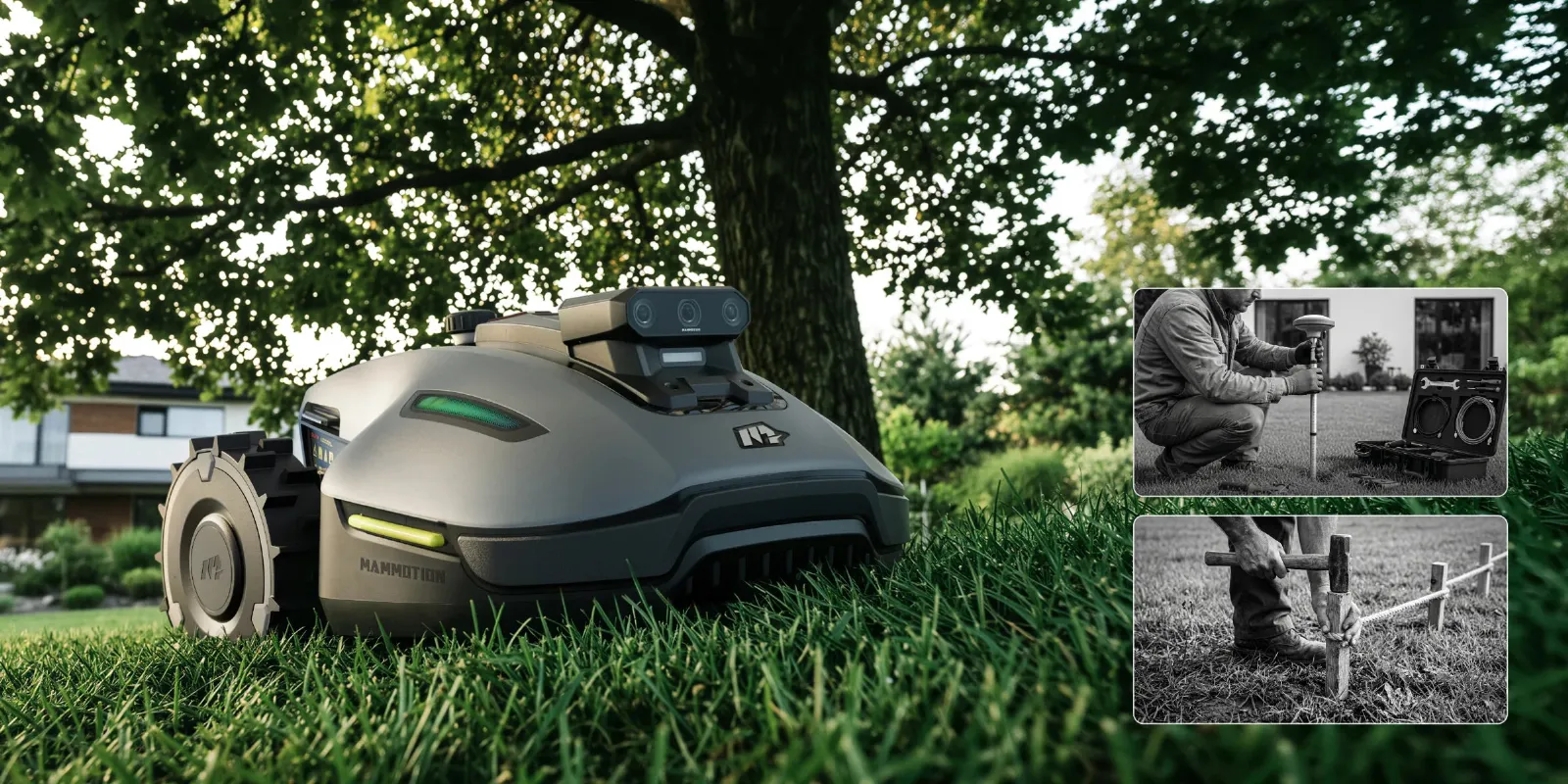
For RTK/GPS-near systems, the location of the station is crucial. A station under an eaves, directly against a wall, next to a tall hedge, or under tree canopies is risky. Typical symptoms include GPS loss, track offset, interruption of the mowing task, or a robot that cannot find the station cleanly.
For vision and LiDAR models, open boundaries should be prepared before mapping. A bed without a clear edge needs a virtual boundary or no-go zone. Dark edges, mulch areas, and flat paths should not simply be left to the robot. Those who expect the Mini 2 to automatically recognize every unclear garden logic correctly will be disappointed more quickly.
A good process is: first place the station cleanly, then check the app and firmware, subsequently map the main area, then set No-Go zones, and only lastly add complex side areas. After each major firmware update, one should observe the first mowing trips. Several users report that updates have changed navigation, obstacle detection, or map positions.
Edges, unmowed strips, and touch-ups: What buyers should realistically expect
Edges are a weak point for many robotic mowers, but particularly important for the Yuka Mini and Mini 2, as users often expect a very clean, modern solution due to the wireless navigation. Reviews of the Mini 2 800 frequently praise that the cutting pattern on the area is neat. At the same time, it keeps coming up: It does not do the edges perfectly.
The reason is structurally simple. The mowing deck is not positioned all the way at the edge of the housing, but rather more in the middle. For the blade to reach the edge of the lawn, the robot would need to be able to drive over the edge. This works well on level curbs, paved paths, or wide mowing edges. However, it leaves a strip when it comes to walls, fences, raised beds, steps, or gravel edges.
Those who want to minimize manual work should prepare edges structurally. Ideal are level curbs with sufficient drive-over width. If the robot is only allowed to drive up to a wall, touch-ups with a trimmer or scissors are inevitably required. Also, No-Go zones can unintentionally create large unmowed islands if they are drawn too generously.
The blade technology indirectly influences the cutting pattern. Sharp, freely rotating blades cut cleaner and reduce grass blades that are merely flattened instead of cut. In denser grass or when mowing less frequently, a 7-blade cutting disc for Mammotion Yuka Mini and Yuka Mini 2 can help maintain a more even cutting pattern. However, it remains important: A better cutting disc does not replace a missing edge of passage.
Battery and Area Performance: Why 500, 800, or 1000 m² do not always mean actual usable area
The model number is clearly indicative, but it is only a guideline. A Yuka Mini 2 800 is not automatically the perfect choice for every 800 m² garden. Reviews critically address this very point: Under real conditions, multiple zones, denser grass, and longer routes to the station can cause the battery to drain faster than expected.
One user stated that even a relatively small area could consume a significant portion of the battery charge and around two hours of runtime. This does not mean that every Mini 2 800 is too weak. However, it shows that the area specification should not be understood as “daily comfort area under all conditions.”
More charging cycles also mean more time, more returns to the station, and more chances for navigation errors. If the robot has to pass through a narrow passage on the way to the charging station, where GPS or vision briefly falters or the wheels slip on wet ground, a seemingly small battery issue can quickly become an everyday problem.
Practical rule for sizing
- Up to 250 m² simple lawn: Yuka Mini 500 or Mini 2 500 may fit.
- 300–500 m² with clear edges: Mini 2 800 often offers more reserve.
- 500–700 m² winding: better not to buy too close, check Mini 2 1000.
- 800–1000 m² really complex: only with plenty of reserve, good station, and patience during setup.
- Many zones, inclines, and long return paths: significantly adjust manufacturer area downwards.
The blades also play a role here. Dull blades increase energy consumption because the robot tears grass blades and has to pass over spots multiple times. Check blades every two to four weeks depending on growth and replace them if frayed, rusty, bent tips, or noticeably rough running. For users who desire a particularly fine cut and high cutting frequency, a 9-blade cutting disc for Mammotion Yuka Mini and Yuka Mini 2 is an interesting option.
Inclines, unevenness, and small wheels: For which gardens is the Yuka Mini unsuitable?
Manufacturer specifications for inclines look impressive in brochures. In practice, one must distinguish between a short, dry, even ramp and a real garden slope with roots, holes, wet soil, and lateral tilt. This is exactly where several critical user reports come into play.
Some buyers complain that advertised slope values are not reliably achieved. Particularly 35–38% inclines can be problematic depending on the ground, even when additional spikes are mounted. This is plausible: small front wheels, changing ground traction, and sensors that detect a lifted wheel are not an ideal combination for rough slopes.
Gardens with many roots, holes, molehills, soft soil, deep ruts, heavily washed-out edges, or very narrow bumpy passages are unsuitable. Tight curves on the slope are also critical. The robot must navigate, steer, maintain traction, and interpret the map cleanly at the same time.
Before purchasing, one should honestly walk over their own lawn. If you regularly trip while walking, if children’s vehicles leave deep tracks, or if a wheelbarrow slips on the slope, a compact robotic mower will also struggle. In such cases, it is more helpful to level problem areas and soften edges than to readjust the app every week later.
App, Firmware, and Support: What users should know before buying
The app is rated differently. Many users find setup, mapping, and operation easy to understand. Others find the menus nested, the instructions sparse, or wish for more adjustment options. Especially with multiple zones, virtual boundaries, and obstacle settings, a bit of patience is required.
Firmware updates are a topic in itself. Forums repeatedly warn against blindly installing updates on the first day. After updates, more sensitive obstacle detection, poorer navigation, map jumps, station offsets, and even trips outside the planned area are mentioned. This may not affect everyone, but it is common enough to be cautious.
My recommendation: Before an update, check if other users with the same model are already reporting issues. After the update, do not start the robot unattended at critical boundaries. First, let it operate in a small zone, check the map, inspect the station, and then reactivate the normal mowing schedule.
Support experiences are also mixed. There are satisfied users, but also significant complaints about long wait times, generic responses, unclear repair processes, and missing replacement devices. In cases of water or moisture damage, camera/vision problems, and charging issues, one should document early: secure photos, videos, error codes, app screenshots, and the date of the firmware version.
Maintenance of Blades, Blade Disc, and Undercarriage
Yuka Mini and Yuka Mini 2 operate with small, freely moving blades. This design is quiet and efficient, but only if the blades can swing freely and remain sharp. Moist cutting material, sand, resin, dirt, and small stones tend to accumulate around screws and the blade disc.
A typical maintenance schedule looks like this: check the underside every one to two weeks, check the blades every two to four weeks, and clean more frequently in case of high growth. Blades should not only look sharp but also move freely. If a blade gets stuck, it causes imbalance, the cutting quality worsens, and the mower sounds louder.
When changing, always replace all blades of a level evenly and do not overtighten screws. After contact with stones or if the robot suddenly vibrates, stop immediately and check the underside. A damaged blade disc is not just a cosmetic issue but can affect bearings, motor, and cutting quality.
Frequently Asked Questions
Is the Yuka Mini 2 500 or 800 sufficient for my actual lawn area?
For simple, open areas, yes. For winding gardens, many zones, slopes, or long paths to the station, you should size up generously. For actual 800 m², the Mini 2 800 is only relaxed if the garden fits very well to its conditions.
What to do when “Front wheel lifted” or “wheel suspended”?
First, clean the front wheels, wheel suspension, and underside. Then look for problem areas in the lawn: roots, holes, hard edges, soft ground. If the error occurs at the same spot every time, a small terrain correction or no-go zone often helps. If there is play in the wheel or a sticking suspension, the component should be checked.
Should firmware updates be installed immediately?
Not necessarily. Many users wait a few days and observe feedback from other owners. After each update, the first ride should be checked, especially at beds, road edges, open borders, and narrow passages.
How well does the Yuka Mini edge?
On level curbs, it performs well, limited by walls, fences, and raised beds. Due to the non-external mowing deck, a strip is left uncut without the possibility of driving over it. Those expecting perfect edges must prepare structurally or do touch-ups.
Can the Yuka Mini handle steep slopes?
Only under good conditions. A dry, firm, even slope is significantly easier than wet, uneven grass with roots. User reports show that advertised maximum values are not always achievable in everyday use.
Conclusion: Buy Yuka Mini or prefer an alternative?
Yuka Mini 500, 600, 700, 800 and Yuka Mini 2 500, 800, 1000 are exciting robotic mowers for users who want to mow wirelessly and are willing to deal with apps, maps, and boundaries. On simple, flat, well-prepared lawns, they can deliver a very clean, systematic cutting pattern. Especially the Mini 2 500 and Mini 2 800 are often positively mentioned for their setup, quiet operation, and mowing pattern.
However, they should not be purchased as a carefree solution for every garden. Common user issues include front wheel stops, weak GPS or positioning errors in older Mini models, virtual boundaries, sensitive obstacle detection, edge strips, limited battery reserves, and firmware troubles. Those with many roots, steep slopes, unclear bed boundaries, or very complex zones should critically assess whether a different navigation concept would be a better fit.
For owners, the rule is: Good preparation and maintenance make a big difference. Place the station sensibly, create the map cleanly, check updates carefully, plan edges realistically, and change the blades regularly. Then the YUKA Mini has the best chance of not becoming a daily app project, but reliably doing what it was purchased for: mowing quietly, evenly, and as autonomously as possible.
Tip: You will find all matching replacement blade discs and mowing plates for Mammotion in our overview: Blade discs for Mammotion.
Comments