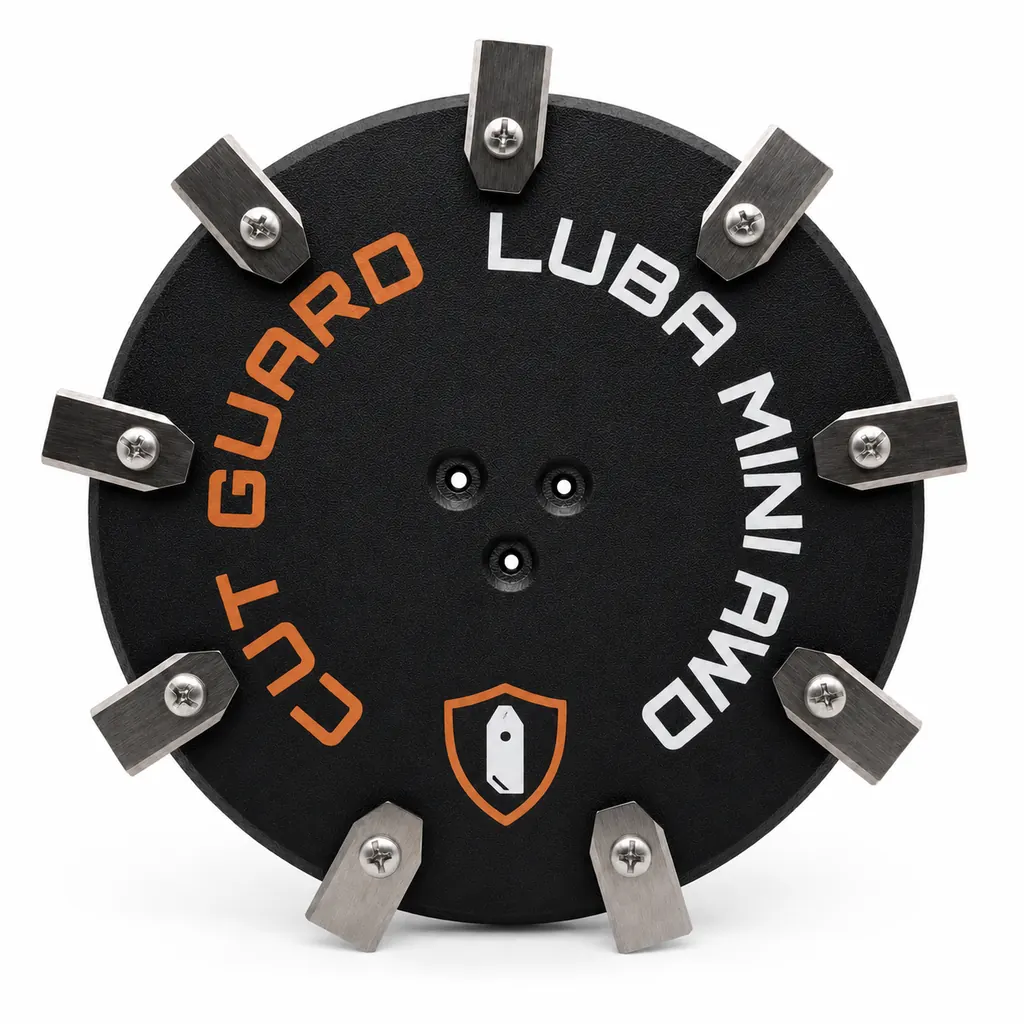
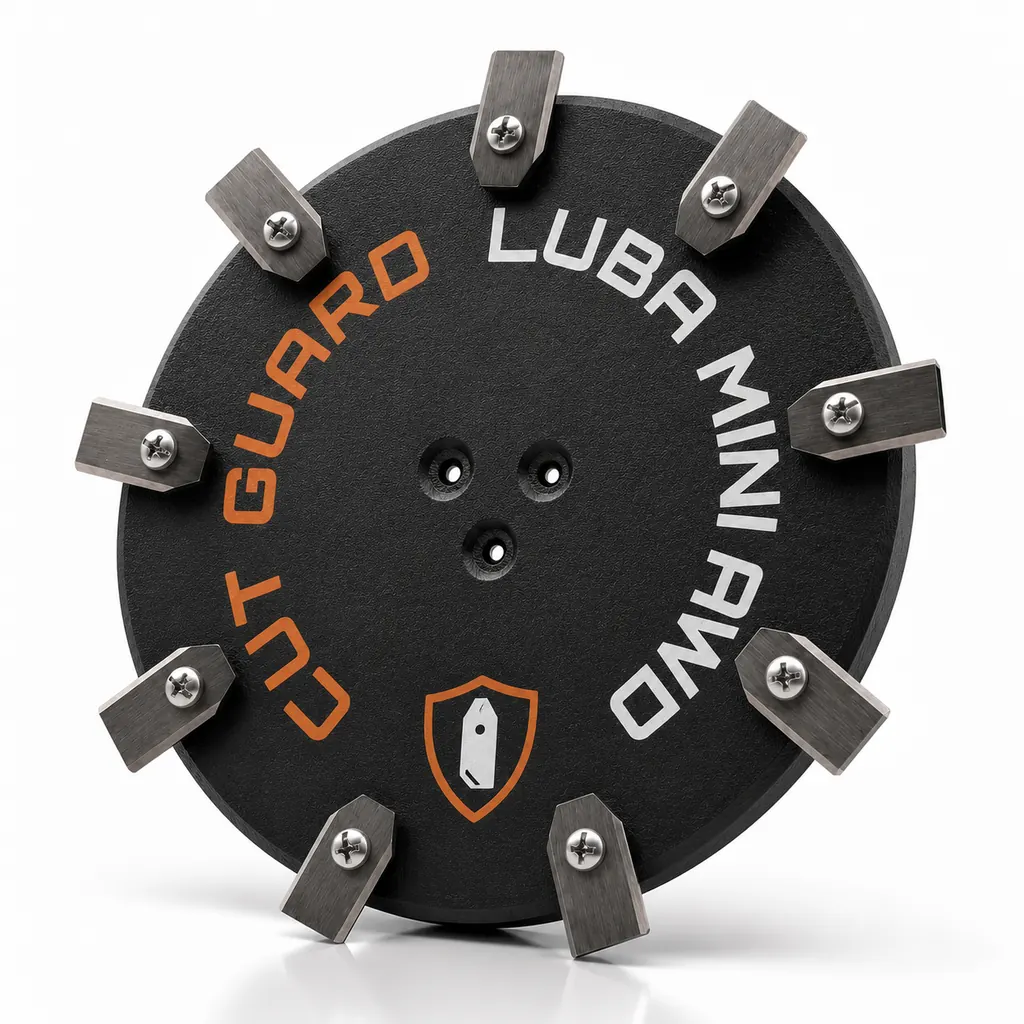
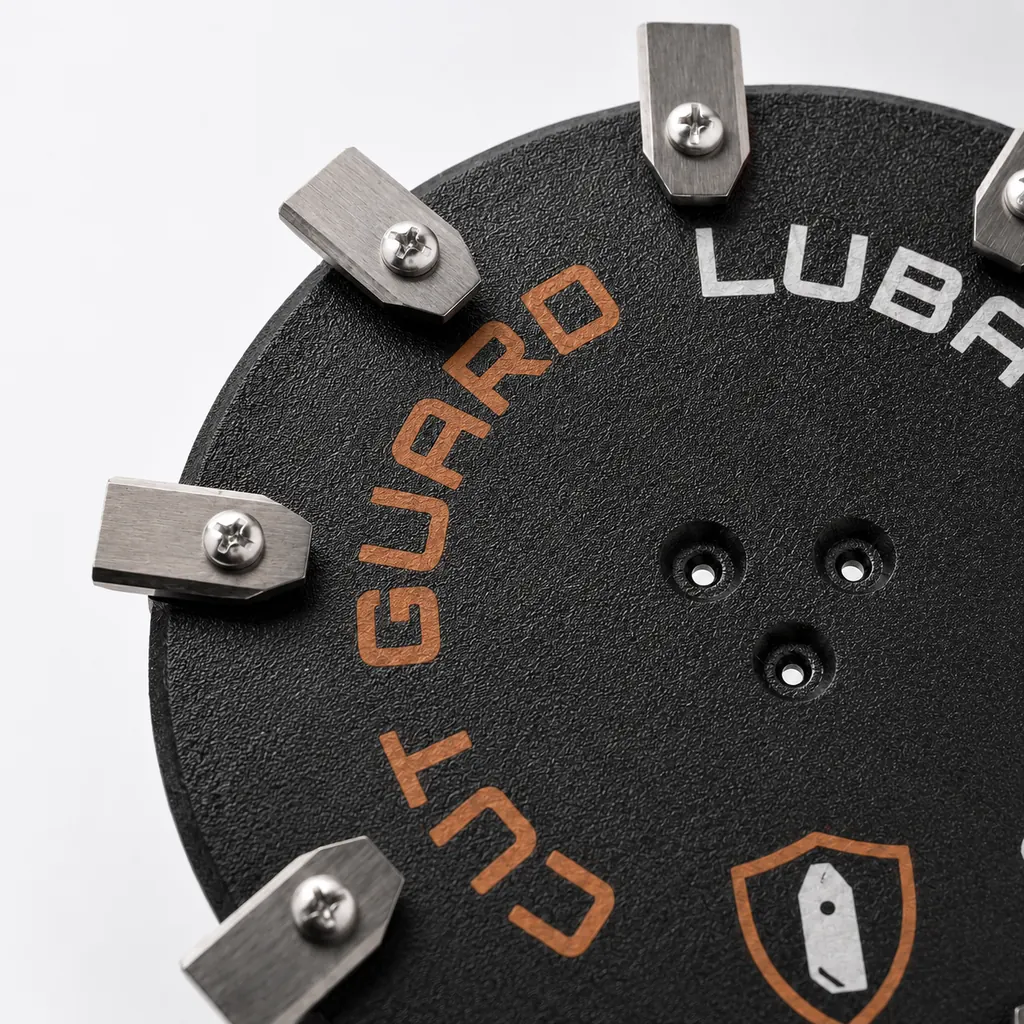
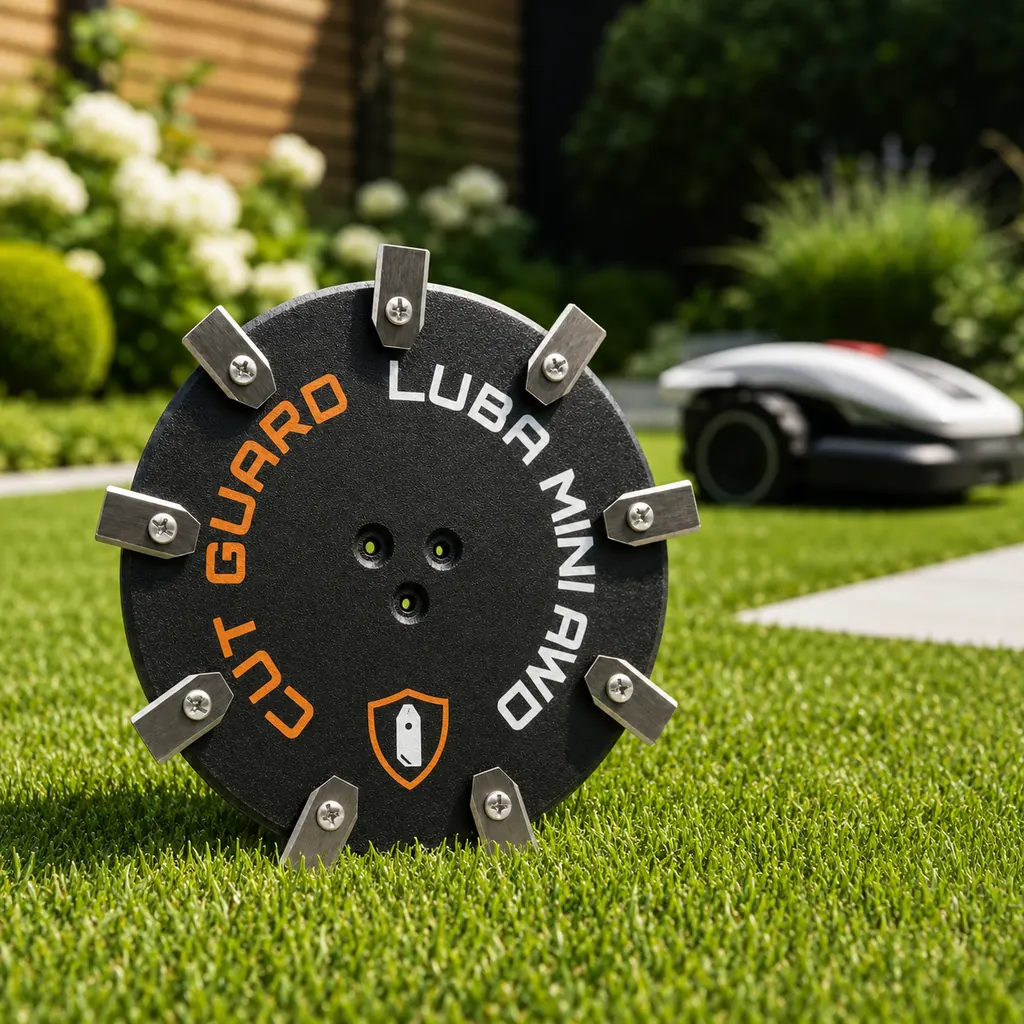
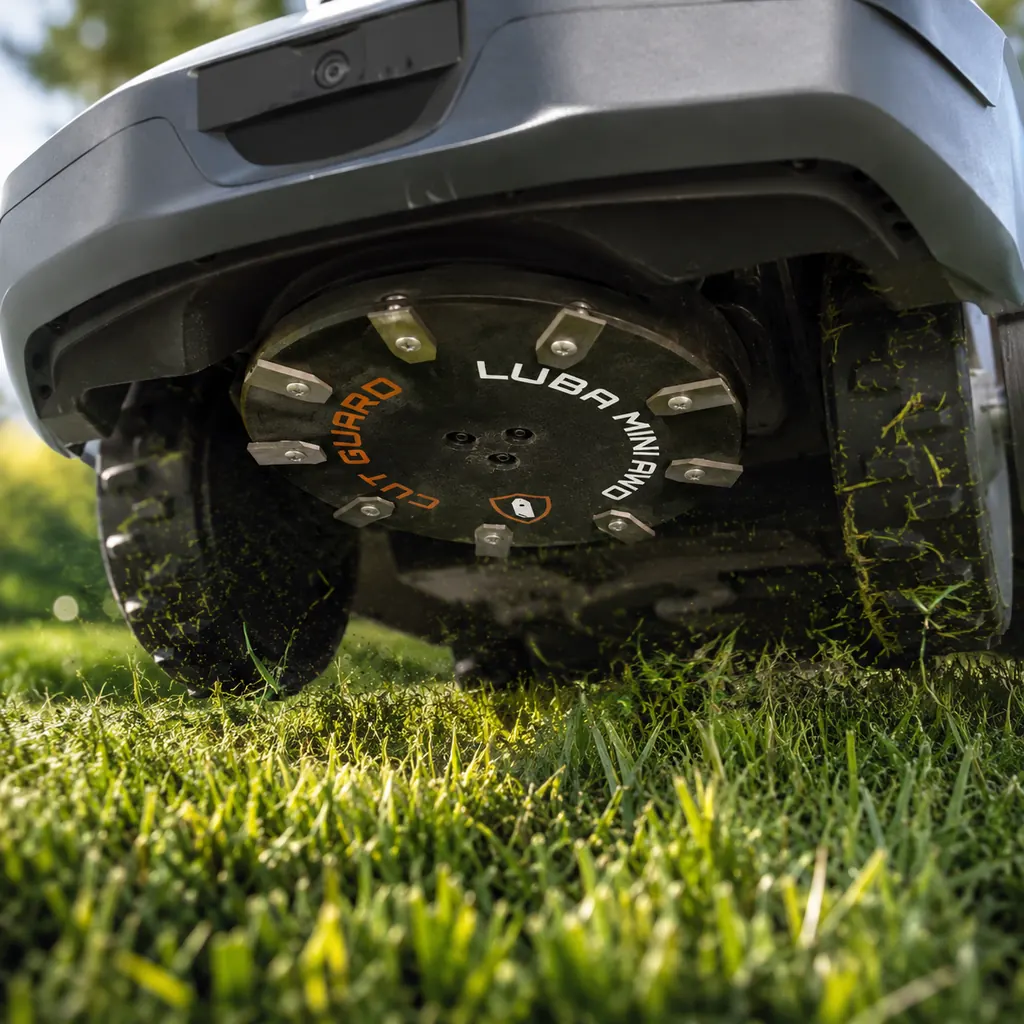
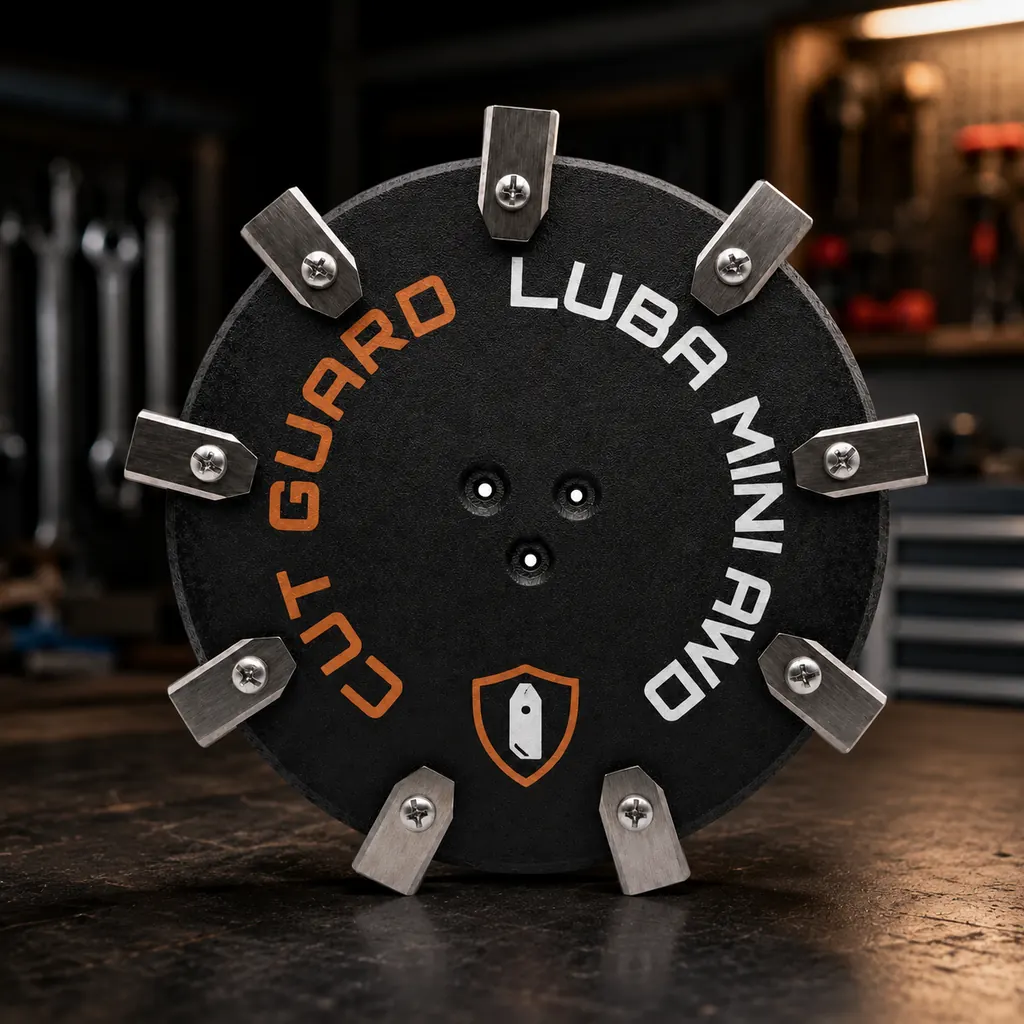
9-Blade Cutting Disc for Mammotion LUBA MINI AWD & LUBA Mini 2 AWD – Robotic Lawn Mower Cutting Plate / Blade Plate
- 9-Blade Cutting Disc for Mammotion LUBA MINI AWD & LUBA Mini 2 AWD Robotic Lawn Mower
- Also suitable as a robotic lawn mower cutting plate, blade plate, or cutting disc
- With 9 blades for a clean, precise, and even lawn cut
- Durable and safe solution as a replacement blade plate in case of wear or damage
- Ideal for maintenance, repair, and reliable lawn care during the mowing season
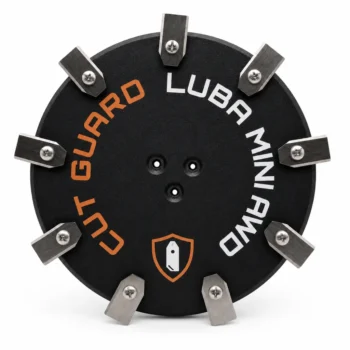
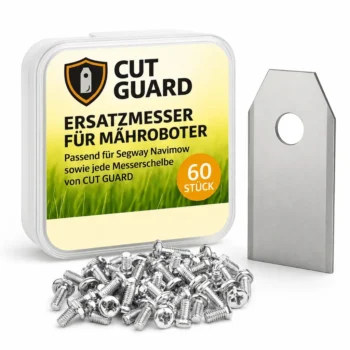
incl. 7 blades
+
Compatibility – Mammotion
Fits the following robotic mowers:
- ✓ LUBA MINI AWD
- ✓ LUBA Mini 2 AWD
As soon as your Mammotion LUBA MINI AWD or LUBA Mini 2 AWD suddenly starts cutting more sluggishly, this 9-blade cutting disc gets your cut back up to speed.
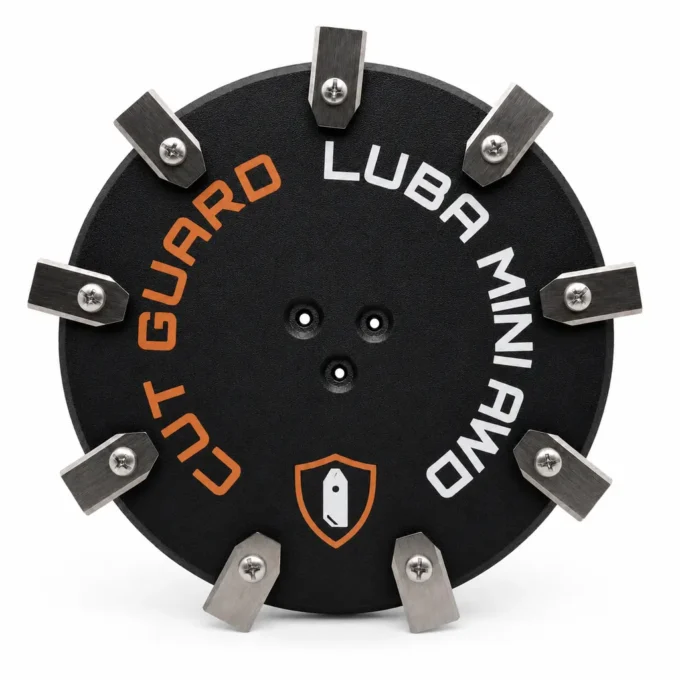
From torn-up to well-groomed lawn
Dull blades tear the grass rather than cutting it cleanly—this is immediately visible in uneven cut edges and longer mowing times. With every use, the factory blades lose a bit of sharpness—eventually, you can clearly see it on the lawn. With the 9-blade cutting disc for Mammotion LUBA MINI AWD & LUBA Mini 2 AWD, you restore cutting performance and give your mowing disc the freshness it needs. Nine sharp blades deliver the finest cutting pattern in this series—for a particularly dense, even lawn.
Fits perfectly for your Mammotion LUBA MINI AWD, among others
The 9-blade cutting disc fits perfectly for the Mammotion LUBA MINI AWD & LUBA Mini 2 AWD. You can swap it easily on the mowing disc—without fiddling with tools for a long time—so your LUBA is ready to use again quickly.
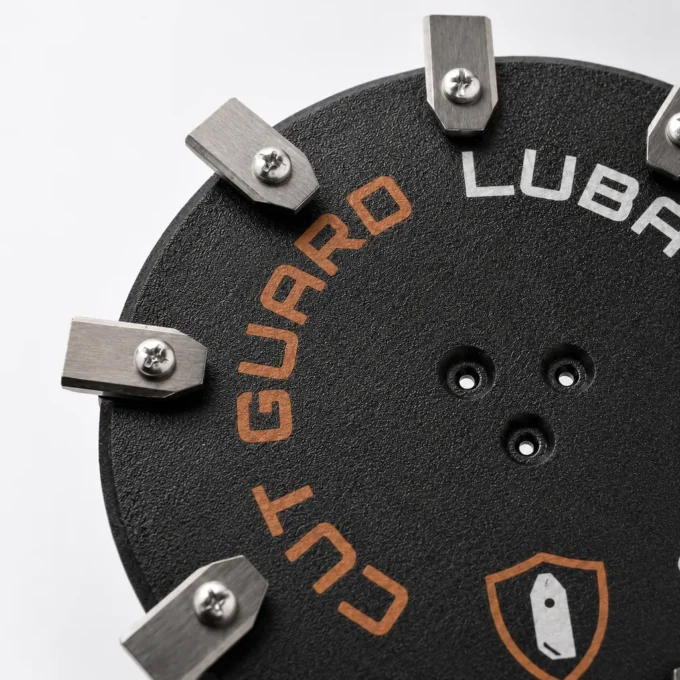
Get started right away—no extra accessories
The 9 blades provide a more even cutting pattern, because more cutting points catch the grass more cleanly. The finer the cut, the denser and more well-groomed the lawn looks—even up close. You get the cutting disc as a complete replacement—ready to install for your Mammotion. The swap takes only a few minutes and works without tools: remove the old mowing disc, attach the new one, done. Ideal for kicking off the season with a fresh start or for quickly replacing worn blades.
Unblocked all season long
More blades mean less “getting stuck”: This helps reduce grass blockages on the mowing disc. Wet clippings otherwise like to build up around the blades and slow down rotation—an idling mowing disc with fresh blades counteracts this. This way, your Mammotion runs more reliably through the mowing operation—even when the grass is a bit denser. Fewer interruptions, less rework, and a robot that calmly completes its rounds.
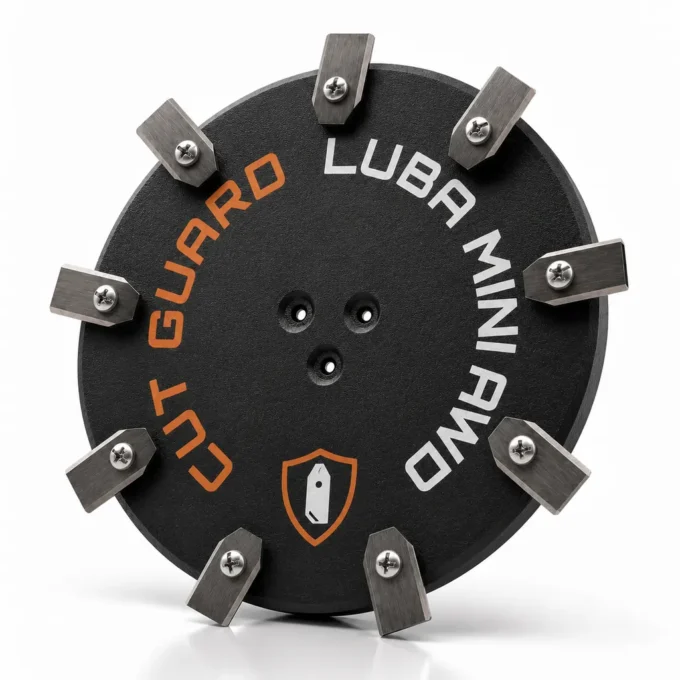
What makes this set stand out
Top reviews
funkade bra till min luba mini 2 awd och de nio klingorna ger ett jämnare klipp än den slitna jag bytte ut. leveransen gick lite långsamt, så jag hann knappt testa direkt i helgen.
pasuje idealnie do mojej luba mini awd, a 9 klingen robi równą krawędź bez szarpania. wymiana była szybka i stabilnie siedzi na tarczy.
I picked up this 9-blade cutting disc for my Mammotion LUBA Mini 2 AWD, and it’s been a great fit so far. It sits firmly on the mower head, and the 9 blades give a really even cut on my smaller suburban garden, especially along the lawn edges where I usually see ragged strands. Replacement took me about 10 minutes, and the included disc feels solid rather than flimsy. Only minor downside: the first start after swapping made it sound a touch different for a few seconds, then it settled.
Perfect fit for my Mammotion. Cuts beautifully evenly.
Passt bei meinem Mammotion LUBA MINI AWD genau wie beschrieben. Die 9 Klingen schneiden sauber und gleichmäßig; Ausbau des alten Tellers war kurz fummelig.
Fungerar bra till min Mammotion LUBA MINI AWD. De 9 klingorna ger ett jämnt snitt och gräskanten ser ren ut, även när den kör på lite tätare partier. Bytet gick okej, men det krävde lite mer kraft än jag väntat mig.
fits the luba mini awd well and the 9 blades keep my lawn cutting evenly. only took a bit longer to get the old disc off.
fungerer rigtig godt på min luba mini 2 awd, og de 9 klinger giver en pæn, jævn kant. udskiftningen var lidt stram, men ellers helt i orden!
ça se monte bien sur mon luba mini 2 awd et les 9 lames laissent une coupe régulière. un peu galère à retirer l’ancien disque, mais ça vaut le coup.
Write a review
CUT GUARD Assembly Instructions
General assembly instructions for cutting discs, replacement blades, and blades for compatible robotic mowers.
Note
These instructions generally apply to compatible cutting discs, replacement blades, and blades from CUT GUARD.
They do not refer to a specific model or version. Always additionally refer to the operating manual of your robotic mower.
Important Safety Notice
Sharp blades. Risk of injury. The knives and blades can cause serious cuts.
Always wear appropriate protective gloves during assembly, disassembly, cleaning, and maintenance.
Never work on the cutting disc while it is still moving.
1. General Safety Instructions
- The operator is responsible for accidents, injuries, and damages caused to other persons or their property.
- Keep children, animals, and uninvolved persons away during work and operation of the robotic mower.
- Never touch the cutting disc or the knives while they are still moving.
- Always turn off the robotic mower completely before performing work on the cutting disc or the knives.
- Remove the battery if possible or disconnect the device from the power supply.
- Always wear appropriate protective gloves.
- Do not use damaged, bent, heavily worn, or corroded knives, screws, or cutting discs.
- Regularly check the condition of the knives, fastening screws, and the cutting disc.
2. Required Tools and Materials
- Suitable screwdriver or bit, matching the screws used.
- Protective gloves.
- New or tested fastening screws.
- CUT GUARD cutting disc, replacement blades, or blades.
- Optional: soft surface for safely placing the robotic mower.
Important
Only use suitable screws and appropriate mounting materials.
If specified by the manufacturer or included in the delivery, use screws with locking lacquer
or suitable screw locking.
3. Preparation
- Stop the robotic mower completely.
- Turn off the device according to the operating manual.
- Remove the battery if possible.
- Wait until the cutting disc has completely come to a stop.
- Carefully turn the robotic mower upside down and place it on a stable, soft surface.
- Check the work area for cleanliness and adequate lighting.
4. Disassembly of the Existing Cutting Disc
- Loosen the fastening screws of the existing cutting disc.
- Completely remove the screws and set them aside safely.
- Carefully remove the existing cutting disc from the knife holder.
- Clean the knife holder of grass clippings, dirt, and debris.
- Check the knife holder for damage or unusual wear.
Warning
Do not use the new cutting disc if the knife holder, fastening points,
threads, or screws are damaged. In this case, the robotic mower may only be reused after proper
inspection.
5. Installation of the CUT GUARD Cutting Disc
- Place the CUT GUARD cutting disc correctly on the knife holder.
- Ensure that the cutting disc lies flat and is correctly centered.
- Insert the appropriate fastening screws.
- Tighten the screws evenly and firmly.
- Do not overtighten the screws to avoid damage to threads or components.
- After installation, check that the cutting disc is securely attached.
- Gently turn the cutting disc by hand and check if it runs freely.
6. Installation or Replacement of Replacement Blades
- Loosen the screws of the old blades.
- Carefully remove the old blades.
- Clean the contact surfaces on the cutting disc.
- Place the new CUT GUARD replacement blades on the designated fastening points.
- Ensure that the blades remain freely movable, as intended by design.
- Secure each blade with a suitable screw.
- Tighten the screws securely without overtightening.
- Check each blade for a secure fit and free movement.
7. Post-Installation Check
- Are all screws fully inserted and securely fastened?
- Is the cutting disc lying flat and securely?
- Can the blades move freely, if intended?
- Are there no tools or foreign objects left in the area of the cutting disc?
- Does the cutting disc run freely and without grinding?
8. Operation and Maintenance
- Regularly check knives, screws, and cutting disc for wear.
- Immediately replace damaged or heavily worn parts.
- Regularly clean the cutting disc of grass clippings and dirt.
- Do not use the robotic mower if unusual noises, vibrations, or running problems occur.
- Only use compatible spare parts and suitable mounting materials.
Note on Blade Replacement
Always replace blades in a timely manner. Dull or damaged blades can worsen the cutting quality,
put more strain on the robotic mower, and compromise safety.
9. Disclaimer
CUT GUARD cutting discs, replacement blades, and blades are accessories and spare parts for compatible robotic mowers.
They are not original accessories from the respective device manufacturer unless explicitly stated
in the product description.
The assembly and use are at your own risk. No liability is accepted for damages caused by improper assembly,
incorrect use, damaged components, or failure to observe the operating manual of the robotic mower.
Warning in Case of Injury
Seek medical assistance immediately in case of injury or accident.
GPSR Information on Product Safety
Product safety information in accordance with Regulation (EU) 2023/988 on general product safety.
Manufacturer & Responsible Person (EU)
Patryk Napiorkowski - Trivando
Am bhf Weinhübel 8
02827 Görlitz
Germany
Email:
service@trivando.de
Website:
www.trivando.de
Product Identification
Brand: CUT GUARD
Product Type: Blade discs, replacement blades, and blades for compatible robotic mowers
Intended Use: Accessories and replacement parts for suitable robotic mowers
Product Type: Cutting and fastening components for use in robotic mowers
Item Number / Model / Variant: see respective product description, packaging, or invoice
Compatibility: see product description and operating instructions of the robotic mower
Important Warning
Sharp blades. Risk of injury. The knives and blades can cause serious cuts.
Assembly, disassembly, cleaning, and maintenance should only be performed when the robotic mower is completely turned off.
Always wear appropriate protective gloves and wait until the blade disc has come to a complete stop.
Intended Use
CUT GUARD blade discs, replacement blades, and blades are intended solely as accessories and replacement parts for compatible robotic mowers.
The products may only be used for their intended purpose and only in conjunction with suitable, compatible devices.
Any other use, structural modification, or improper assembly may lead to injuries, malfunctions, or property damage.
Not Suitable For
- Children.
- Persons who have not read or understood the operating instructions of the robotic mower.
- Incompatible robotic mowers.
- Devices with damaged blade mounts, damaged threads, or defective fastening points.
- Use outside the intended application area.
- Use as a tool, hand knife, or for other cutting tasks outside the robotic mower.
Safety and Warning Notices
- Use only for the intended purpose.
- Use only with compatible robotic mowers, suitable blade discs, and appropriate mounting materials.
- Always turn off the robotic mower completely before any assembly, disassembly, cleaning, or maintenance.
- If possible, remove the battery or disconnect the device from the power supply.
- Always wait until the blade disc has come to a complete stop.
- Always wear appropriate protective gloves.
- Keep hands and feet away from rotating blades.
- Never touch knives, blades, or blade discs during operation.
- Do not use damaged, bent, heavily worn, rusted, or corroded knives, screws, or blade discs.
- Regularly check knives, screws, and blade discs for secure fit, wear, and damage.
- Use only suitable screws and appropriate mounting materials.
- If provided, use screws with locking lacquer or suitable screw locking.
- Keep children, animals, and uninvolved persons away from the work area.
- The robotic mower must not be operated if persons, especially children, or animals are in the work area.
- In case of unusual noises, vibrations, grinding noises, or running problems, stop operation immediately and check the assembly.
- In case of injuries or accidents, seek medical assistance immediately.
Assembly Instructions
Assembly may only be performed when the device is turned off. Always observe the operating instructions of the respective robotic mower.
Blade discs, replacement blades, and blades must be correctly seated and securely fastened. After assembly, check whether the blade disc runs freely and that no tools or foreign objects have been left in the area of the knives.
Check Before Operation
- Are all screws fully inserted and tightened?
- Is the blade disc correctly centered and securely fastened?
- Are the knives correctly mounted?
- Can movable knives move freely, if this is structurally intended?
- Are there no visible damages?
- Does the blade disc run freely and without grinding?
Maintenance and Inspection
- Regularly check knives, blades, screws, and blade discs for wear and damage.
- Immediately replace damaged or heavily worn parts.
- Regularly clean the blade disc of grass residues, dirt, and deposits.
- Do not use aggressive cleaning agents that may damage material or coating.
- Use only compatible replacement parts and suitable mounting materials.
Storage and Disposal
Store replacement blades, blades, screws, and blade discs dry, clean, and secure.
Keep out of reach of children and unauthorized persons.
Safely package used, damaged, or dull knives and blades to avoid cuts.
Dispose of metal parts, packaging, and accessories in accordance with local regulations.
Note on Original Accessories
CUT GUARD products are compatible accessories and replacement parts. They are not original accessories of the respective
device manufacturer unless explicitly stated in the product description. Brand names, model designations,
and manufacturer information are for compatibility indication only.
Contact for Safety Questions, Complaints, or Accidents
For questions regarding product safety, complaints, accidents, or indications of possible safety issues, please contact us immediately:
Patryk Napiorkowski - Trivando
Am bhf Weinhübel 8
02827 Görlitz
Germany
Email: service@trivando.de
Website: www.trivando.de
What is the difference between the 6, 7, and 9-blade cutting discs for the Mammotion LUBA MINI AWD and which is best suited for my lawn?
The 9-blade cutting disc for the Mammotion LUBA MINI AWD offers a more precise and even cut, ideal for larger lawns or dense grass. While the 6 and 7-blade variants are more suitable for smaller gardens or less demanding lawns, the 9-blade variant provides an optimal cutting pattern and better lawn health.
How long does shipping take for the 9-blade cutting disc for the Mammotion LUBA MINI AWD and what is the return policy?
Shipping for the 9-blade cutting disc for the Mammotion LUBA MINI AWD usually takes place within 2-3 business days. If you are not satisfied with the product, you can return it within 14 days of receipt, provided it is unused and in the original packaging.
What material is the 9-blade cutting disc made of and how durable is it?
The 9-blade cutting disc for the Mammotion LUBA MINI AWD is made of high-quality, stainless steel, ensuring high durability and resistance to wear. It is specifically designed for tough garden use and offers long-lasting performance with proper care.
What common problems occur with the 9-blade cutting disc for the Mammotion LUBA MINI AWD and how can I avoid them?
Users often report issues such as deformation or wear of the blades when coming into contact with hard objects. To avoid this, you should ensure that the lawn mower robot is not used in rocky or heavily overgrown areas and is regularly maintained to detect damage early.
How do I know when the blades of the 9-blade cutting disc for the Mammotion LUBA MINI AWD need to be replaced?
A sign that the blades should be replaced is an uneven cutting pattern, indicating that the blades are dull. An increased energy consumption of the lawn mower robot can also indicate that the blades are no longer working effectively.