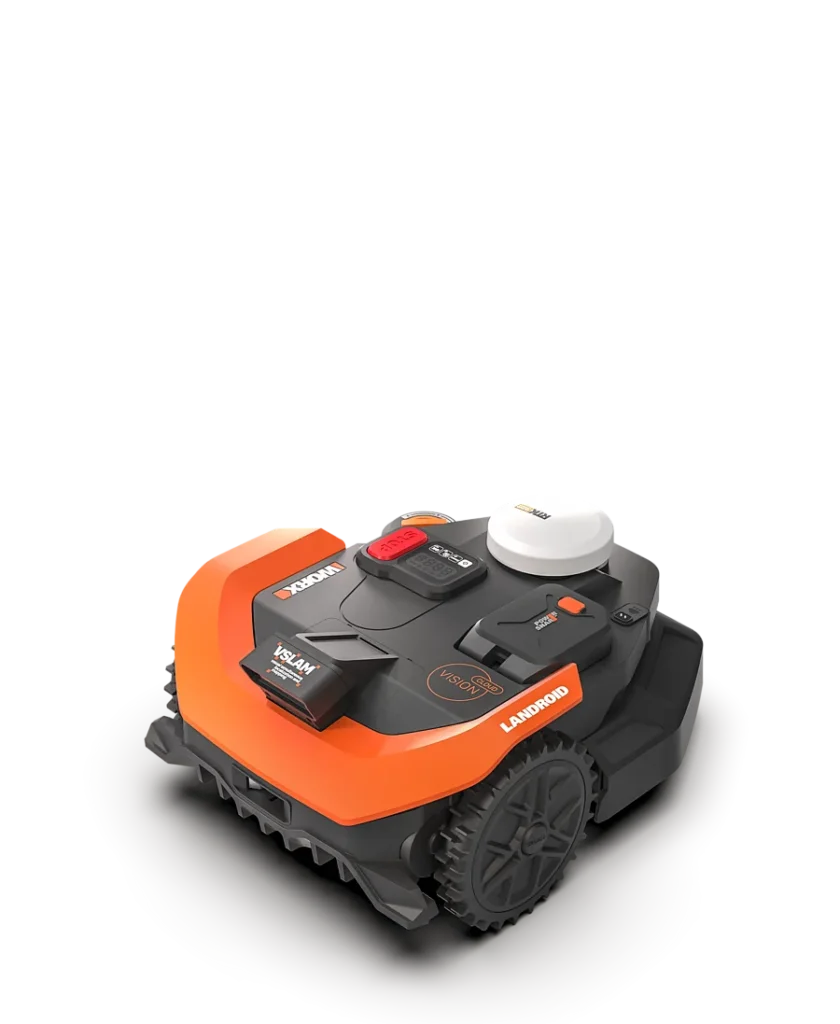
The mower is right in the middle of the area—no branch in the way, no toy blocking the wheels—and yet the WORX Vision Cloud suddenly reports “trapped” or is looking for its zone. This exact picture keeps showing up in user reports: On lush green, clearly defined lawns, the robot often works properly, but when there’s shade, dry patches, bare areas, soil under trees, or strong contrasts, “wireless and convenient” quickly turns into troubleshooting.
The WR312E, WR318E, and WR330E models are the large 2WD variants of the Vision Cloud series. According to the manufacturer, they’re designed for areas up to 1200, 1800, and 3000 m². That sounds like plenty of reserve. In workshop and service practice, however, we don’t look at the square meter figure first—we look at the garden: How many narrow passages are there? Is the area in the shade? Are the lawn edges clearly defined? Are there roots, steps, paving paths, sandy spots, or slopes?
That’s why this guide isn’t a sales pitch for a lawn mower robot. Messerscheibe24 doesn’t sell lawn mower robots—it sells accessories and spare parts such as cutting discs, mowing blades, and replacement blades. We look at the Vision Cloud models from the perspective that matters later in everyday use: navigation, zones, edges, cutting pattern, blade condition, and typical problems that users actually report.
WR312E, WR318E and WR330E at a glance: Which lawn sizes are they intended for?
The WR312E is the smaller of the three large 2WD versions, the WR318E is in the middle, and the WR330E is designed for very large properties. All three work without a classic boundary wire and combine a vision camera, V-SLAM, and RTK cloud positioning. But that doesn’t mean they behave like wire robots. A wire robot physically follows a signal in the ground. A wireless vision/RTK mower has to recognize, interpret, and match its surroundings with its stored map.
Manufacturer data provides clear area specifications. In practice, you should read them with a safety margin. A simple, rectangular lawn with a short return trip to the station can come closer to the stated coverage area. A complex garden with trees, shadows, separate zones, and long connecting paths requires significantly more mowing time, more charging cycles, and more software stability.
| Model | Manufacturer area | Cutting width / cutting height | Navigation | Strengths | Weaknesses in practice | Practical assessment |
|---|---|---|---|---|---|---|
| WORX Vision Cloud WR312E | up to 1200 m² | 22 cm / 30–60 mm | Vision AI, V-SLAM, RTK Cloud, 2WD | Interesting for larger, contiguous areas without having to lay a wire | Shadows, bare patches, and difficult edges can be disruptive | Best suited for well-maintained, rather flat gardens with clear boundaries |
| WORX Vision Cloud WR318E | up to 1800 m² | 22 cm / 30–60 mm | Vision AI, V-SLAM, RTK Cloud, 2WD | More area capacity, suitable for medium to large properties | Complex zones and long paths increase the likelihood of errors | A good compromise if the garden is large but not extremely challenging |
| WORX Vision Cloud WR330E | up to 3000 m² | 22 cm / 30–60 mm | Vision AI, V-SLAM, RTK Cloud, 2WD, depending on the market with 4G equipment | High area performance, faster charging than smaller variants | 2WD remains a real issue with roots, soft ground, and slopes | Only makes sense if the large area is easy to drive on and not too heavily shaded |
Important: The WR330E is not automatically the best choice just because it carries the largest number. If a 1,500 m² garden has many shaded areas, narrow passages, tree islands, and slopes, a smaller model with a better-suited drive or a 4WD model can be more stress-free in practice than a large 2WD mower at its limit.
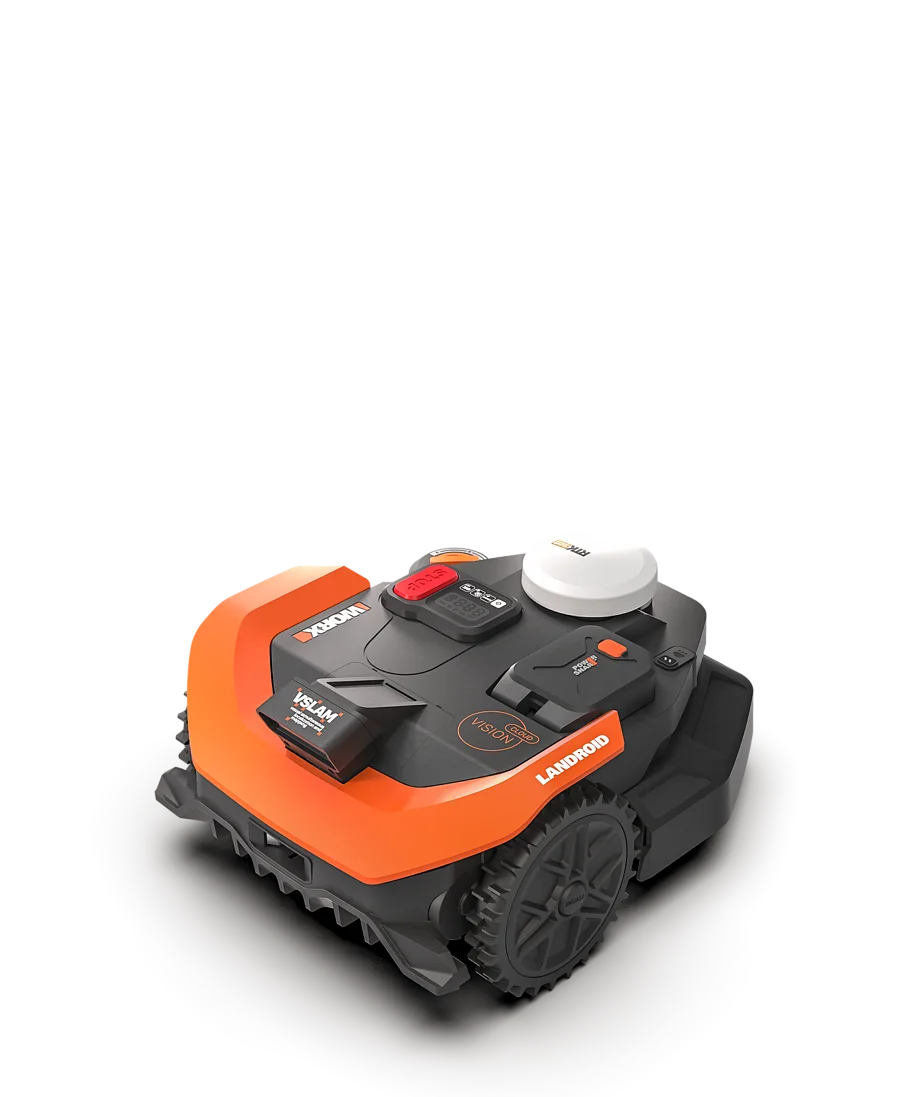
Practical rule of thumb: With Vision Cloud mowers, it’s not just the square meter figure that matters. A simple 1,800 m² lawn can be easier than 900 m² with shade, roots, corners, and separate zones.
Does the WORX Vision Cloud reliably recognize my lawn in the shade?
The most honest answer is: often yes, but not always. Many users report that the Vision Cloud works cleanly on dense, green grass. Problems often start where the camera and software can no longer clearly determine what is lawn, boundary, obstacle, or an area that can’t be driven on.
Typical problem areas are:
- strong shadows from trees, hedges, fences, or buildings,
- brown or dried-out lawn areas in summer,
- bald spots with visible soil,
- needles, leaves, or dark patches under trees,
- sharp light-dark contrasts in the morning or evening,
- soft or sandy areas where the front wheels may sink in.
In forums, people often complain that in such areas the robot doesn’t simply “mow poorly,” but behaves incorrectly: it drives in a jerky manner, stops, reports “trapped,” searches for the zone, or doesn’t approach the edge the way the user expects. That’s an important difference. A dull blade causes fraying, light cut tips, and an uneven mowing pattern. A vision problem is more likely to show up through incorrect driving decisions.
If you’re coming from a wire robot, you have to rethink things. With the boundary wire, the lawn edge is defined electrically. With Vision Cloud, the boundary is created from camera recognition, a map, RTK position, and software logic. If the lawn in the shade has the same brightness as a flowerbed strip or a bare patch, the robot may become more cautious or evaluate the spot differently than the owner.
What helps before the first mapping?
Before mapping, the area should be as clearly defined as possible. Trim lawn edges, remove loose objects, clear away heavy leaf litter, avoid very bare spots at first or rework them, and don’t place the charging station in a dark, low-contrast corner. For Vision mowers, the first mapping isn’t a side step—it’s the foundation for many later driving decisions.
In our view, the Vision Cloud is at its strongest when it gets clear structure: visible lawn edges, fixed transitions, little visual chaos, and sufficient unobstructed sight. It can do more than simple random navigation, but it is not a magic device for every difficult garden.
WR312E / WR318E / WR330E with 2WD: When is it enough—and when is 4WD better?
The three models WR312E, WR318E, and WR330E are 2WD models. For many flat gardens, that’s perfectly fine. It becomes critical when the navigation knows where the mower should go, but the wheels can’t implement it properly. That’s where tracks, misalignment, digging in, or getting stuck can occur.
Many users clearly see the advantage of the 4WD versions with roots, slopes, and uneven ground. That doesn’t mean 2WD is bad. It only means: 2WD needs a garden that fits from a driving-technology standpoint. A level lawn with solid edges is something different than an area with tree roots, molehills, wet depressions, and short inclines.
2WD is usually enough when:
- the area is mostly flat,
- the ground is firm and not permanently wet,
- there are no high roots in the driving paths,
- narrow passages are wide enough and properly secured,
- slopes are short and provide good traction.
I would be cautious with:
- long slopes close to 30%,
- slanted lawn edges next to flowerbeds or walls,
- soft sandy soil,
- areas that are permanently shady and damp,
- roots and depressions directly on the return paths to the station.
It’s also important to distinguish between navigation and traction. RTK, Vision, and V-SLAM help with orientation. AWD or 4WD helps with forward drive. If a 2WD mower spins on a wet slope, it’s not necessarily a blade problem and not necessarily a mapping problem either. Then the mechanical reserve doesn’t match the terrain.
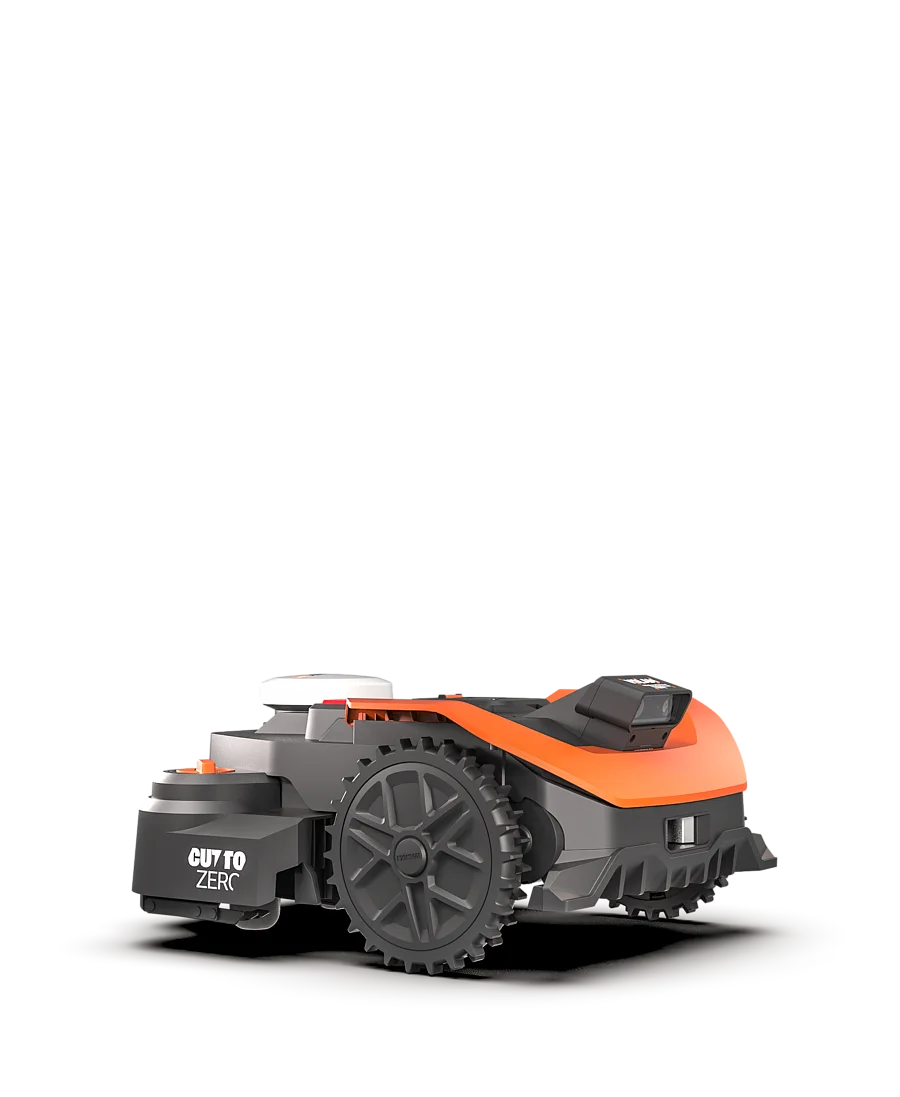
Practical rule of thumb: RTK and the camera tell the robot where it is. 2WD determines whether it can get there cleanly too—especially on wet ground, roots, and slopes.
Mapping, zones, paths, and no-go areas in practice
With Vision Cloud, mapping is a central topic. Users don’t just discuss mowing performance, but surprisingly often talk about zones, exclusion boundaries, the network, firmware, and second charging stations. This matches what we know from service calls with wireless robots: The frustration rarely starts with the blades. Most often, it begins with setup, the app, the map, the station, or the radio connection.
Multiple zones can work, and users also describe routes over paving stones or stone surfaces positively. At the same time, there are reports in which separate properties, steps, or staggered terraces are problematic. A Vision Cloud is not a real “drop and mow” robot that you can simply carry to a second property and then continue driving there without any new logic. It needs a suitable map, an accessible area, and a sensible connection to the charging station.
Separate areas: first check the path, then choose the model
If two lawn areas are connected by a fixed path, it can work well depending on width, visibility conditions, and mapping. However, if there are steps in between, gravel, very dark paving slabs, tight curves, or areas without clear orientation, the risk increases. The robot doesn’t just need to mow—it also has to reliably find its way back.
No-go zones and exclusion boundaries are especially important around ponds, trampolines, vegetable beds, sprinkler heads, and newly sown areas. After mapping, you shouldn’t immediately start the full weekly schedule here. Better: observe the first drives, mark problem areas, refine the app boundaries, and only then enable longer mowing windows.
From experience: A poorly chosen station location often causes follow-up problems that later look like navigation errors. The station should be easy to approach, offer enough space for maneuvering, have network coverage, and not be located in an area that is deep black in the morning due to shade and brightly lit at midday.
Firmware & app: Why the software version is so important for the Vision Cloud
With classic wire robots, an update usually changes details. With Vision Cloud, however, a firmware version can influence driving behavior much more strongly, because navigation, object detection, zone search, edge mowing, and returning to the station are software-driven. Many users report exactly this pattern: the mower ran acceptably, but after an update it performed worse—or vice versa, an update improved edge mowing and problem areas.
That’s why you should always read user reports with a date and firmware version. A complaint from an early version may be resolved today. But a positive review can also be outdated if a later update changed the behavior. Especially with new wireless series, software isn’t just an add-on—it’s part of the product.
When updating itself, the rule is: don’t start off in a rush. Charge the battery, check the WLAN or 4G connection, read the app instructions, and then do a test run. If, after an update, the robot suddenly reports “trapped” more often, “looking for zone,” or docking problems, first work through the sequence: check the station and network, verify the app status, test the map and zones—then only think about the blades, battery, or hardware.
A downgrade to older firmware is discussed among users, but it’s not a clean everyday plan for normal users. USB procedures, file formats, FAT32 sticks, and startup sequences are error-prone. If you don’t want to deal with such experiments professionally, you should plan updates rather than doing them right before your vacation.
Practical rule of thumb: With Vision Cloud, you don’t just buy a motor, battery, and blades. You’re buying a system whose behavior depends heavily on the app, map, firmware, and network.
Wi-Fi Setup and Cloud Connection: Typical Pitfalls
The setup is not always described as plug-and-play in reviews and forums. There are users who struggle for hours with Wi-Fi, the app, and the connection. The most frequently mentioned issues include 2.4 GHz Wi-Fi, special characters in the password, router settings, repeaters, and weak network coverage at the charging station.
For the WR312E and WR318E, the Wi-Fi situation is especially important because the station must be connected reliably. For the WR330E, depending on the configuration and market, 4G may also play a role; however, the local setup via app, Bluetooth, and the station remains a point that should be handled properly.
Practical checklist before setup:
- Enable 2.4 GHz Wi-Fi and temporarily disable 5 GHz for testing if pairing fails,
- Test the Wi-Fi password without unusual special characters,
- Do not place the router too far from the charging station,
- Enable Bluetooth on your smartphone,
- Do not block the app permissions for location and network,
- After firmware updates, check the connection again.
Many supposed mowing problems are caused by unstable communication. If schedules don’t start, maps aren’t loaded properly, or notifications are missing, you shouldn’t suspect the mowing motor first. Network and app first, then mapping, then traction, then blades.
Mowing Pattern, Edges, and Cut-to-Zero: How Much Manual Work Remains?
In a cross-section view, you need to separate two things: Does the mower cut cleanly? And does it even reach the spot? Dull blades or an unfavorable blade disc cause frayed blades, light tips, and more resistance during cutting. Edge problems, strips that get left behind on walls, or unmown corners, on the other hand, are often caused by driving strategy, safety distance, border geometry, or vision recognition.
“Cut to Zero” sounds like a completely finished lawn edge. In practice, users report mixed results. Some see improvements, while others still need to touch up with the trimmer, especially along walls, inside corners, around garden beds, and in tricky corners. That’s not a contradiction: A shifted cutting system can mow closer to edges, but the robot doesn’t blindly drive into every wall edge.
In our fit tests and workshop checks on CUT GUARD blade discs, we pay special attention to clearance, blade seating, and grass discharge. If you’re not satisfied with the factory-like cutting on the WR312E, WR318E, or WR330E, but you don’t want an extremely dense blade setup, you should take a look at a robust CUT GUARD disc with 7 blades, because it offers more cutting points and still leaves enough space to prevent grass buildup.
For larger areas with frequent mowing, a finer blade distribution can be interesting. If the lawn is dense, the robot drives regularly, and the cut pattern is to be as even as possible, a precise 9-blade cutting disc is an option for users who want to get more cutting frequency out of the existing mowing system.
Nevertheless, one thing still applies: a better cutting disc doesn’t fix poor navigation. If the Vision Cloud doesn’t approach a corner at all, blades of grass remain there—no matter how sharp the blades are. Blade accessories improve the cut where the robot actually drives. For edge planning, no-go zones, and difficult reverse routes, the app and garden logic remain responsible.
Who is the WORX Vision Cloud worth it for—and who should be cautious?
The WORX Vision Cloud WR312E, WR318E, or WR330E is especially worth it for users who want to mow a large, contiguous, and clearly recognizable lawn area without wire installation. If you have a flat garden with clear lawn edges, little shadow chaos, and enough space around the station, the series can save you a lot of time.
Users should be cautious if they have a “problem garden”: many trees, brown summer patches, bare soil, roots, steep inclines, damp low spots, multiple separate areas, steps, or very high expectations for perfect edges. The Vision Cloud isn’t automatically wrong there, but you shouldn’t only look at 1200, 1800, or 3000 m². You need to check whether 2WD, camera recognition, RTK Cloud, and app logic fit the property.
Our recommendation from an accessories and service perspective: first solve the driving and recognition issues, then optimize the cutting system. A properly set up Vision Cloud with sharp blades can deliver a decent mowing pattern. In contrast, a poorly mapped mower with dull blades and an unstable Wi-Fi connection will not mow reliably even with good accessories.
Frequently Asked Questions
Can the WORX Vision Cloud mow reliably in shadows?
Yes, but only if shadows and contrasts remain clearly interpretable for the camera. Many users report issues with long shadows, brown patches, and soil under trees, because the robot may misjudge these areas.
Is the WR312E, WR318E, or WR330E with 2WD enough for slopes and roots?
For flat to moderately sloped, solid surfaces, 2WD is usually sufficient. For roots, wet ground, soft depressions, and true slope conditions, 4WD is the safer choice, because traction becomes more important there than pure surface performance.
Should firmware updates be installed right away?
No—better to plan ahead and take a test run afterward. Updates can improve performance, but users also report worse behavior after firmware changes, especially with navigation, docking, and error messages.
How well does Cut-to-Zero really work?
Cut-to-Zero reduces unmown edges, but it doesn’t replace the trimmer in every garden. At walls, in tight corners, with unclear boundary lines, and in winding flower beds, manual work often remains necessary.
Can I use the Vision Cloud on multiple separate properties?
Only to a limited extent, because the robot is not designed as a generic drop-and-mow mower for multiple independent properties. It needs suitable maps, reachable areas, and a sensible return path to the charging station; steps or separate terraces make this significantly more difficult.
Conclusion: Buy large vision cloud models with realistic expectations
The WORX Vision Cloud WR312E, WR318E, and WR330E can take a lot of work off your hands on suitable properties. Its strengths are in wireless setup, systematic area coverage, app zones, and the combination of Vision, V-SLAM, and RTK Cloud. On normal, well-maintained grass, many users report good results.
The weaknesses are where real gardens are rarely perfect: shade, brown patches, bare soil, roots, corners, unclear edges, firmware behavior, and network setup. If you honestly check these points before buying, you can avoid disappointment. And if you already operate a WR312E, WR318E, or WR330E, you should proceed systematically when problems arise: first setup, station, network, and firmware, then mapping and zones, then traction and edges—and only after that optimize the blades, blade disc, and cutting blades.
Tip: You will find all matching replacement blade discs and mowing plates for WORX in our overview: Blade discs for WORX.
Comments