Category: Robotic Mower Guide
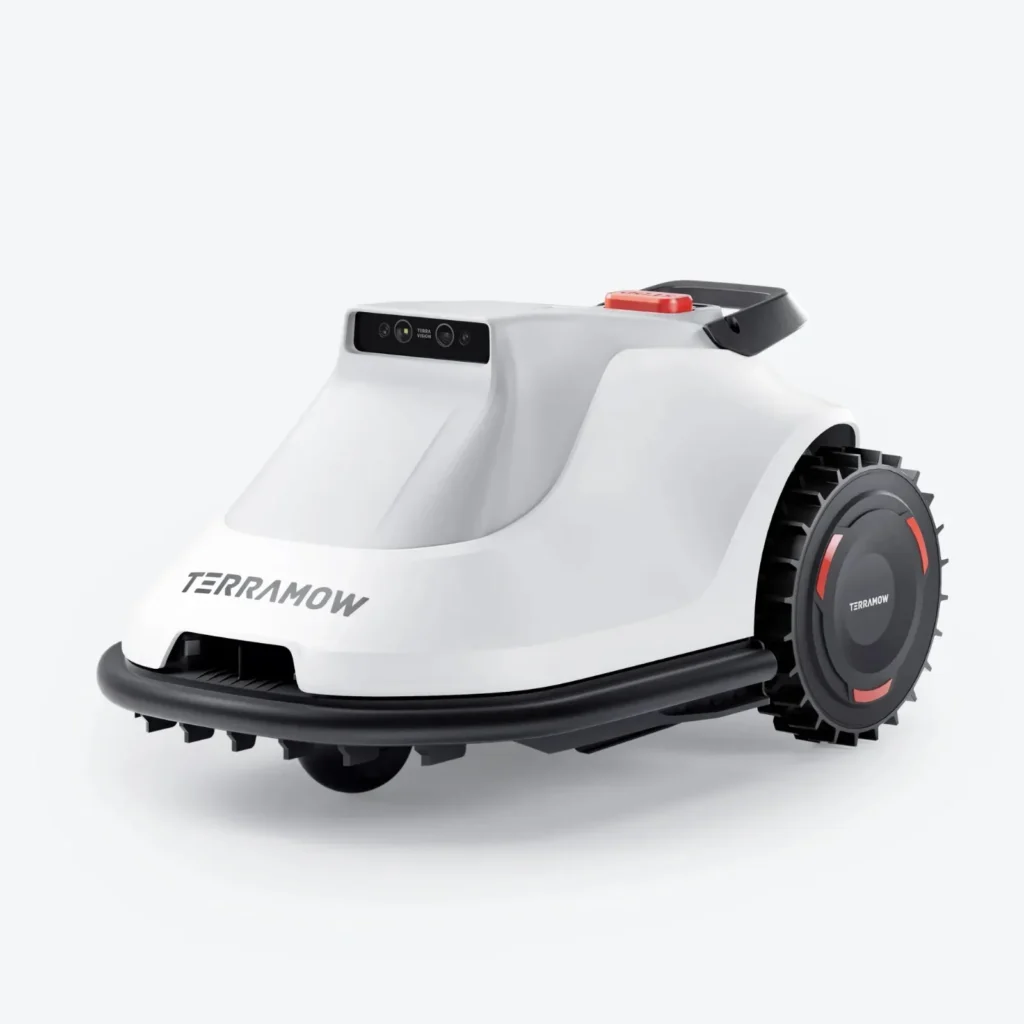
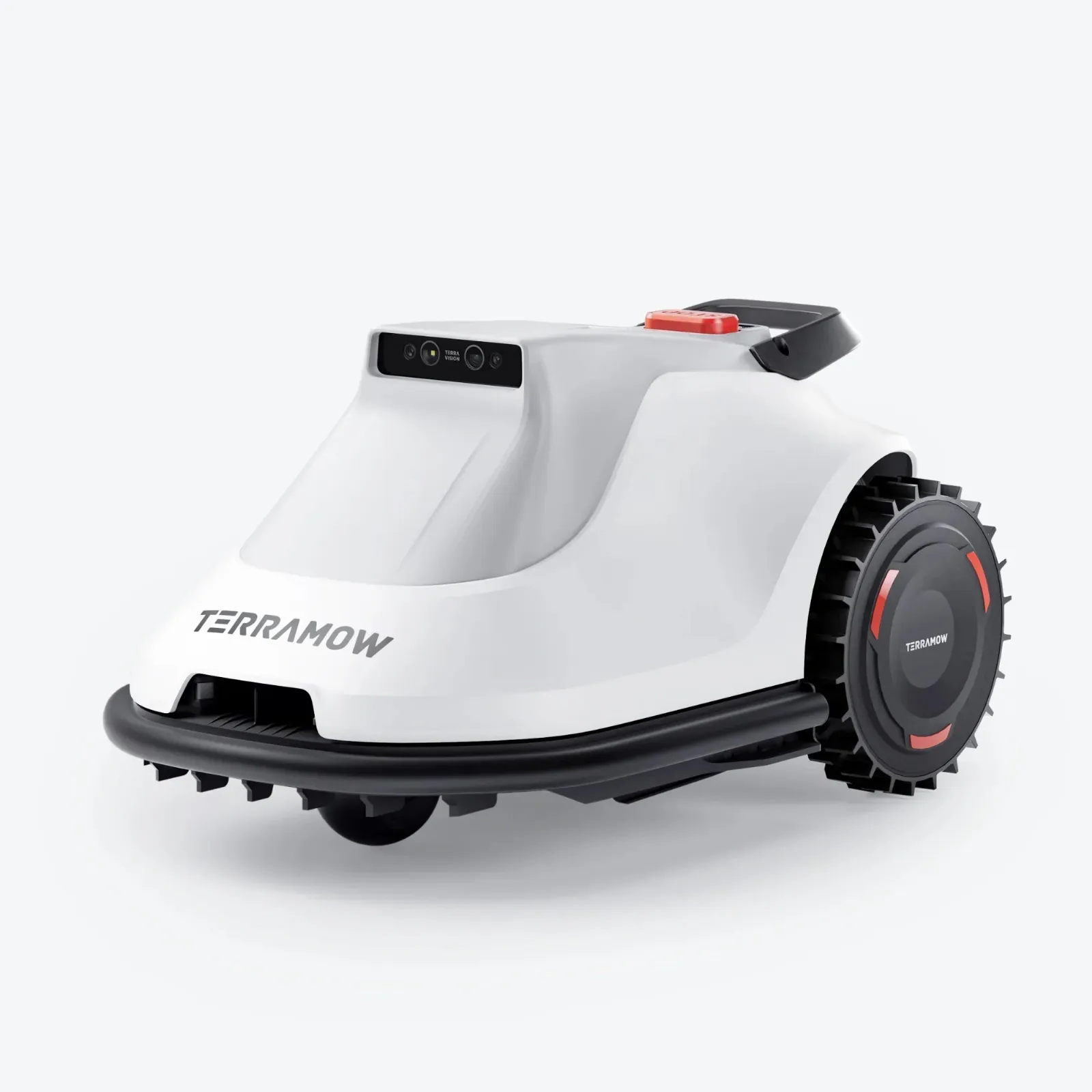
The Terramow S800 and the Terramow S1200 are interesting for anyone who does not want to lay boundary wire and also does not want to mount an RTK antenna on the roof, garage, or mast. The devices operate with vision navigation, map automatically, and thus particularly appeal to users looking for a relatively uncomplicated entry into wireless mowing.
Garden owners with very large boundary areas, many leftover strips, steep slopes, deep holes, root zones, or the desire for maximum offline independence should be cautious. Many users report surprisingly good orientation and a decent cutting pattern, but topics such as disappearing maps, LTE confusion, slow mowing, and edge rework keep appearing in forums and user reports.
Terramow S800 vs. S1200: Which model is suitable for which lawn area?
The most important difference is quickly explained: The S800 is nominally designed for up to 800 m², while the S1200 is for up to 1,200 m². In practice, however, this number is only the starting point. A simple, rectangular garden without bottlenecks, without many trees, and without long connecting paths comes closer to the manufacturer’s specification than a convoluted existing garden with a U-shape, slope, island beds, and narrow passages.
Especially at 700 to 850 m², the decision becomes exciting. Forums often discuss whether the S800 is still sufficient or if one should go directly for the S1200. The practical trend: If the area is critical, has multiple zones, or the robot spends a lot of time turning, recognizing, and avoiding obstacles, the S1200 is the more relaxed choice.
| Model | Rated Area | Cut | Navigation | Strengths | Weaknesses in Practice | Practical Assessment |
|---|---|---|---|---|---|---|
| Terramow S800 | up to 800 m² | 203 mm cutting width, 25–75 mm cutting height | 3D AI Vision, wire-free, no RTK | good entry-level, automatic mapping, compact for smaller gardens | slow at boundary areas, leftover areas and edges remain an issue | realistically more suitable for simple to medium areas; plan with reserves for 600–700 m² |
| Terramow S1200 | up to 1,200 m² | 203 mm cutting width, 25–75 mm cutting height | 3D AI Vision, wire-free, no RTK | more reserves, good runtime, better for more complex maps | here too, speed, unevenness, and edges limit actual daily performance | sensible for 750–1,000 m², multiple zones or difficult shapes |
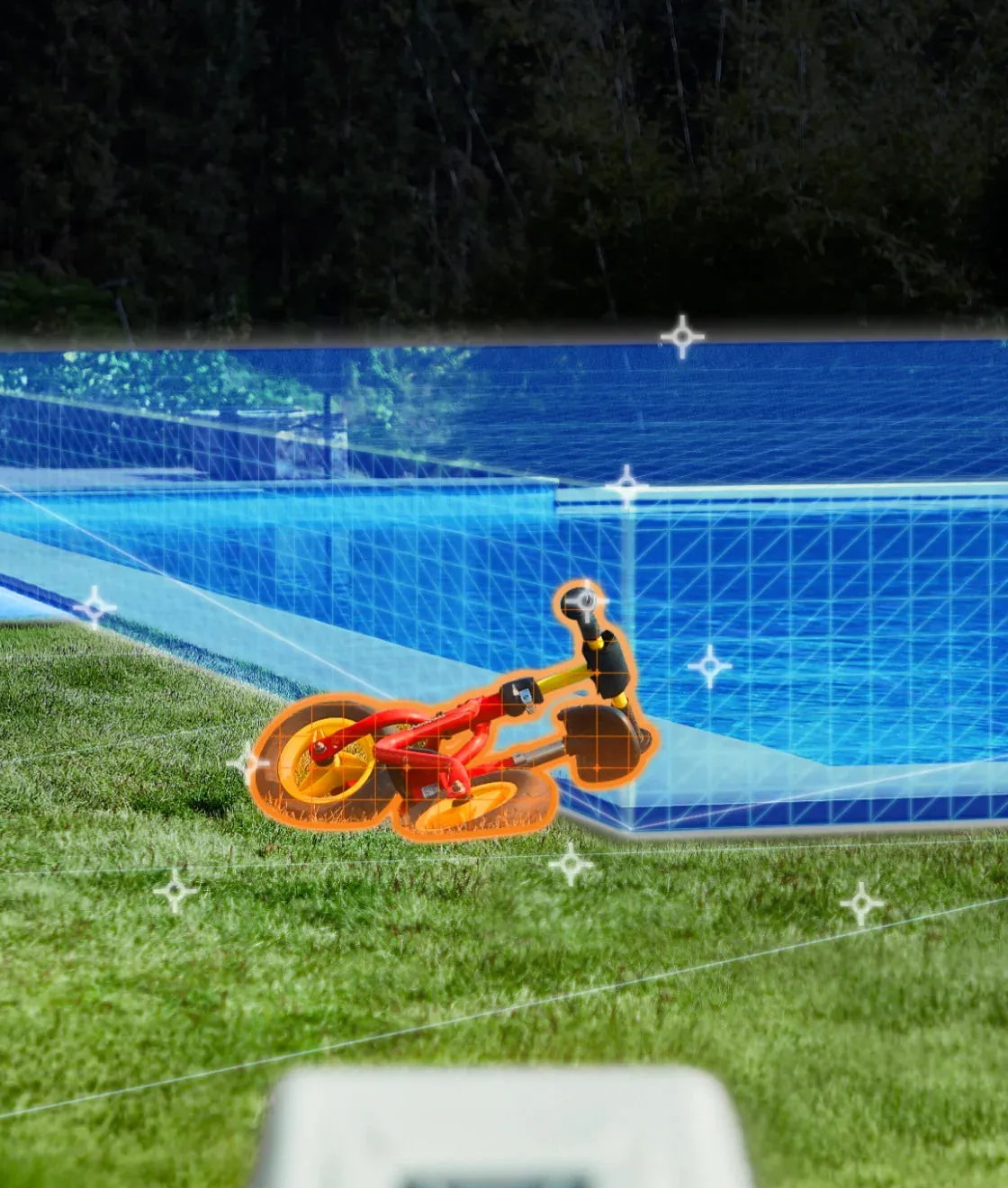
It is important: A robotic mower without boundary wire does not behave like a classic wire robot. It must see, interpret, find paths, recognize boundaries, and utilize well-managed zones in the app. This is convenient, but it takes time in challenging gardens.
Setup and Mapping: How reliable is Auto-Mapping really?
Automatic mapping is one of the major advantages of the Terramow-S series. Many users report that the mower creates a map relatively quickly after unpacking and independently recognizes lawn boundaries. It is particularly noteworthy that no wire installation is necessary and no RTK base station needs to be set up in open air.
However, one should not confuse auto-mapping with magic. Before the first mapping, open boundaries, flat transitions to paths, beds, ponds, gravel areas, and problematic edges must be prepared. No-go zones should not be set only after the robot has had to improvise multiple times in the same corner.
A real user issue is missing or non-loading maps in the app. Reports have described that after mapping, app version, or firmware update, the map suddenly became invisible. In one case, this even prevented settings like cutting height from being changed as usual. Other users reported similar observations on the same day, which sounds more like an app, server, or synchronization problem rather than a mechanical defect.
In practice, this means: Those expecting a fully offline working solution should be cautious. Maps, app access, and cloud connectivity are points of trust with modern wireless lawn mowers. Before major updates, it is advisable to save screenshots of zones, mowing plans, and important settings. If the map disappears, do not immediately remap, but first close the app, check the connection, verify the software version, and ask support about any known issues.
Multiple Zones and Spot Mowing
It is praised that users could carry the S1200 to another lawn area and automatically map and mow in spot mode. This is practical for separate front gardens, small side areas, or areas that do not need to be mowed daily. However, this does not always replace a clean multi-zone planning, especially if the robot is supposed to find its way back to the station independently.
Critical are connection paths: A path may be manually drivable, but in automatic mode, it can still break off if the vision detection becomes uncertain or the zone is not saved properly. Narrow passages should be as wide, contrasting, and free of toys, leaves, deep holes, and changing obstacles as possible.
WLAN, 3G, LTE and SIM: What do you really need?
With the Terramow S800 and S1200, the question often arises whether WLAN is sufficient or if mobile data is necessary. Based on the discussed use cases, LTE does not seem to be an essential requirement for every normal mowing session in the home garden. However, mobile data can have a practical advantage for app remote access, status updates outside the WLAN range, or theft functions.
It becomes confusing when users report issues with built-in SIMs, data packages, region codes, or non-functioning LTE codes. One S1200 user described that a purchased LTE data code initially did not work due to a regional issue, and support later provided a new code. This is not a widespread mass problem, but it is a real purchasing decision point.
For setup, I recommend pragmatically: First, check the WLAN in the garden, not just on the terrace. The critical area is around the station and at typical problem spots. If the robot has no connection in the back part of the garden, it is not always dramatic for pure mowing, but it can be annoying for live status, app access, and troubleshooting.
Anyone wanting to use LTE should clarify before purchase whether mobile data is supported in their region, whether there are ongoing costs, and how long any included data package lasts. With poor mobile reception in the garden, even the best SIM is of little help.
Practical Problems in the Garden: Slopes, Holes, Roots, and Uneven Lawns
On the data sheet, the S800 and S1200 appear well-equipped with slopes of up to 20° or about 36%. However, in a real garden, the maximum slope value is not the only deciding factor. Wet spots, roots, tire tracks, molehills, small drop-offs, and soft soil significantly change the behavior.
Many users report that the Terramow often gets stuck. Rather, it is noted that it navigates obstacles and difficult spots surprisingly well, but loses time in the process. It searches for angles, backs up, recognizes anew, and detours. This is better than spinning blindly, but it reduces the effective area performance.
Especially old lawns with holes and roots should be prepared before the first continuous use. Deep dog holes, open bed edges, and hard curbs should be filled or defined as no-go zones. The less the mower has to improvise, the more even the cutting pattern will be, and the less unnecessarily the battery, wheels, and blades will be stressed.
When it comes to slopes: Going straight up the hill is easier than moving sideways along an edge. If there is a bed, a wall, or a loose curb at the edge of a slope, leftover areas can quickly arise. In forums, this combination of slope and larger leftover areas is referred to as a weakness.
Mowing Performance and Speed: How long does a pass really take?
Terramow states a mowing performance of about 100 to 150 m² per hour for both models. This is a useful guideline, but not a guarantee for every garden. One user described the S800 as very slow compared to a Luba. After an update and new setup, it took him about two hours to cover approximately 2,200 ft², or around 200 m², but with one battery charge.
The S1200 is often rated positively for its runtime. One user mentioned around two hours depending on the settings and a charging time of just over an hour. Nevertheless, it is true that on uneven terrain, in narrow spots, and at problematic edges, the throughput decreases because the mower cannot simply drive in straight lines.
Those who have 800 m² on paper should not automatically choose the S800. For flat areas, 650 to 750 m² can be realistic. In case of irregular shapes, many zones, slopes, or shaded areas, it may make sense to opt for the S1200 starting from about 700 m². For 1,200 m², it also applies: This is more of an upper limit for suitable conditions, not the ideal workload in every garden.
The cutting image benefits from frequent, short passes. Robotic mowers are not devices for a one-time cut of tall grass, but for maintaining a constant height. When the grass is too high, the blades and motor work harder, the robot moves slower, and the result appears frayed.
Blade condition affects speed and cutting image
For the Terramow S800 and S1200, it’s worth regularly checking under the device. Caked undersides, dull blades, and tightly packed grass clippings visibly worsen the cutting image. Instead of cutting cleanly, dull blades tear the blades; the tips become light, dry, and restless.
Those who want to improve the cutting image can consider not only fresh replacement blades but also a suitable blade disc. For a balanced standard use, a 6-blade disc is suitable, provided compatibility and clearance have been checked on their own model. More blades can make the cutting image appear finer, but depending on the lawn and settings, they can also increase the load on the system.
Edges and leftover areas: What remains for the lawn trimmer?
The edge is the honest test for almost every robotic mower. Terramow advertises with edge-close mowing and adjustable distance. In practice, however, users still report leftover areas and sometimes even wish for a retractable trimmer arm. This shows: The S800 and S1200 reduce rework, but do not completely replace the lawn trimmer.
Problematic are raised curbs, walls, fences, play equipment, flower bed borders, and narrow strips between the terrace and the flower bed. If the robot keeps its distance for safety or detection reasons, a strip will be left uncut. On completely level transitions to paving, it can drive closer, provided the camera reliably interprets the boundary and does not assess the edge as a risk.
Remaining areas also occur due to round flower beds, sharp corners, and tight inner angles. Here, it helps to design the lawn edge to be robot-friendly: clear transitions, no loose stones, no deep grooves, and as wide passages as possible. For critical edges, trimming every one to two weeks is more realistic than expecting a completely finished lawn.
For a denser cutting pattern on well-maintained areas, a 7-blade cutting disc may be interesting. Those looking for a particularly fine cut on short, regularly mowed grass should consider a 9-blade cutting disc. It remains important: More blades are not a substitute for clean edge planning, fresh screws, and a clear underbody.
App, Updates, and Operation: Strengths, but also typical stumbling blocks
The app is often described by users as extensive. Positive mentions include variable mowing directions, multiple passes, cross-hatch, automatic direction rotation, speed options, blade control, camera or manual mode, and zone management. Those who like to fine-tune have a lot of leeway.
At the same time, it takes time to understand all the options. Individual users report friction points with Bluetooth pairing or multi-stage software updates that could take around an hour. This is not unusual for young wireless lawn mowers, but one should not complete the initial setup between two appointments.
From a service logic perspective, the order of troubleshooting is important: first check the station and power supply, then Wi-Fi or mobile network, followed by app version and firmware, and finally the map, zones, and no-go areas. Only when these points are clear does it make sense to look for mechanical causes such as blocked wheels, dirty undercarriage, or damaged blades.
If the map is not visible after an update, one should not hurriedly delete everything. Better: restart the app, check the account, switch mobile/Wi-Fi, note the firmware version, and contact support. If multiple users report the same issue simultaneously, the cause is often not in one’s own garden.
Maintenance: Don’t underestimate blades, screws, and undercarriage
A good lawn mower only performs well if its cutting unit is well-maintained. Especially with vision devices like Terramow, an unclean cut becomes noticeable quickly because the paths may appear neat, but the grass tips remain frayed. This is almost always an indication of dull blades, a clogged undercarriage, or grass that is too high.
Regularly check the blades during the main season. Small stones, cones, roots, and hard edges quickly dull razor blades. Screws should also not be endlessly reused if they are rounded, corroded, or difficult to turn.
When cleaning, the rule is: turn off the device, secure against starting, and only work in the stationary blade area. Grass layers under the mower deck increase friction, noise, and power consumption. After rain periods or with very lush grass, it’s worth taking a quick look under the mower.
Frequently Asked Questions
Is the Terramow S800 really sufficient for 800 m²?
On very simple terrain, the S800 can come close to its rated area. For 700 to 850 m² with narrow passages, U-shapes, slopes, or multiple zones, I would rather plan for the S1200. The reserve makes everyday life more relaxed.
Can the Terramow S1200 handle a true 1,200 m²?
1,200 m² is an upper limit under suitable conditions. In a winding garden with leftover areas, shade, roots, and long paths, one should plan with a significant reserve. Realistically, it’s often more like 900 to 1,050 m² if the garden is demanding.
What happens if the map is missing in the app?
First, stay calm and do not immediately remap. Restart the app, check the connection, note the software version, and wait to see if there is a known app or server issue. Screenshots of important zones and settings help with troubleshooting.
Do I need LTE or is Wi-Fi sufficient?
For many gardens, good Wi-Fi at the station and main area is sufficient. LTE can be useful for remote access, status, and theft functions. However, before purchasing, one should check the region, costs, data package, and mobile reception.
Does the Terramow mow the edges completely clean?
Not always. On flat transitions, it can work close to edges, but often leaves stripes near walls, flower beds, curbs, and inside corners. A lawn trimmer will still occasionally be necessary for many gardens.
Conclusion from user reports: Who is the Terramow S800/S1200 worth it for?
The Terramow S800 and S1200 are worth it for users who do not want to lay boundary wire, do not want to install an RTK antenna, and have a moderately complex garden. They are particularly strong in automatic mapping, vision navigation, neat lane patterns, and the comparatively flexible app.
The S800 is more suitable for smaller to medium areas with some reserve. The S1200 is the better choice if the area is larger, the shape is more difficult, or daily performance is more important. I would not buy too narrowly for boundary areas.
Caution is advised for very large lawns, steep slopes, many edges, deep holes, and buyers who do not accept cloud or app dependency. The real user problems show: Terramow can solve a lot by itself in the garden, but it cannot automate away every problem.
Those who set up the robot cleanly, plan zones carefully, mitigate problematic areas, and regularly maintain the blades and undercarriage will get an exciting wireless lawn mower with the S800 or S1200. On the other hand, those expecting a completely maintenance-free edge trimmer replacement will be disappointed.
Tip: You will find all matching replacement blade discs and mowing plates for TerraMow in our overview: Blade discs for TerraMow.
Comments