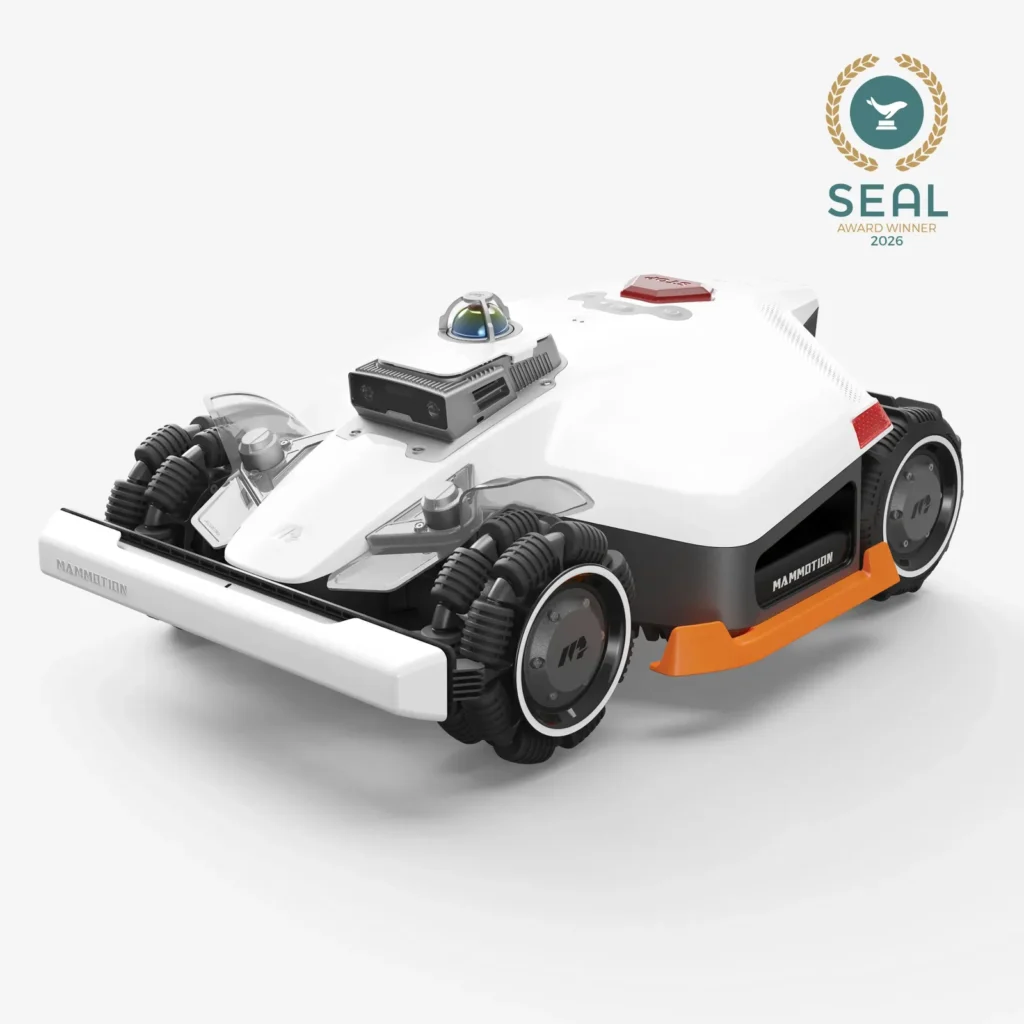
The LUBA 3 AWD from LUBA drives along the paved path, turns briefly just before the edge of the flower bed, and then leaves behind a frayed line of grass—sometimes even a slightly torn-up spot in the already thin lawn. Users don’t criticize these kinds of situations because of mowing performance on straight ground, but because of strong turning maneuvers at edges, in tight corners, and on sandy surfaces.
The Mammotion LUBA 3 AWD is an exciting but still young system in 2026: it is strongly geared toward open, hilly terrain, yet it is clearly dependent on the map, the installation location, the ground, and the software version. Long-term experiences are still limited. Anyone who views it as an uncomplicated universal mowing robot for every intricate garden may be disappointed—there is no guarantee against track misalignment, edge problems, or difficulties when returning to the station.
Who is the Mammotion LUBA 3 AWD really worth it for?
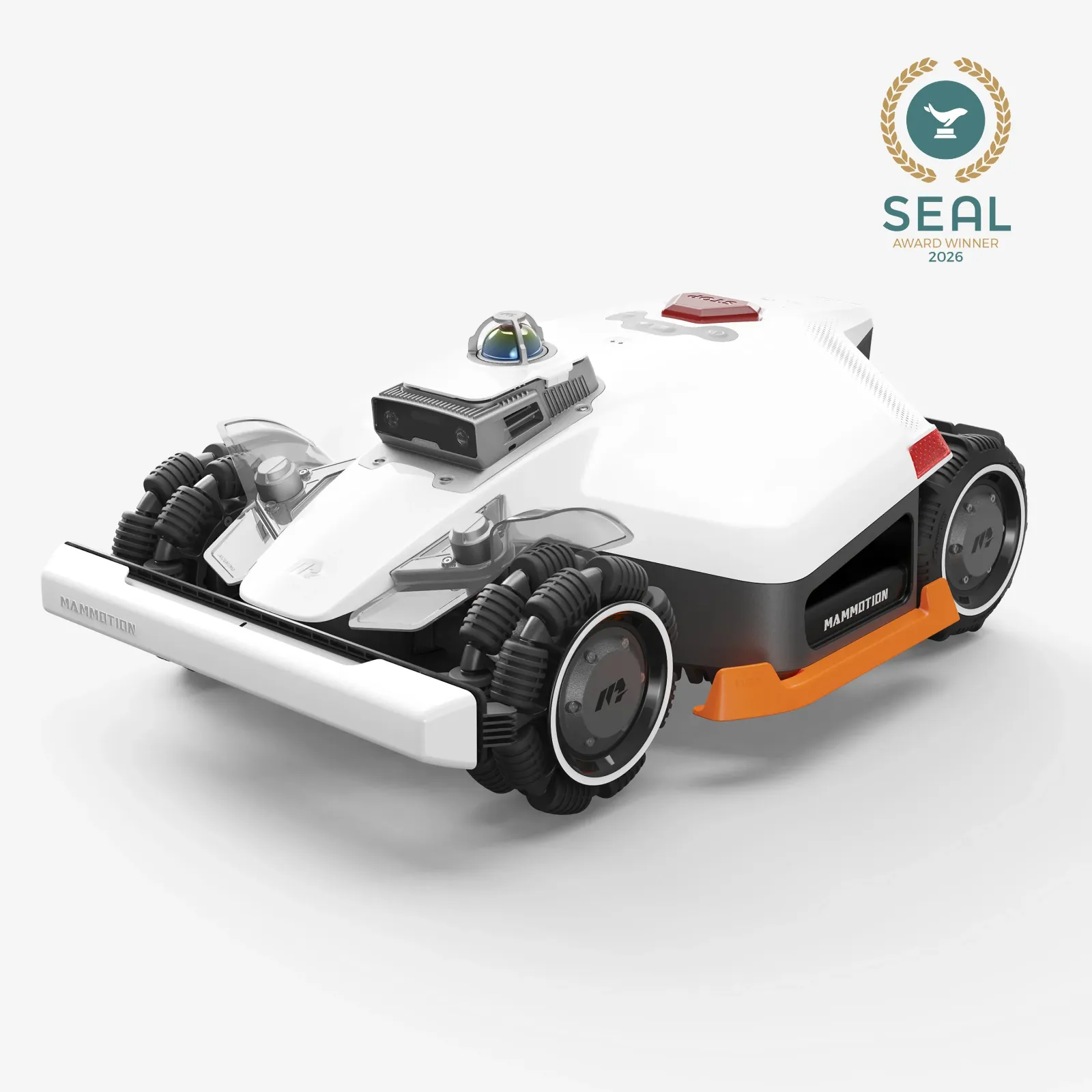
The LUBA 3 AWD is especially suitable for large areas with height differences, a stable lawn surface, and enough space at the edges. Its all-wheel drive can be a real advantage there: it delivers driving power on slopes and uneven terrain, where lighter devices or those with only two-wheel drive reach their limits earlier.
Many users report positively about hilly properties and a generally straightforward setup. Some owners describe daily mowing as reliable if the map, station, and driving paths are set up properly. These positive experiences are relevant—however, they do not mean that a powerful AWD drive system automatically handles every lawn gently.
| Property layout | Assessment for the LUBA 3 AWD |
|---|---|
| Open, contiguous lawn area with a slope | Well suited, as long as turning areas are load-bearing and large enough. |
| Several zones with longer travel paths | Possible, but plan the map, transfers, and return routes carefully before purchasing. |
| Many tight 90° corners, narrow passages, and soft edge zones | Critical: Maneuvering and turning can increase tracks or lawn damage. |
| Sparse, sandy, or after-rain soft lawn | Only with caution: High traction helps with driving, but during turning it can stress the grass surface. |
That’s why, when choosing a model, it’s not only the area specification on the box that matters. If you plan for more zones, longer transfers between sub-areas, and many turning maneuvers, you should choose the more powerful variant. For a simple, compact garden with only a few areas, a smaller setup is often more sensible than an oversized device that has to maneuver unnecessarily often in tight spaces.
AWD is an advantage for slopes and uneven ground—not automatically a benefit for narrow, wet, or sensitive edge areas.
Does the LUBA 3 AWD damage the lawn when turning?
Yes—on soft, patchy, or sandy lawns, the LUBA 3 AWD can cause visible damage when turning; especially affected are boundary areas, tight 90° corners, and recurring start points. Many users report exactly this pattern: it’s not the straight mowing path that’s the problem, but the maneuvering, the steering movement, and the force that acts on the ground when turning in a small area.
In forums, it’s often criticized that bare patches in already weakened areas grow larger. That’s technically understandable: four driven wheels provide a lot of forward traction. If the robot has to turn on damp ground or corrects its position multiple times in the same spot, the turf can be scraped. A strong drive can handle a slope more safely and still, when turning tightly, deliver too much push onto the ground.
These areas should you check before buying
- Lawn in front of the charging station: Is there enough space for approach, alignment, and any possible positioning movements?
- Flower bed and paving edges: Does the virtual boundary run only up to the visible edge, or does the robot also need to swing out sideways when turning?
- 90° corners: Can the LUBA turn there in an arc without always stressing the same patch of grass?
- Narrow passages: It’s not just the passage width that matters, but also the entry, exit, and the return trip through the passage.
- Start and turning points: Are these areas dry, level, and covered with dense turf?
A practical rule of thumb is simple: don’t extend no-go zones and virtual boundaries to an imagined ideal line, but only up to the edge that is actually visible and can be traversed. Take into account the maneuvering space when turning, the lateral swing, and correction drives. The geometry of the garden is different from the data on the map: an area may look clean on the display, but in reality it can be unsuitable due to an edge, a depression, or loose soil.
If the LUBA drives away from the edge and leaves an uneven grass line, first check not the blades. Start with the app map and the virtual boundaries, then check the location of the station and the connection situation on site. After that, observe whether position jumps occur right at edges, transitions, or narrow passages. Only once the map, station, and positioning are stable does it make sense to look at blades, cutting disc, cutting height, and any clumps of grass that have been left behind.
Navigation under trees: correctly classify LiDAR, NetRTK, and maps
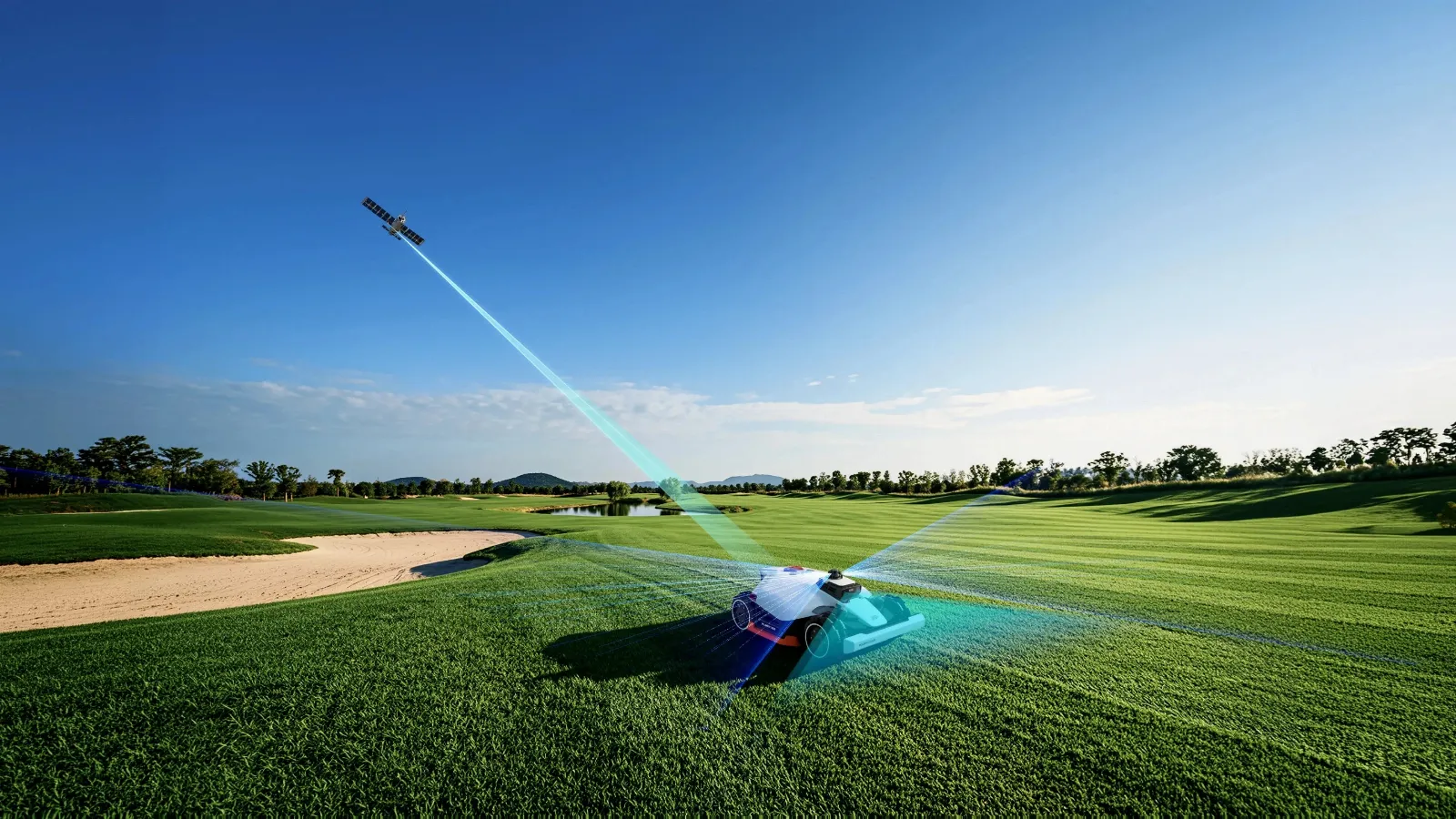
Under trees, it’s not a single sensor that determines success, but the interplay of LiDAR, position data, map, and a mobile connection. Depending on the variant and equipment, the LUBA 3 AWD works with 360° LiDAR, camera vision, and NetRTK or RTK-supported positioning logic. That sounds like a complete solution, but it does not replace careful planning of the area.
Camera and vision systems primarily serve orientation and obstacle avoidance in the immediate vicinity—especially in daylight. Vision-based obstacle avoidance works mainly during the day. Therefore, schedule the most important mowing windows for bright hours and don’t rely on the robot providing the same obstacle detection in every garden at night.
RTK, NetRTK, map, position, as well as WLAN or LTE connectivity have a different job: they support planning, safe travel, returning to the station, and the logic of multiple zones. Missing WLAN is not a “backup” scenario. WLAN or mobile connectivity affects app connection and, depending on the configuration, services and position data; they don’t simply replace a properly set up map or stable RTK planning.
Why setup may require follow-up work
Some LUBA-3 owners report that the first map setup or NetRTK integration did not work as expected right away and only ran smoothly after a reset and a renewed setup. “Wireless” therefore does not mean “without setup effort.” Before the first automatic use, you should consciously check which operating mode is active, which areas have been set up as zones, and whether the return trip from each zone works logically.
For difficult areas, a reproducible test helps more than gut feeling: remove three to five random objects or small branches as a test and observe several runs. If a strip or detour always happens in the same place, first check the map and WLAN coverage or, respectively, position stability in exactly that zone. Only then can it be assessed in a meaningful way whether vision recognition affects driving behavior.
LiDAR and vision help detect the surroundings; RTK, map, and connection control the driving logic. None of these layers replaces the others.
Firmware and app: How risky are updates for the LUBA 3 AWD?
Firmware and the app are a realistic source of uncertainty with the young LUBA 3 AWD. In current user reports, concerns repeatedly come up that updates may worsen navigation, map functions, or processes. Other owners do report stable operation, but they explicitly recommend not chasing every new feature update right away.
This is not a statement that every new version is problematic. However, it shows: the system is young and dependent on software. Long-term experience is limited, while the scope of functions, app design, and firmware are still visibly in motion. For buyers, the particularly annoying part is the open question of whether and how a rollback is possible after a problematic update.
Practical update strategy
- Before an update, save screenshots of the zones, schedules, and important settings.
- Do not run the update immediately before a vacation, celebration, or a longer absence.
- After the update, start with a supervised test run first: observe the departure, edge mowing, passage, and return to the charging station.
- If you notice unusual behavior, don’t immediately rebuild the entire map; instead, note the location of the error, the time, and the driving pattern.
- Use a factory reset only if setup, the map, or the operating mode truly no longer works as expected.
A robotic mower with an app is not a finished tool like a hand spade. The map, firmware, and sensor system work together. If you want to spend as little time as possible on observation, adjustments, and occasional troubleshooting, you should weigh this point more heavily when purchasing than impressive slope values.
Why does the LUBA 3 AWD sometimes not find the charging station?
Occasional docking problems can often be reduced by using a firmly mounted, level station and a clear approach path. One user reports that the LUBA 3 AWD occasionally stopped just before the station, but a new return command worked. In this case, it was also crucial that the charging station was permanently fixed and could not shift even minimally.
That’s why the station deserves more attention than many buyers initially give it. The robot doesn’t just need a level place to charge, but also a reliable approach geometry. Plan enough free space in front of the station so that alignment and any possible turning movements do not take place on wet, loose grass or directly next to an edge.
- Permanently secure the station to a solid, level surface.
- Do not use loosely laid plates that can shift due to frost, roots, or load.
- Plan for a straight approach and clear side areas.
- Do not place the station in a tight corner, under dense shrubs, or at a strongly sloped spot.
- After changes to the map or firmware, observe at least two complete reverse trips.
A movable or poorly positioned station can turn a small positioning error into a recurring docking problem.
AWD on a slope: real strength, but not automatically lawn-friendly
On slopes, the LUBA 3 AWD is in its element. Users with fully hilly properties report that while working on a slope they did not have any fundamental problems with the front-wheel steering when turning. Where the ground is load-bearing and the area opens up generously, that is a clear argument in favor of the AWD concept.
The downside shows up at transitions: slope edge, narrow flat area, sandy ground, a damp shaded area, or tight turning. There, high traction meets a turf layer that is not very load-bearing. In critical areas, reduce how often you drive the robot, give it more room to turn, and if necessary separate sensitive sub-areas into their own zone with an adjusted schedule.
Cutting performance should also be monitored. Dull or damaged blades may not create driving tracks, but they do worsen the cutting edge and make an already stressed border area even more noticeable visually. If you want to check the blade plate during maintenance or after contact with stone, paving edges, or hard branches, you’ll find in our category suitable cutting discs for Mammotion models a practical selection for a planned replacement.
Blade nicks after contact with stone are points to inspect, not proof of a defect in the robot. Check the blades, screws, free rotation, and the blade plate after such contacts earlier than in the normal maintenance interval. Also remove grass clippings under the mowing disc, because they can promote imbalance, poorer discharge, or uneven cutting heights.
Defect, warranty, and spare parts: How big is the support risk?
The support risk should be assessed realistically with the LUBA 3 AWD: there are individual model-specific reports of serious malfunctions such as boot loops, LiDAR messages, and wheel hub motor errors, but this does not allow concluding a recurring series defect. At the same time, in Reddit discussions, support, warranty processing, and spare-part availability at Mammotion are repeatedly discussed critically.
What matters is the separation: many of the frustrated reports concern older LUBA generations and therefore are not a confirmed LUBA 3 defect. As a brand and service risk, however, they remain relevant. If a modern robotic mower is no longer operational due to a sensor, motor, or start problem, the solution depends heavily on diagnosis, communication, and the RMA process.
Therefore, buy from a dealer with clearly regulated returns, a reachable point of contact, and understandable warranty processing. Keep the serial number, proof of purchase, photos, a video of the error, and app messages ready. This significantly speeds up the assessment if the robot repeatedly restarts, no longer leaves the station, or reports multiple technical errors one after another.
Frequently asked questions
Does the Mammotion LUBA 3 AWD damage my lawn when turning?
Yes, the risk exists especially on wet, sandy, or patchy grass as well as in tight corners. Several users describe scuffed turf at turning points; generous turning areas, fixed stations, and properly set virtual boundaries reduce the risk significantly.
Do I need NetRTK under trees or a local RTK antenna?
With many trees or complex areas, you should plan the positioning solution concretely before purchasing, rather than relying on LiDAR alone. LiDAR supports environmental mapping, while RTK or NetRTK, the map, and the connection remain important for stable positioning and driving logic.
Which firmware version is best for the LUBA 3 AWD?
The best version is usually not universally determinable; it makes sense to use a proven version that runs reliably on your property. Users recommend installing updates only after gaining initial experience from other owners, and then testing trips out, boundary runs, and return to the station in a controlled way.
How much space does the LUBA 3 AWD need at edges and 90° corners?
Don’t plan only for the device’s actual width, but also allow extra space for turning, lateral swinging out, and correction drives. The more sensitive the ground and the tighter the corner, the more likely it is that the virtual boundary should be reset or the area should be zoned differently.
What to do if the robot stops in front of the charging station?
Secure the station firmly, check the ground and the access route, and observe two to three reverse trips under the same conditions. If the error always occurs in the same place, check the map, positioning, and obstacles in the approach area before thinking about blades or mowing discs.
Conclusion: A strong specialized device instead of an trouble-free universal lawn mower robot
The Mammotion LUBA 3 AWD can be a convincing solution for open, hilly, and load-bearing terrain. Its strengths lie in traction, wireless area logic, and the combination of multiple navigation approaches. Many positive user reports show that, with the right map, a properly installed station, and enough free turning space, the concept works well in everyday use.
However, for gardens with many narrow edges, weak grass coverage, sandy corners, or little patience for software-related topics, it is not a guaranteed success. The most important purchase decision is not made by the maximum incline, but by honestly assessing turning areas, return routes, the station, zone geometry, and the service path. Anyone who plans these points carefully before buying and regularly checks the blades and cutting disc creates better conditions for an even cut without unnecessary marks on the lawn.
Comments