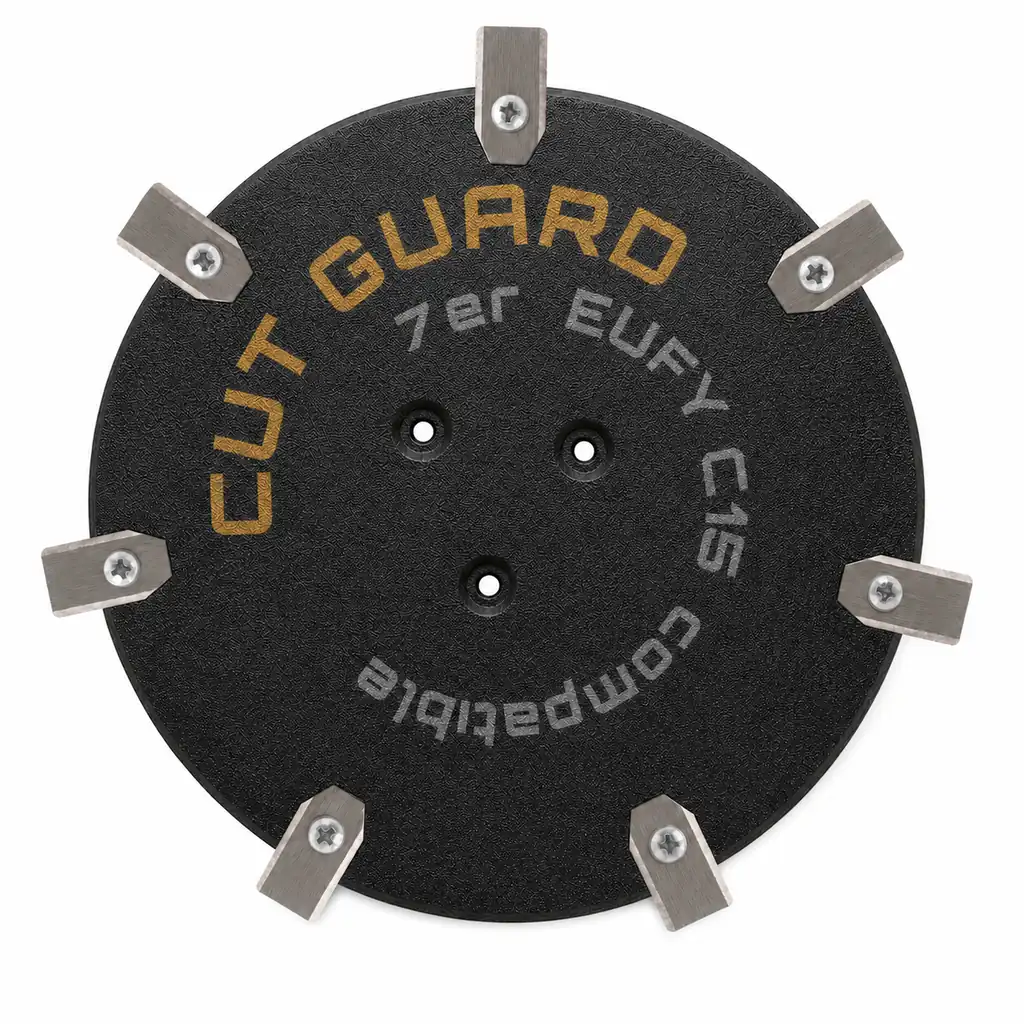
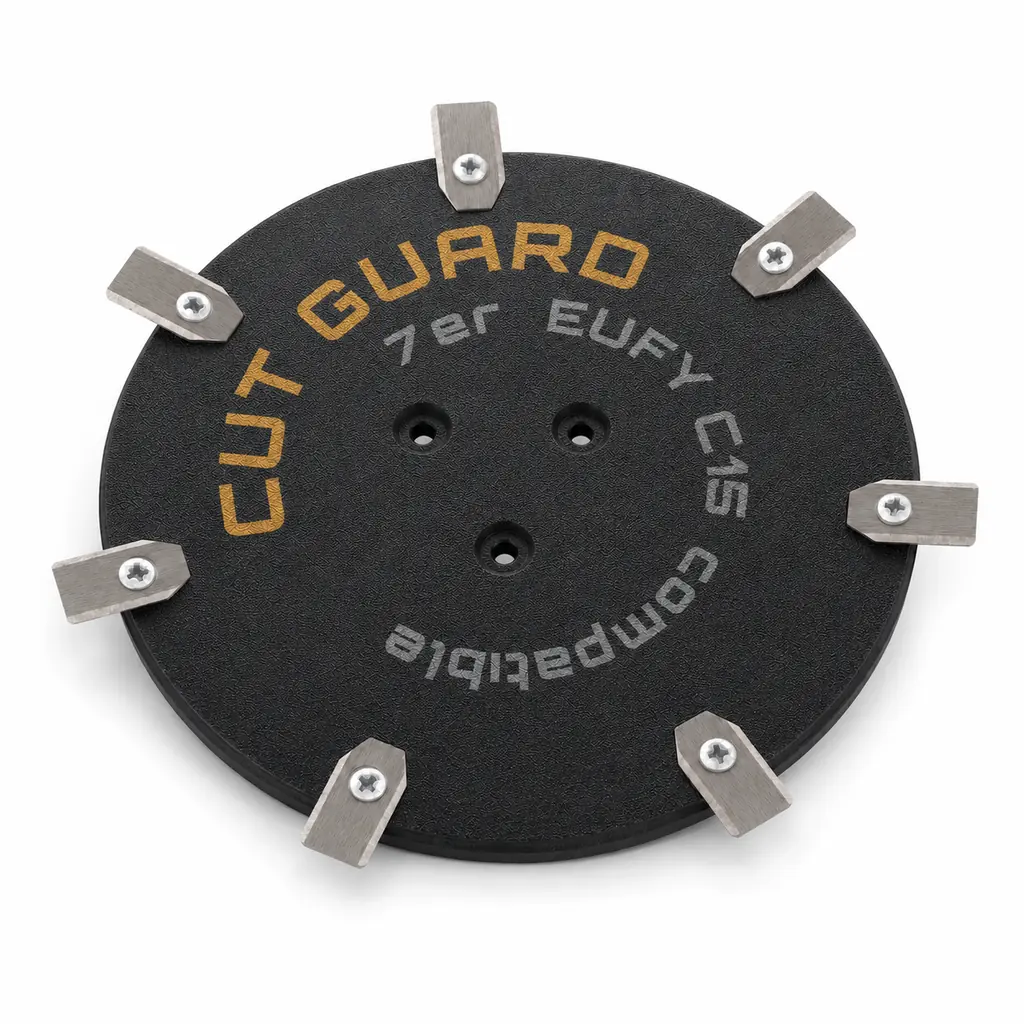
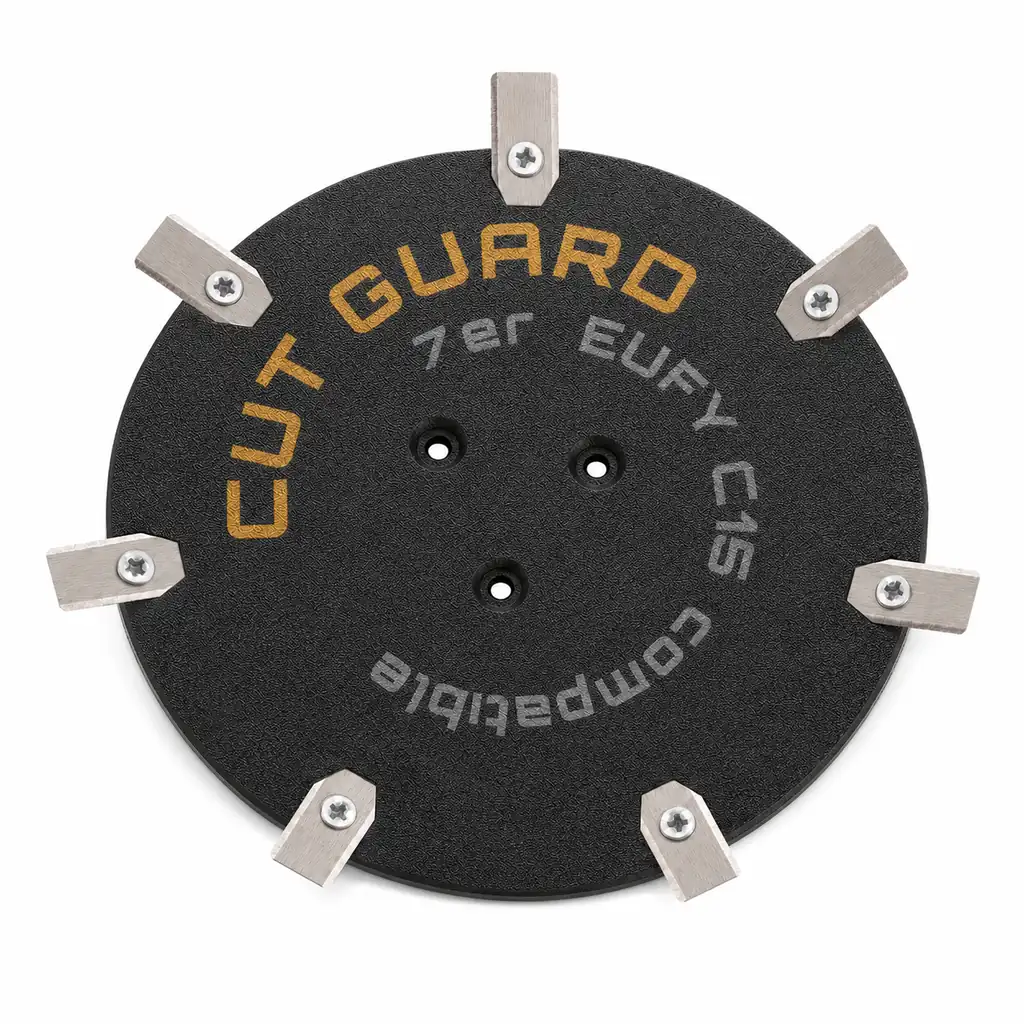
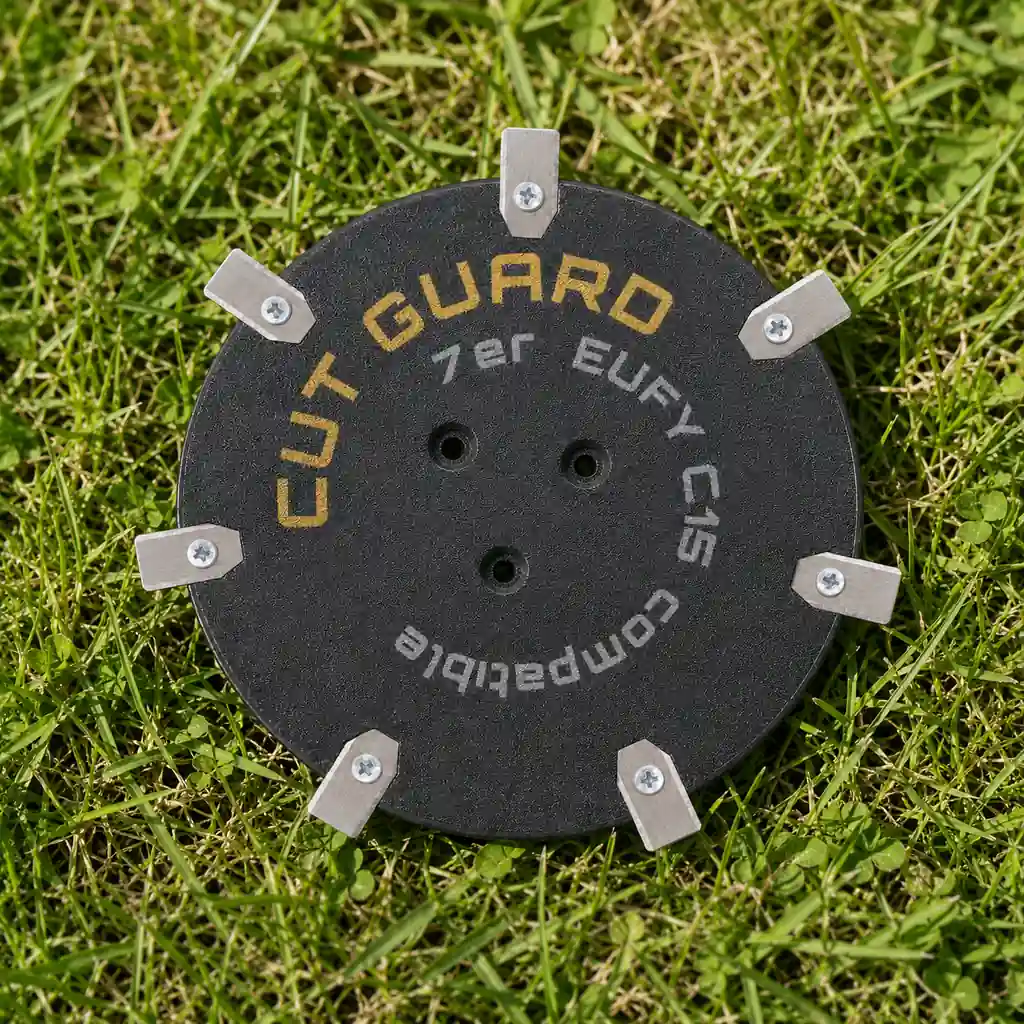
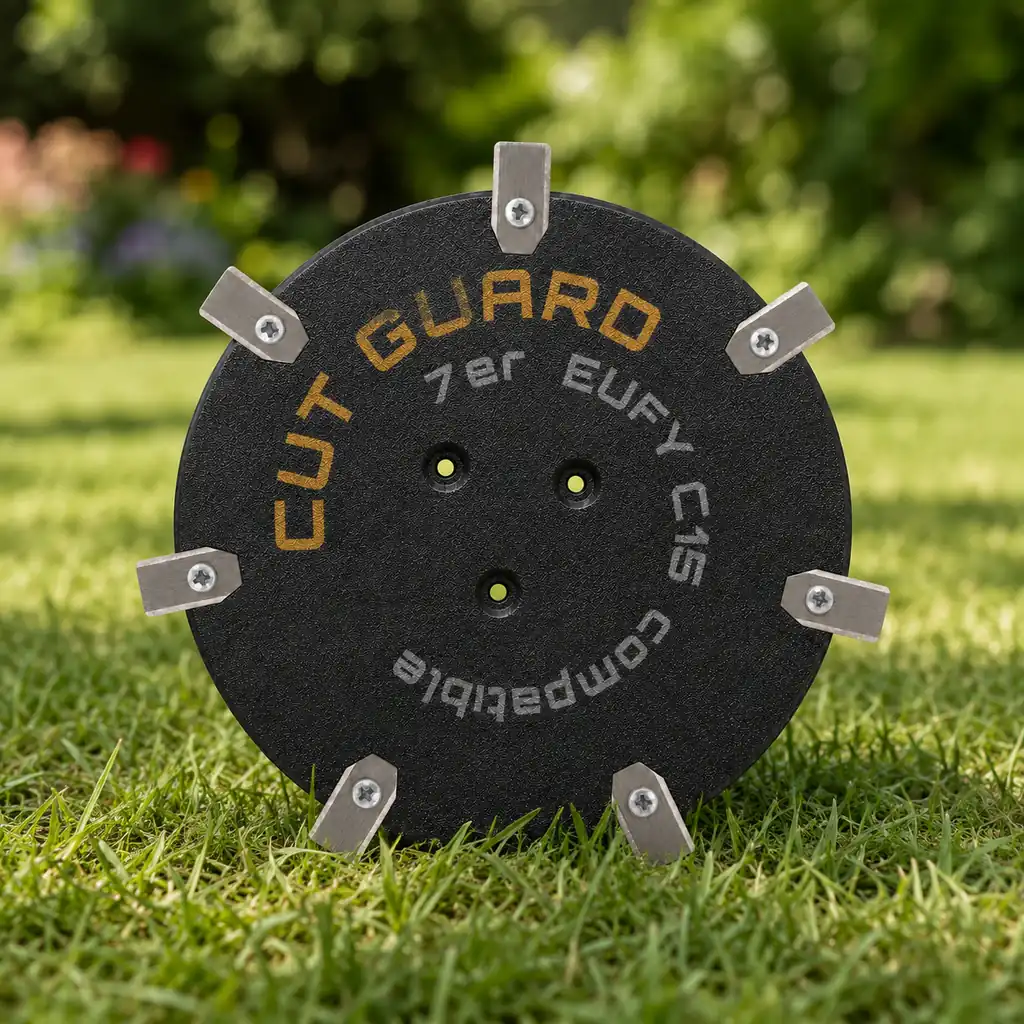
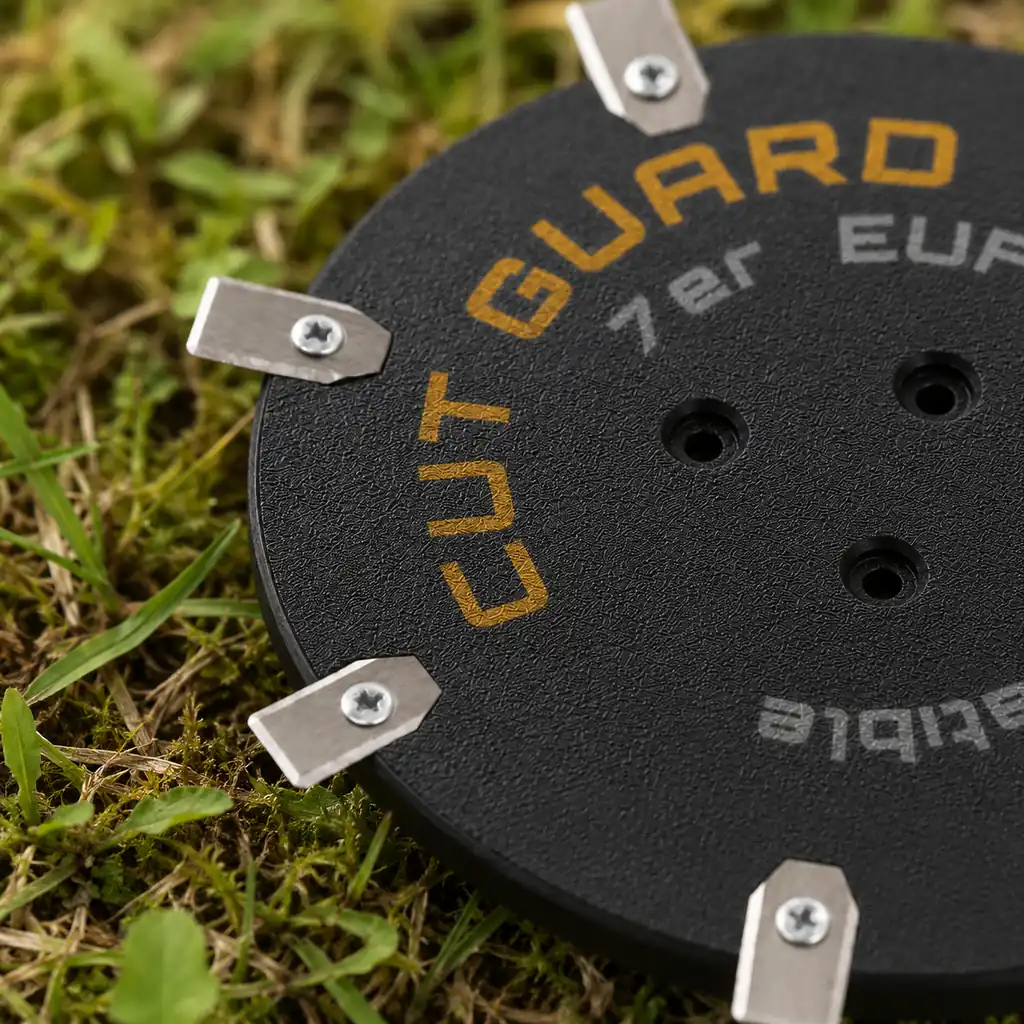
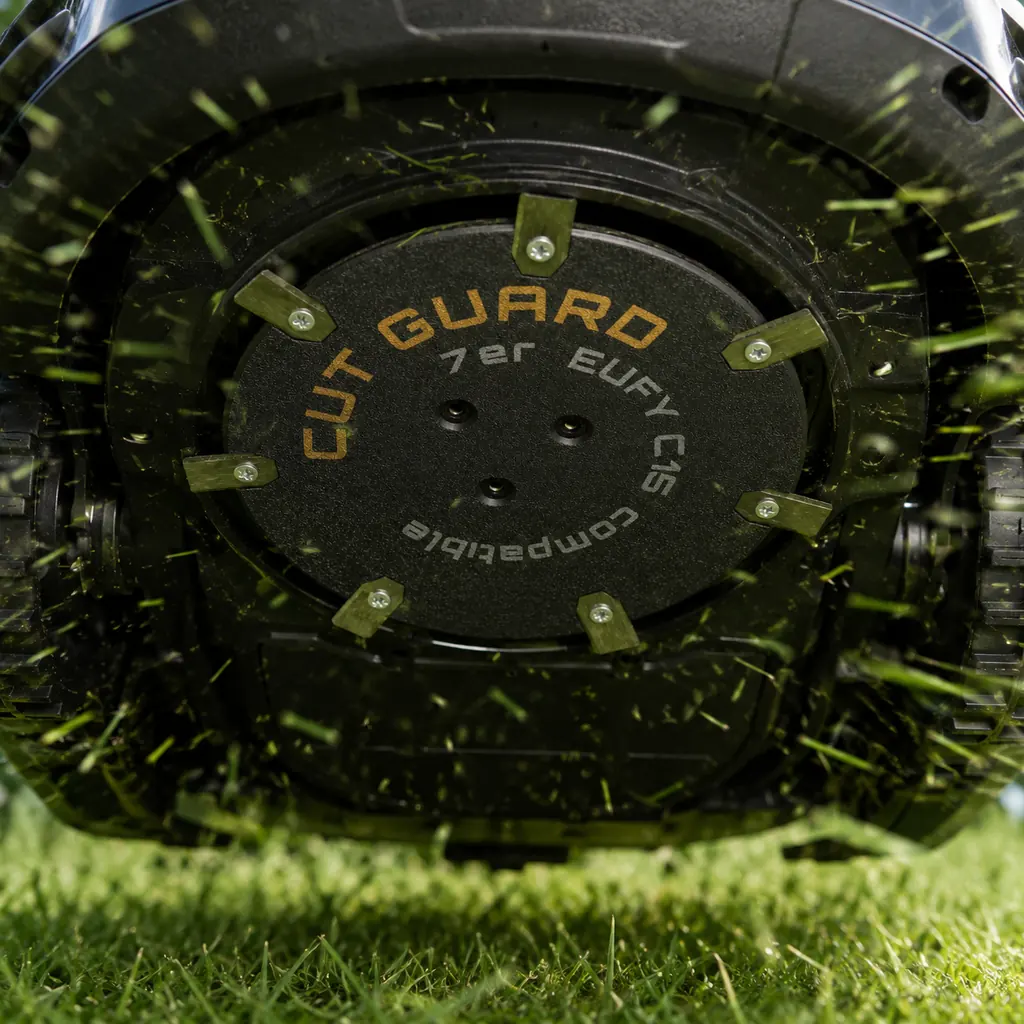
7-blade cutting disc compatible with EUFY C15 – precision mowing disc & blade plate
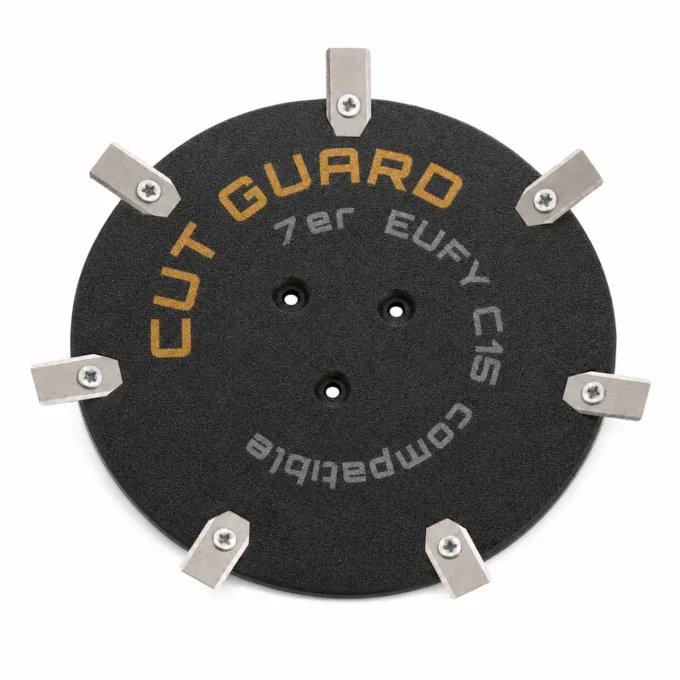
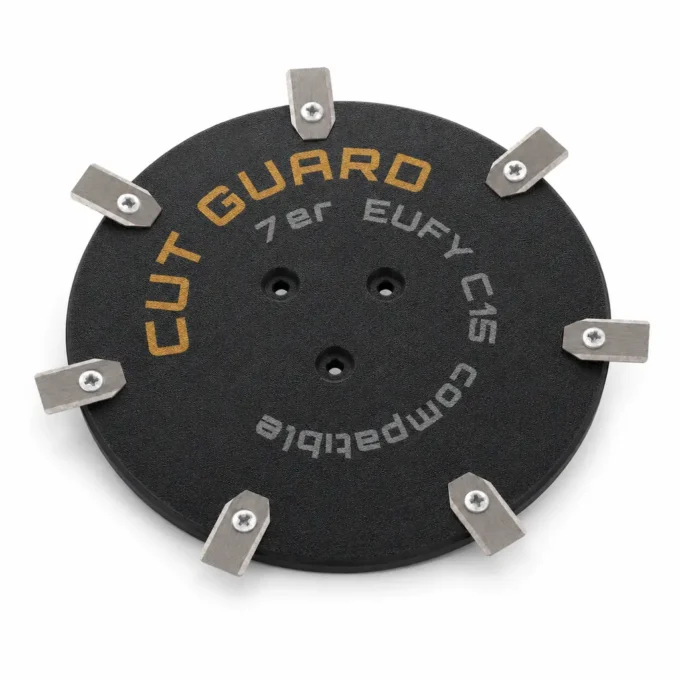
- 7-blade cutting disc compatible with EUFY C15 robotic lawnmower
- Precision mowing disc with 7 cutting points for an even and clean lawn cut
- Suitable as a blade plate, mowing disc, or cutting disc for compatible EUFY C15 models
- Supports stable blade guidance and smooth blade rotation with regular lawn care
- Practical replacement part for maintenance, replacement, and reliable mowing performance during the garden season
Compatibility – EUFY
Fits the following robotic mowers:
- ✓ C15
If the EUFY C15 noticeably loses performance with every cut, the 7-blade cutting disc is exactly the quick boost for clean mowing paths on the mowing disc.
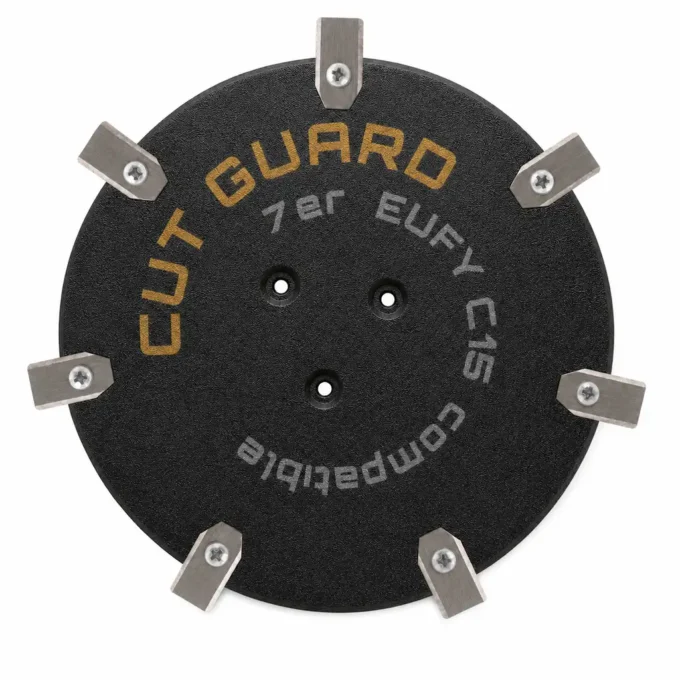
No more uneven cut edges
Dull blades tear the grass rather than cutting it—resulting in uneven stripes and more rework. The included blades don’t last forever: as their sharpness fades, the cut quality suffers first. With the 7-blade cutting disc for EUFY C15, you restore cutting performance and get your lawn back to a clean, even “on track” look. The 7-blade set adds extra cutting points—for a visibly finer result.
Fits your EUFY C15 perfectly
The 7-blade cutting disc is made for EUFY C15 and sits exactly as needed for a smooth, steady run. Swap it without any tool drama: remove the old cutting disc, install the new one—done.
The quick way to fresh blades
The 7 blades of the blade plate / cutting disc work more evenly and deliver a finer cutting pattern. The closer the cutting edges are, the finer the result: a lawn without any strands left standing. In the package, you get the complete 7-blade cutting disc, so you don’t have to piece together individual parts. The swap on the precision mowing disc takes only a few minutes and works even without any technical know-how.
Fewer stops, more mowed area
Sharp blades reduce grass blockages on the mowing disc – less “getting stuck”, more continuous operation. Damp grass clippings noticeably slow down the disc—new, sharp blades create room to rotate again. This keeps EUFY C15 more reliable in use and mows more evenly instead of constantly breaking off or needing to be pushed back. Fewer stops and a well-maintained lawn.
Your benefits at a glance
Top reviews
Past precies op mijn EUFY C15 en na het wisselen liep de maaikop weer rustig. De 7 snijpunten geven een nette, gelijkmatige snede. Enige minpunt: de messchijf voelt wat dun aan, dus ik behandel ’m voorzichtig bij schoonmaken.
pasuje do mojego eufy c15 i faktycznie widać różnicę na trawniku, bo 7 punktów tnie dość równo. po wymianie kółko chodzi spokojniej, bez większych wibracji, tylko podczas mycia trzeba uważać, bo tarcza wydaje się trochę cieńsza.
ça marche nickel avec mon eufy c15, et les 7 points de coupe laissent une coupe très régulière. rotation bien stable après quelques utilisations.
Fungerar bra till min EUFY C15 och 7 skärpunkter ger jämnare klippning. Men förpackningen var lite tunn.
Quickly delivered and it fits my EUFY C15 like the original. The 7-cutting-point blade gives a noticeably cleaner edge with less chatter.
virker som den skal til min eufy c15, og de 7 skærpunkter giver en pæn og jævn klipning. den sidder stabilt uden unødig vibration.
Write a review
CUT GUARD Assembly Instructions
General assembly instructions for cutting discs, replacement blades, and blades for compatible robotic mowers.
Note
These instructions generally apply to compatible cutting discs, replacement blades, and blades from CUT GUARD.
They do not refer to a specific model or version. Always additionally refer to the operating manual of your robotic mower.
Important Safety Notice
Sharp blades. Risk of injury. The knives and blades can cause serious cuts.
Always wear appropriate protective gloves during assembly, disassembly, cleaning, and maintenance.
Never work on the cutting disc while it is still moving.
1. General Safety Instructions
- The operator is responsible for accidents, injuries, and damages caused to other persons or their property.
- Keep children, animals, and uninvolved persons away during work and operation of the robotic mower.
- Never touch the cutting disc or the knives while they are still moving.
- Always turn off the robotic mower completely before performing work on the cutting disc or the knives.
- Remove the battery if possible or disconnect the device from the power supply.
- Always wear appropriate protective gloves.
- Do not use damaged, bent, heavily worn, or corroded knives, screws, or cutting discs.
- Regularly check the condition of the knives, fastening screws, and the cutting disc.
2. Required Tools and Materials
- Suitable screwdriver or bit, matching the screws used.
- Protective gloves.
- New or tested fastening screws.
- CUT GUARD cutting disc, replacement blades, or blades.
- Optional: soft surface for safely placing the robotic mower.
Important
Only use suitable screws and appropriate mounting materials.
If specified by the manufacturer or included in the delivery, use screws with locking lacquer
or suitable screw locking.
3. Preparation
- Stop the robotic mower completely.
- Turn off the device according to the operating manual.
- Remove the battery if possible.
- Wait until the cutting disc has completely come to a stop.
- Carefully turn the robotic mower upside down and place it on a stable, soft surface.
- Check the work area for cleanliness and adequate lighting.
4. Disassembly of the Existing Cutting Disc
- Loosen the fastening screws of the existing cutting disc.
- Completely remove the screws and set them aside safely.
- Carefully remove the existing cutting disc from the knife holder.
- Clean the knife holder of grass clippings, dirt, and debris.
- Check the knife holder for damage or unusual wear.
Warning
Do not use the new cutting disc if the knife holder, fastening points,
threads, or screws are damaged. In this case, the robotic mower may only be reused after proper
inspection.
5. Installation of the CUT GUARD Cutting Disc
- Place the CUT GUARD cutting disc correctly on the knife holder.
- Ensure that the cutting disc lies flat and is correctly centered.
- Insert the appropriate fastening screws.
- Tighten the screws evenly and firmly.
- Do not overtighten the screws to avoid damage to threads or components.
- After installation, check that the cutting disc is securely attached.
- Gently turn the cutting disc by hand and check if it runs freely.
6. Installation or Replacement of Replacement Blades
- Loosen the screws of the old blades.
- Carefully remove the old blades.
- Clean the contact surfaces on the cutting disc.
- Place the new CUT GUARD replacement blades on the designated fastening points.
- Ensure that the blades remain freely movable, as intended by design.
- Secure each blade with a suitable screw.
- Tighten the screws securely without overtightening.
- Check each blade for a secure fit and free movement.
7. Post-Installation Check
- Are all screws fully inserted and securely fastened?
- Is the cutting disc lying flat and securely?
- Can the blades move freely, if intended?
- Are there no tools or foreign objects left in the area of the cutting disc?
- Does the cutting disc run freely and without grinding?
8. Operation and Maintenance
- Regularly check knives, screws, and cutting disc for wear.
- Immediately replace damaged or heavily worn parts.
- Regularly clean the cutting disc of grass clippings and dirt.
- Do not use the robotic mower if unusual noises, vibrations, or running problems occur.
- Only use compatible spare parts and suitable mounting materials.
Note on Blade Replacement
Always replace blades in a timely manner. Dull or damaged blades can worsen the cutting quality,
put more strain on the robotic mower, and compromise safety.
9. Disclaimer
CUT GUARD cutting discs, replacement blades, and blades are accessories and spare parts for compatible robotic mowers.
They are not original accessories from the respective device manufacturer unless explicitly stated
in the product description.
The assembly and use are at your own risk. No liability is accepted for damages caused by improper assembly,
incorrect use, damaged components, or failure to observe the operating manual of the robotic mower.
Warning in Case of Injury
Seek medical assistance immediately in case of injury or accident.
GPSR Information on Product Safety
Product safety information in accordance with Regulation (EU) 2023/988 on general product safety.
Manufacturer & Responsible Person (EU)
Patryk Napiorkowski - Trivando
Am bhf Weinhübel 8
02827 Görlitz
Germany
Email:
service@trivando.de
Website:
www.trivando.de
Product Identification
Brand: CUT GUARD
Product Type: Blade discs, replacement blades, and blades for compatible robotic mowers
Intended Use: Accessories and replacement parts for suitable robotic mowers
Product Type: Cutting and fastening components for use in robotic mowers
Item Number / Model / Variant: see respective product description, packaging, or invoice
Compatibility: see product description and operating instructions of the robotic mower
Important Warning
Sharp blades. Risk of injury. The knives and blades can cause serious cuts.
Assembly, disassembly, cleaning, and maintenance should only be performed when the robotic mower is completely turned off.
Always wear appropriate protective gloves and wait until the blade disc has come to a complete stop.
Intended Use
CUT GUARD blade discs, replacement blades, and blades are intended solely as accessories and replacement parts for compatible robotic mowers.
The products may only be used for their intended purpose and only in conjunction with suitable, compatible devices.
Any other use, structural modification, or improper assembly may lead to injuries, malfunctions, or property damage.
Not Suitable For
- Children.
- Persons who have not read or understood the operating instructions of the robotic mower.
- Incompatible robotic mowers.
- Devices with damaged blade mounts, damaged threads, or defective fastening points.
- Use outside the intended application area.
- Use as a tool, hand knife, or for other cutting tasks outside the robotic mower.
Safety and Warning Notices
- Use only for the intended purpose.
- Use only with compatible robotic mowers, suitable blade discs, and appropriate mounting materials.
- Always turn off the robotic mower completely before any assembly, disassembly, cleaning, or maintenance.
- If possible, remove the battery or disconnect the device from the power supply.
- Always wait until the blade disc has come to a complete stop.
- Always wear appropriate protective gloves.
- Keep hands and feet away from rotating blades.
- Never touch knives, blades, or blade discs during operation.
- Do not use damaged, bent, heavily worn, rusted, or corroded knives, screws, or blade discs.
- Regularly check knives, screws, and blade discs for secure fit, wear, and damage.
- Use only suitable screws and appropriate mounting materials.
- If provided, use screws with locking lacquer or suitable screw locking.
- Keep children, animals, and uninvolved persons away from the work area.
- The robotic mower must not be operated if persons, especially children, or animals are in the work area.
- In case of unusual noises, vibrations, grinding noises, or running problems, stop operation immediately and check the assembly.
- In case of injuries or accidents, seek medical assistance immediately.
Assembly Instructions
Assembly may only be performed when the device is turned off. Always observe the operating instructions of the respective robotic mower.
Blade discs, replacement blades, and blades must be correctly seated and securely fastened. After assembly, check whether the blade disc runs freely and that no tools or foreign objects have been left in the area of the knives.
Check Before Operation
- Are all screws fully inserted and tightened?
- Is the blade disc correctly centered and securely fastened?
- Are the knives correctly mounted?
- Can movable knives move freely, if this is structurally intended?
- Are there no visible damages?
- Does the blade disc run freely and without grinding?
Maintenance and Inspection
- Regularly check knives, blades, screws, and blade discs for wear and damage.
- Immediately replace damaged or heavily worn parts.
- Regularly clean the blade disc of grass residues, dirt, and deposits.
- Do not use aggressive cleaning agents that may damage material or coating.
- Use only compatible replacement parts and suitable mounting materials.
Storage and Disposal
Store replacement blades, blades, screws, and blade discs dry, clean, and secure.
Keep out of reach of children and unauthorized persons.
Safely package used, damaged, or dull knives and blades to avoid cuts.
Dispose of metal parts, packaging, and accessories in accordance with local regulations.
Note on Original Accessories
CUT GUARD products are compatible accessories and replacement parts. They are not original accessories of the respective
device manufacturer unless explicitly stated in the product description. Brand names, model designations,
and manufacturer information are for compatibility indication only.
Contact for Safety Questions, Complaints, or Accidents
For questions regarding product safety, complaints, accidents, or indications of possible safety issues, please contact us immediately:
Patryk Napiorkowski - Trivando
Am bhf Weinhübel 8
02827 Görlitz
Germany
Email: service@trivando.de
Website: www.trivando.de
What are the advantages of the CUT GUARD 7-blade cutting disc compared to an original mowing disc for the EUFY C15?
The CUT GUARD 7-blade cutting disc offers, compared to the original disc, additional cutting points, resulting in a more even mowing pattern. While the original disc may be less effective when mowing frequently, the CUT GUARD disc provides more stable blade guidance and reduced vibrations, which can extend the lawn mower robot’s service life.
How do you replace the CUT GUARD 7-blade cutting disc on the EUFY C15?
Replacing the 7-blade cutting disc takes just a few steps: First, you will need a Phillips screwdriver and possibly an adjustable wrench. Turn off the lawn mower robot, remove the old disc by loosening the screws, and attach the new disc. Make sure to tighten the screws securely. The entire process should not take longer than 10 minutes.
Does the CUT GUARD 7-blade cutting disc affect the battery life of my EUFY C15?
Yes, the CUT GUARD 7-blade cutting disc can positively affect battery life. With the improved cutting points, the lawn is cut more evenly, which means the mower robot needs less time to cover the same area. This can lead to a reduction in mowing time and thus better battery usage.
What happens if I use an incompatible disc on my EUFY C15?
If you use an incompatible disc with your EUFY C15, this can lead to imbalance and poor blade guidance. This can not only affect cutting quality, but also cause damage to the blades or the lawn mower robot itself. It is important to always use the correct 7er cutting disc from CUT GUARD to avoid such problems.
How can I tell that the blades of the 7er cutting disc need to be replaced?
A clear indication that the blades of the 7er cutting disc need to be replaced is uneven cutting patterns and increased grass getting caught. If the lawn mower robot has difficulty cutting through thicker areas of grass or produces a stuttering sound while mowing, the blades should be checked and replaced if necessary.